Using Orion Platform Advanced Alerts
Naming, Describing, and Enabling an Advanced Alert
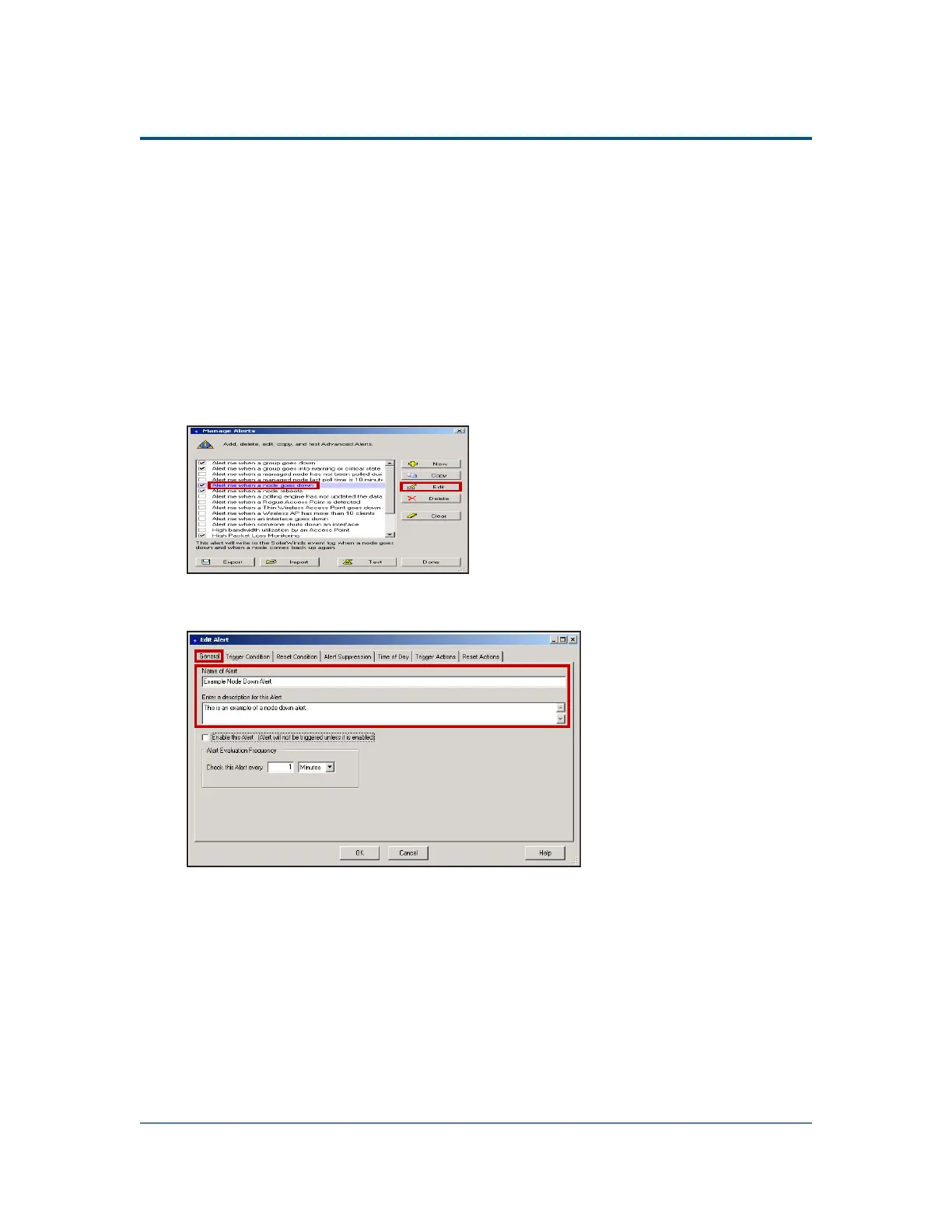
Use the following steps, after clicking New, Copy, or Edit from the Manage Alerts
Window, to name and describe an advanced alert.
1. Click Start > SolarWinds > Alerting, Reporting, and Mapping > Advanced Alert
Manager.
2. Click View > Configure Alerts.
3. If you want to create a new alert, click New.
4.
If you want to copy or edit an existing alert, select an alert from the list,
and then click Copy or Edit, as appropriate.
5.
Click General, type the name of your alert in the Name of Alert field, and then
type a description of your alert in the description field.
214



 To Next Page