1.
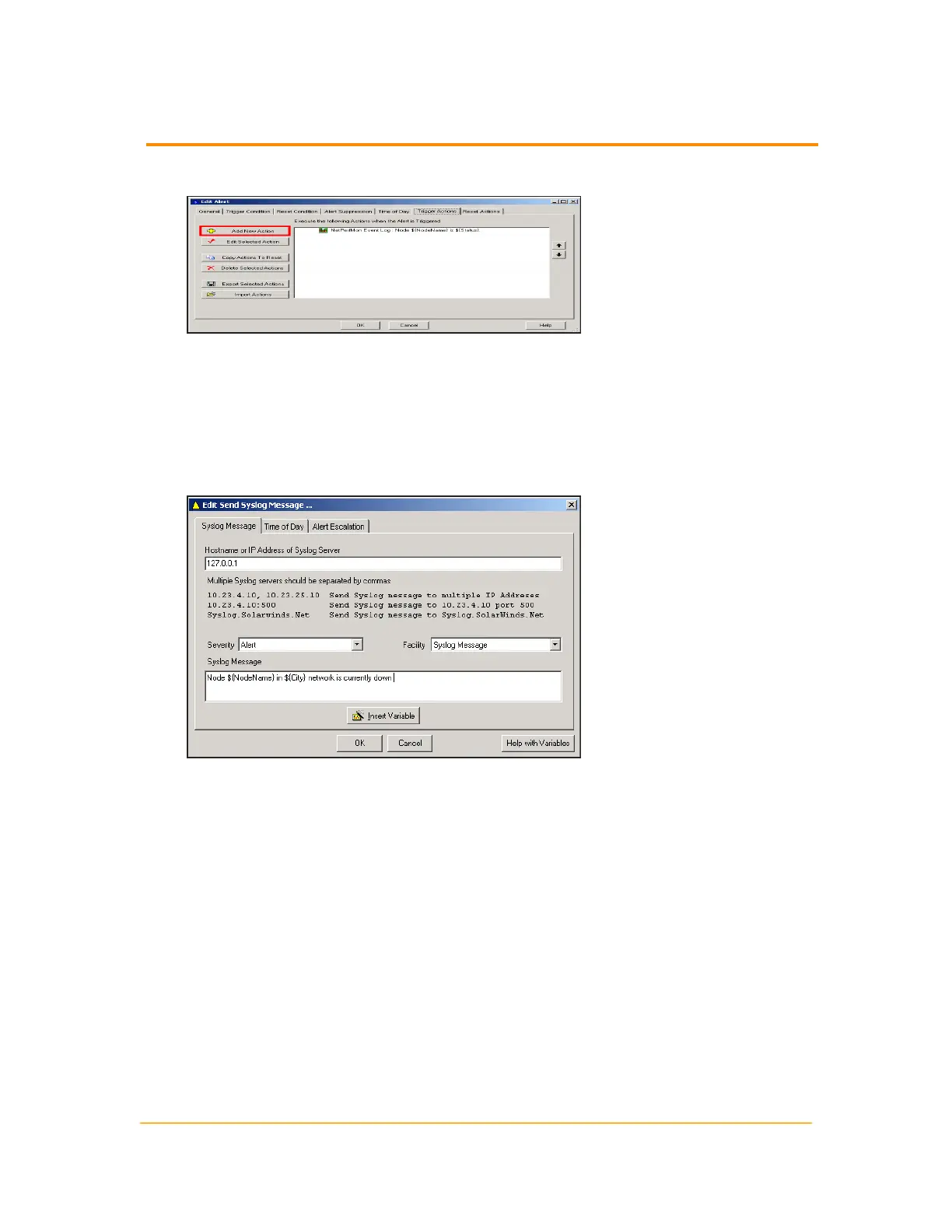
Open an alert for editing and then click Add New Action.
2. Select Send a Syslog Message, and then click OK.
3.
Click the Syslog Message tab.
4.
Type 127.0.0.1 as the Hostname or IP Address of the Syslog Server, and then
type Node ${NodeName} in ${State} network is currently down in the
Syslog Message field.
Note: The ${variable} syntax is required for SolarWinds NPM variables.
5. Click OK.
Send an SNMP Trap
The following procedure configures an SNMP trap alert action.
330
Configuring Alert Actions



 To Next Page