1. Creating a Custom Property
2. Creating an Alert Using a Custom Property
3. Configuring Alert Actions
Testing a Configured Alert
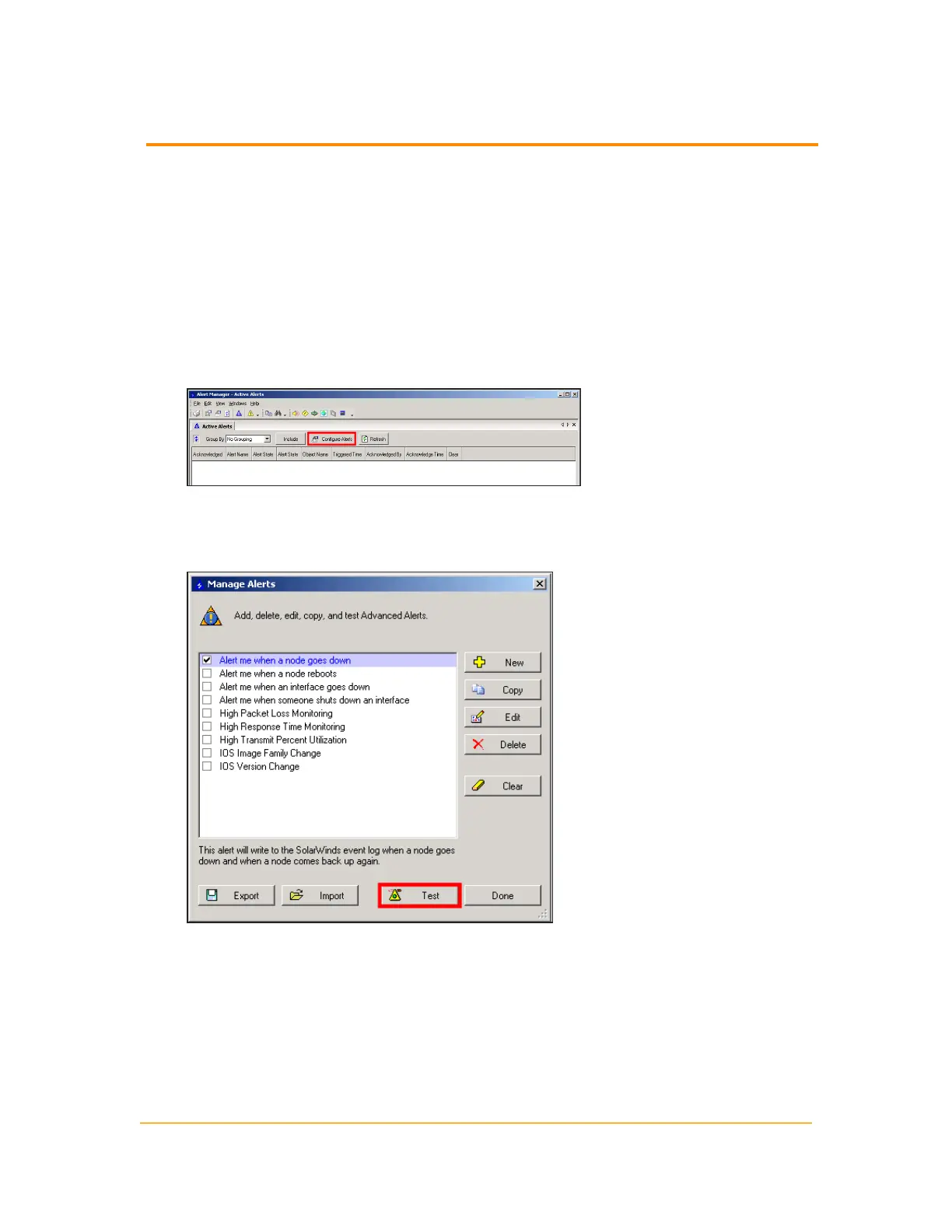
1. Click Start > All Programs > SolarWinds > Alerting, Reporting, and Mapping >
Advanced Alert Manager.
2.
Click Configure Alerts.
3.
Check the alert you want to test, and then click Test.
Note: For purposes of this example, check Alert me when a node goes down as
it is the same alert that was configured previously.
332
Testing Alerts



 To Next Page