Alerting and Reporting
Editing a predefined UDT Report
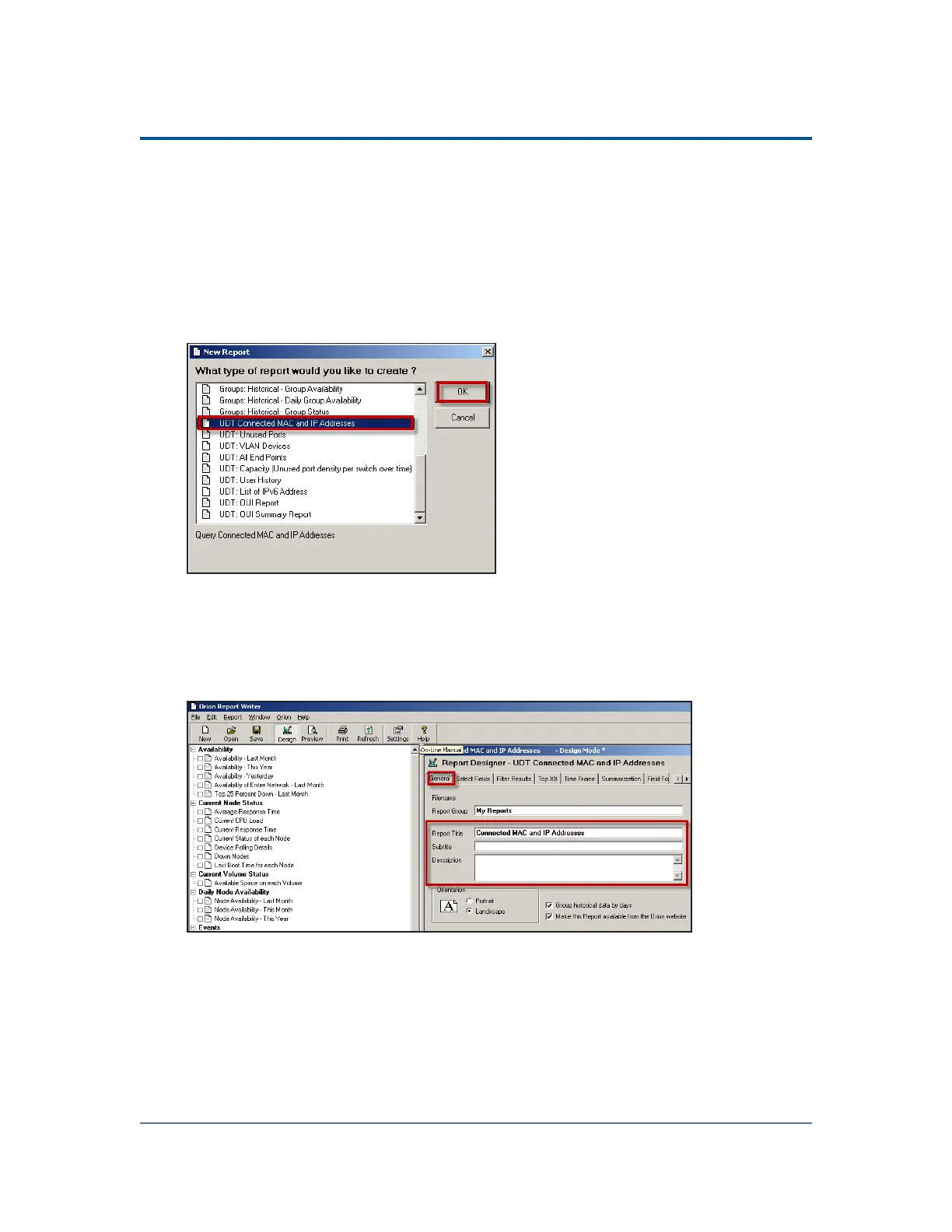
1. Click Start > All Programs > SolarWinds > Alerting, Reporting, and Mapping >
Report Writer.
2. Click File > New Report.
3. The example calls for a report MAC and IP addresses, so select UDT Connected
MAC and IP Addresses, and then click OK.
4.
By default the Connected MAC and IP Addresses report appears in the UDT
Connected Devices Report Group.
You can modify the group as needed; for example, you might want to
define a group called "My Reports" that runs a variation on this
predefined report.
95



 To Next Page