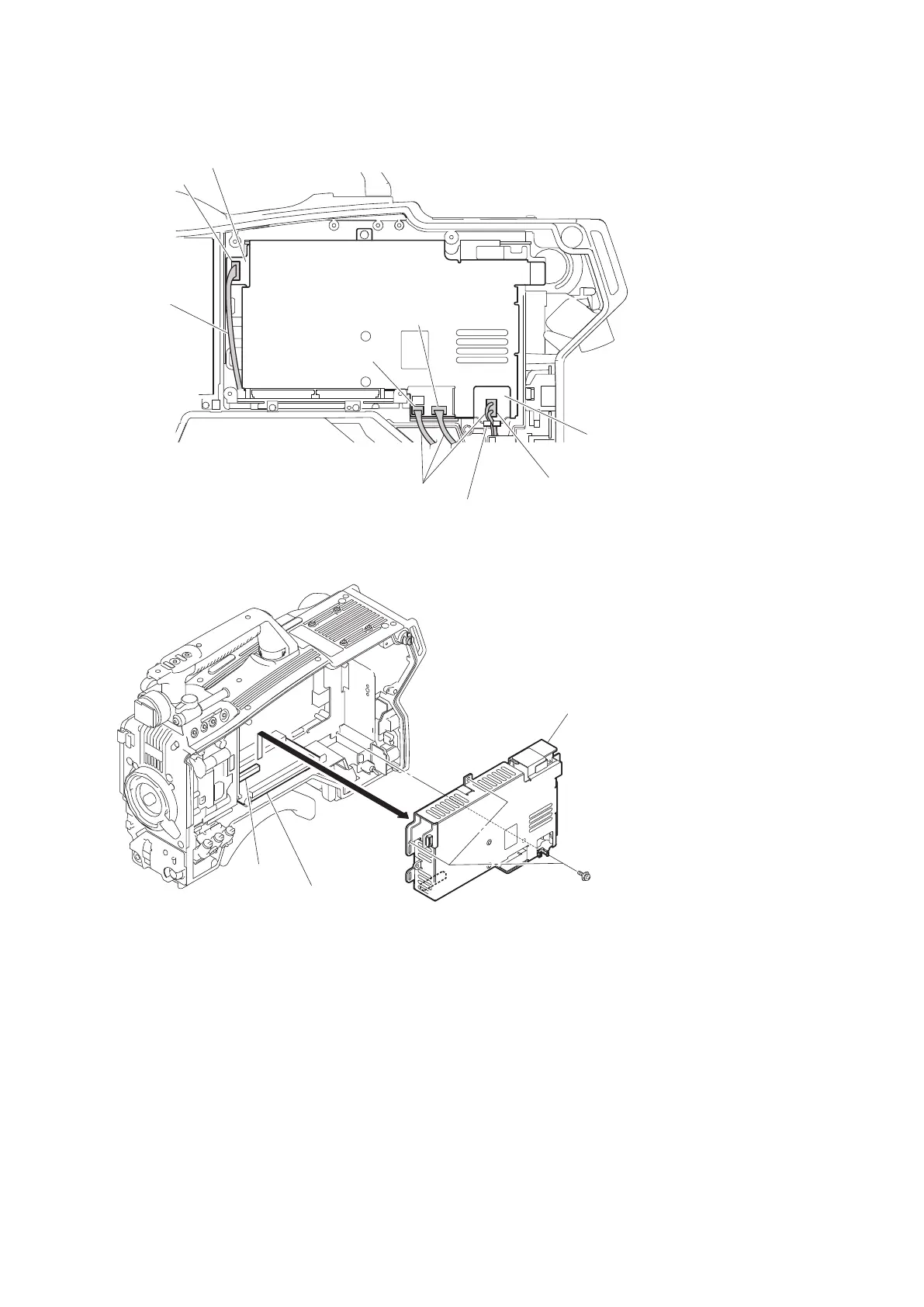
3. Disconnect the three harnesses from the three connectors (CN101, CN301, and CN5005) on the PS-836 board.
CN6002
RE-291 board
Harness
Harnesses
CN101
Clamper
PS-836 board
CN5005
CN301
4. Remove the three screws, and detach the power block assembly from the connector (CN4) on the MB-1214 board
in the direction of arrow.
PSW3 x 6
Power block assembly
MB-1214 board
CN4
5. Remove the screw, and detach the pin stopper.
HDC4300
4-28



 To Next Page