DOC-34014 Rev. C 4–5
Objet24 User Guide
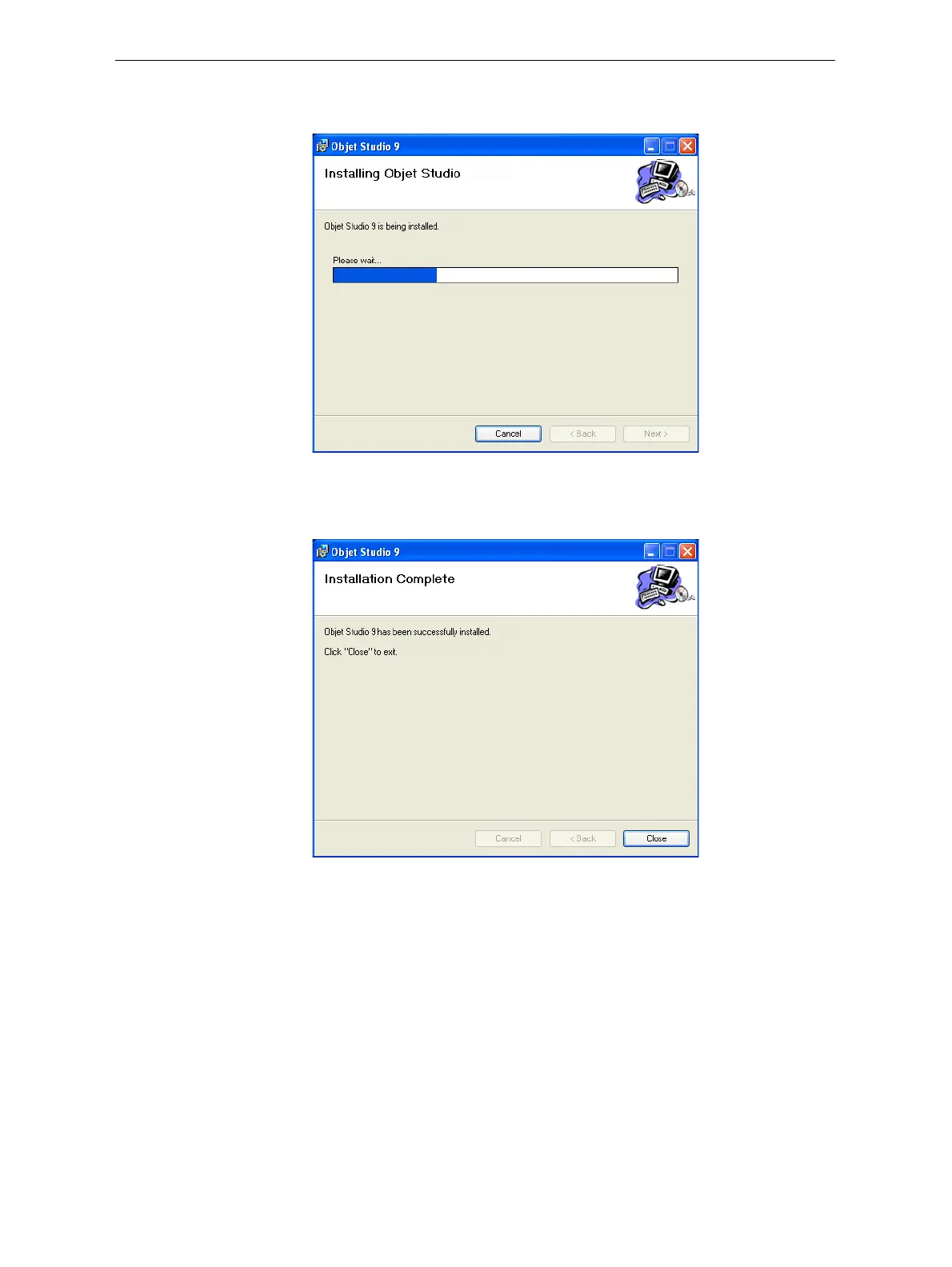
Installationbeginsandaprogressbarappears,showingtheprogressof
theinstallationprocess.
Figure 4-6: Installation progress bar
WhentheObjetprograminstallationiscomplete,thefinalInstallShield
wizardscreenappears.
Figure 4-7: Final installation screen
11. Restartthecomputertocompletethesoftwareinstallation.
Note: If you installed the software from a CD or DVD, make sure to remove
it from the disk drive before restarting the computer.
Theinstallationprocessendswhentheappropriateicon(s)appearonthe
computerdesktop:
• ObjetStudio
• StopJobManager(forserversandstandalonestations)













 To Next Page