DOC-34014 Rev. C 5–41
Objet24 User Guide
Choosing the
Support
Strength
Whenproducingmodels,supportmaterialfillssomehollowandempty
sections(see“ModelOrientation”onpage 21).ObjetStudioallowsyouto
adjustthestrengthofthestructureformedwiththesupportmaterial.This
adjustmentisusefulwhenproducingeitherlarge/massivemodelsorsmall/
delicatemodels.Formostpurposes,thedefaultsetting
providesadequate
supportstrength.
To change the strength of the support structure used when printing a
model:
1. Selectamodelonthetray.
2. OntheModelSettingsribbon,intheOptionsgroup,click
.
or—
• OntheModelToolbar,click .
or—
• Fromtheright‐clickcontextmenu,selectAdvanced Properties.
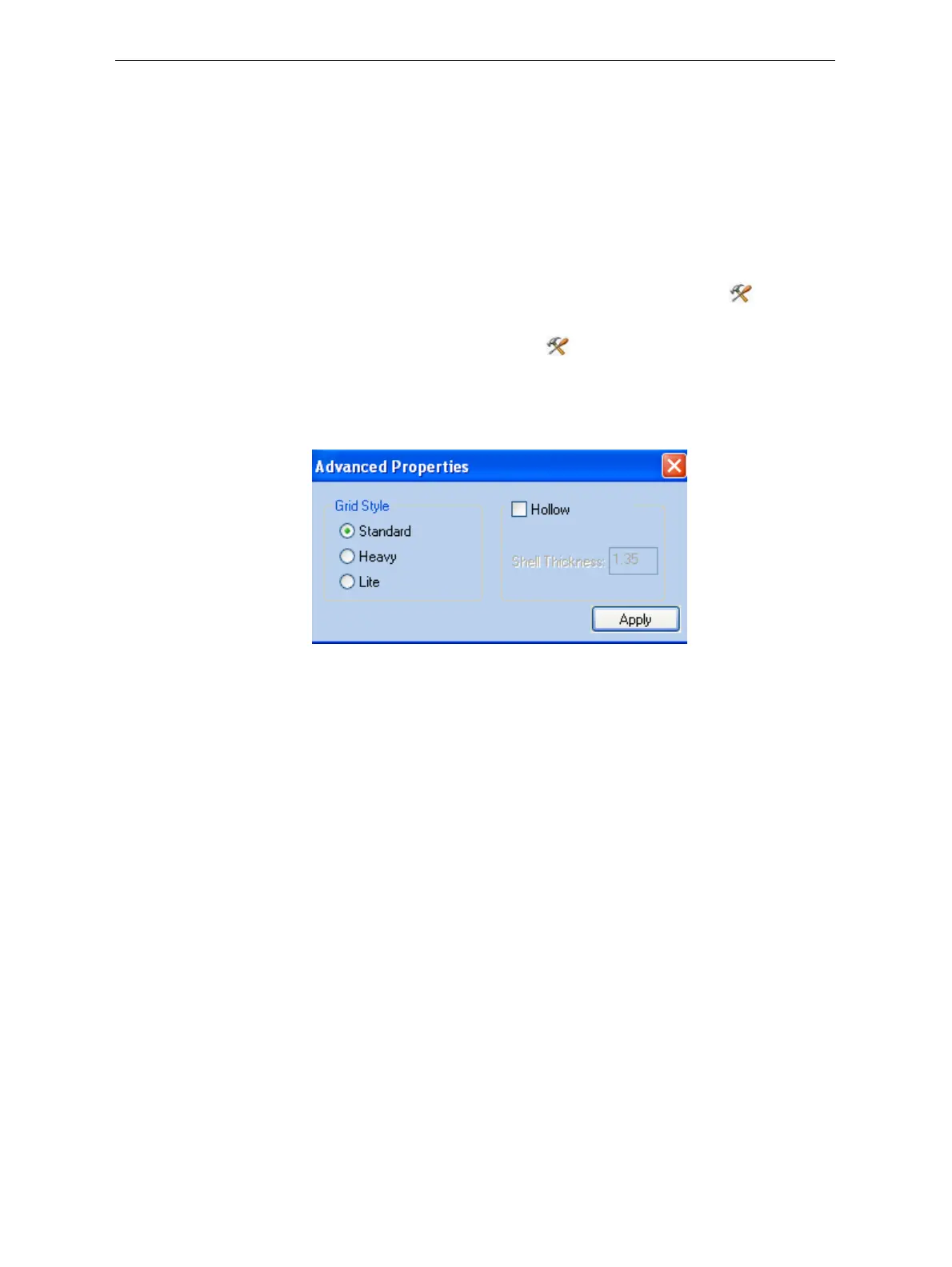
TheAdvancedPropertiesdialogboxopens.
Figure 5-56: Advanced Properties dialog box
3. IntheGridStylesection,choosethesupportstrengthsuitableforthe
selectedmodel.Youcanselectadifferentsupportstrengthforeach
modelonthetray.
• Standard—formodelsneedingaveragesupport(mostmodels).
• Heavy—forlargemodelsneedingmuchsupport.
• Lite—fordelicatemodelsneedinglittlesupport.(Thissettingmakes
iteasytoremovethesupportmaterial.)
4. Click
Apply.













 To Next Page