Using Objet Studio
5–48
DOC-34014 Rev. C
Display Colors
YoucancustomizesomeofthecolorsusedfordisplayingObjetStudio
screensandfordisplayingobjectsonthebuildtray.
To change the colors used in Objet Studio screens:
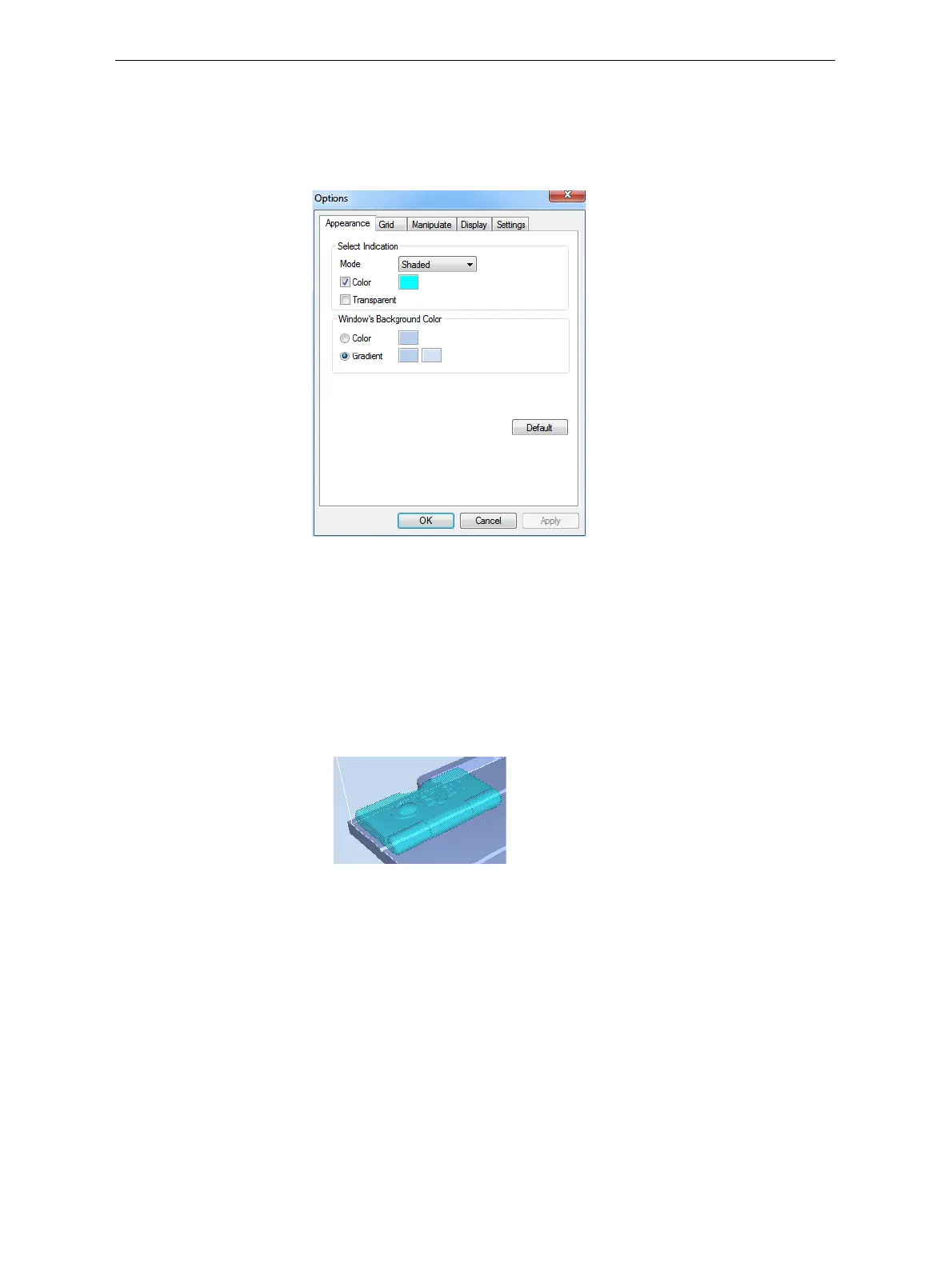
1. FromtheToolsmenu,selectOptions.
Figure 5-66: Display settings
2. IntheAppearancetaboftheOptionsdialogbox,youcanconfigurethe
display.
• TheModeselectiondetermineshowmodelsappearonthebuild
tray.Thedefaultmethodfordisplayingmodelsonthebuildtrayis
assolid(“shaded”)objects.Theotheroptionsare
WireFrameand
Points.
• IfShadedisselected,youcandisplaythemodelonthetrayasasee‐
throughobject.
Figure 5-67: Transparent display
• Double‐clickthecolorpatchestocustomizecolors.
• TheWindowsBackgroundColorsettingsenableyoutochangethe
colorbehindthebuildtray—witheitherasolidoratwo‐color
gradient.
• Toreturntothedefaultdisplaysettings,clickDefault.













 To Next Page