Using Objet Studio
5–38
DOC-34014 Rev. C
Production
Estimates
ObjetStudioenablesyoutocalculatethetimeandmaterialresources
neededforproducingtraysbeforesendingthemtotheprinter.Thetimeit
takesObjetStudiotoperformthiscalculationdependsonthenumberof
objectsonthetrayandtheircomplexity.Calculatingtheproduction
estimateforafulltray
couldtakeupto15minutes,dependingonyour
computer’sspecifications.
To calculate the time and materials needed for producing the current
tray:
¾
OntheTraySettingsribbon,intheBuildProcessgroup,click .
Whiletheestimateisbeingcalculated,aprogressbarisdisplayed—on
therightsideofthestatusbar(atthebottomofthescreen).
Figure 5-52: Estimate progress bar
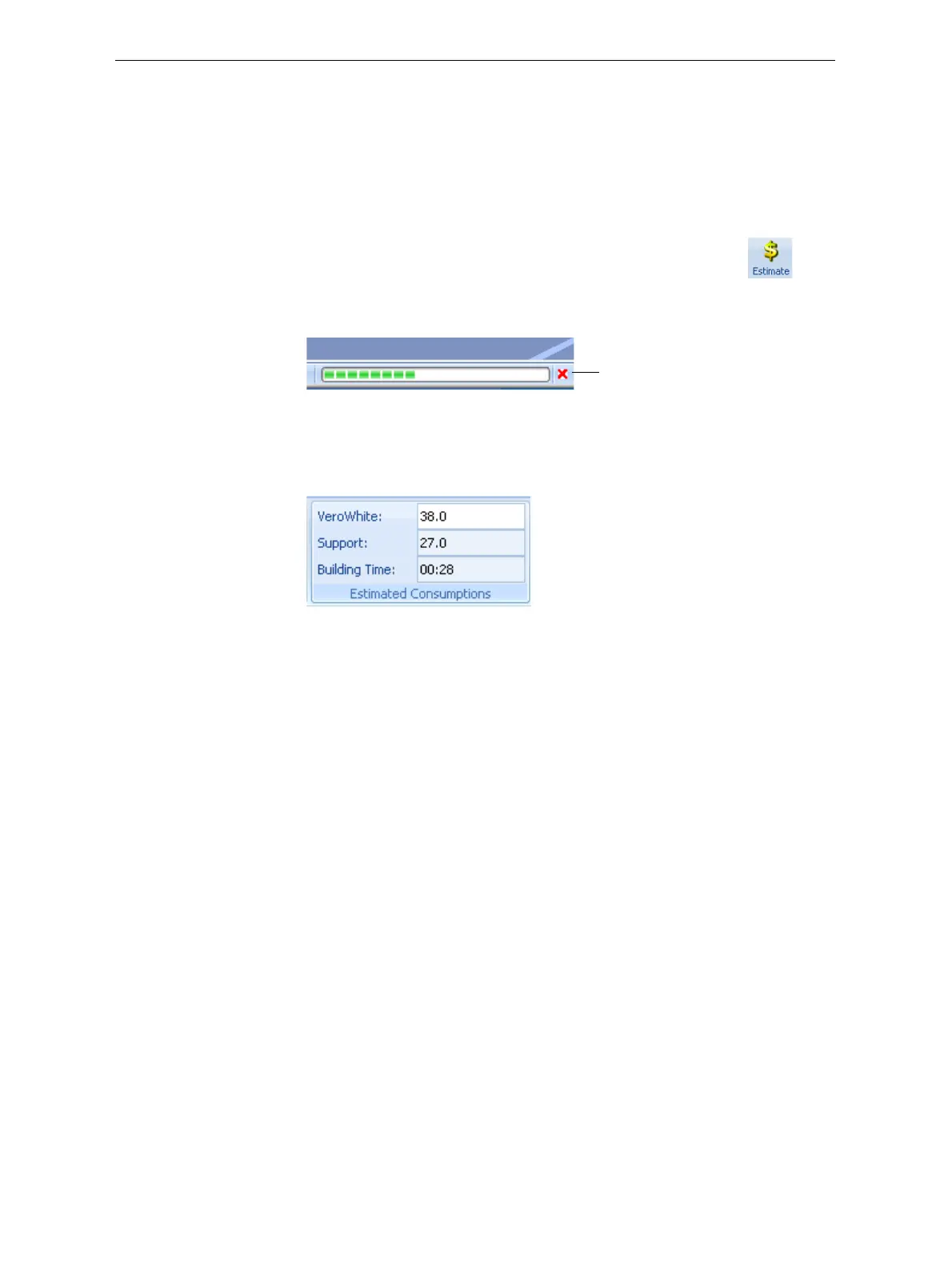
WhenObjetStudiofinishescalculatingtheproductionresources,the
resultsaredisplayedintheEstimatedConsumptionsgroupontheTray
Settingsribbon.
Figure 5-53: Production resource calculation
E-mailing
Objet Digital
Files
Youcaneasilye‐mailobjdffilesusingMicrosoft
®
OfficeOutlook
®
.Sending
objdffilesisrecommended(insteadofstlfiles)becausethesizeofafileis
typicallyreducedbymorethanhalf.Anaddedbenefitisthatthe objdffile
containsthemodel‐materialinformationfortheobject.
To e-mail a file:
1. FromtheToolsmenu,selectEmail Objet Digital File.
OutlookopenswiththefileattachedandSubjectdetailsaddedtothe
e‐mailform.
2. Enterthee‐mailaddressandsendthefile.
Cancel













 To Next Page