DOC-34014 Rev. C 5–19
Objet24 User Guide
Automatic
Placement
Afterplacingseveralobjectsonthebuildtray,youcanletObjetStudio
arrangethembeforeprinting.Thisensuresthattheobjectsarepositioned
properly,andthattheywillbeprintedintheshortesttimeandwitha
minimumofmaterial.
To automatically arrange objects on the build tray:
¾
OntheTraySettingsribbon,click .
or—
FromtheToolsmenu,select
Automatic Placement.
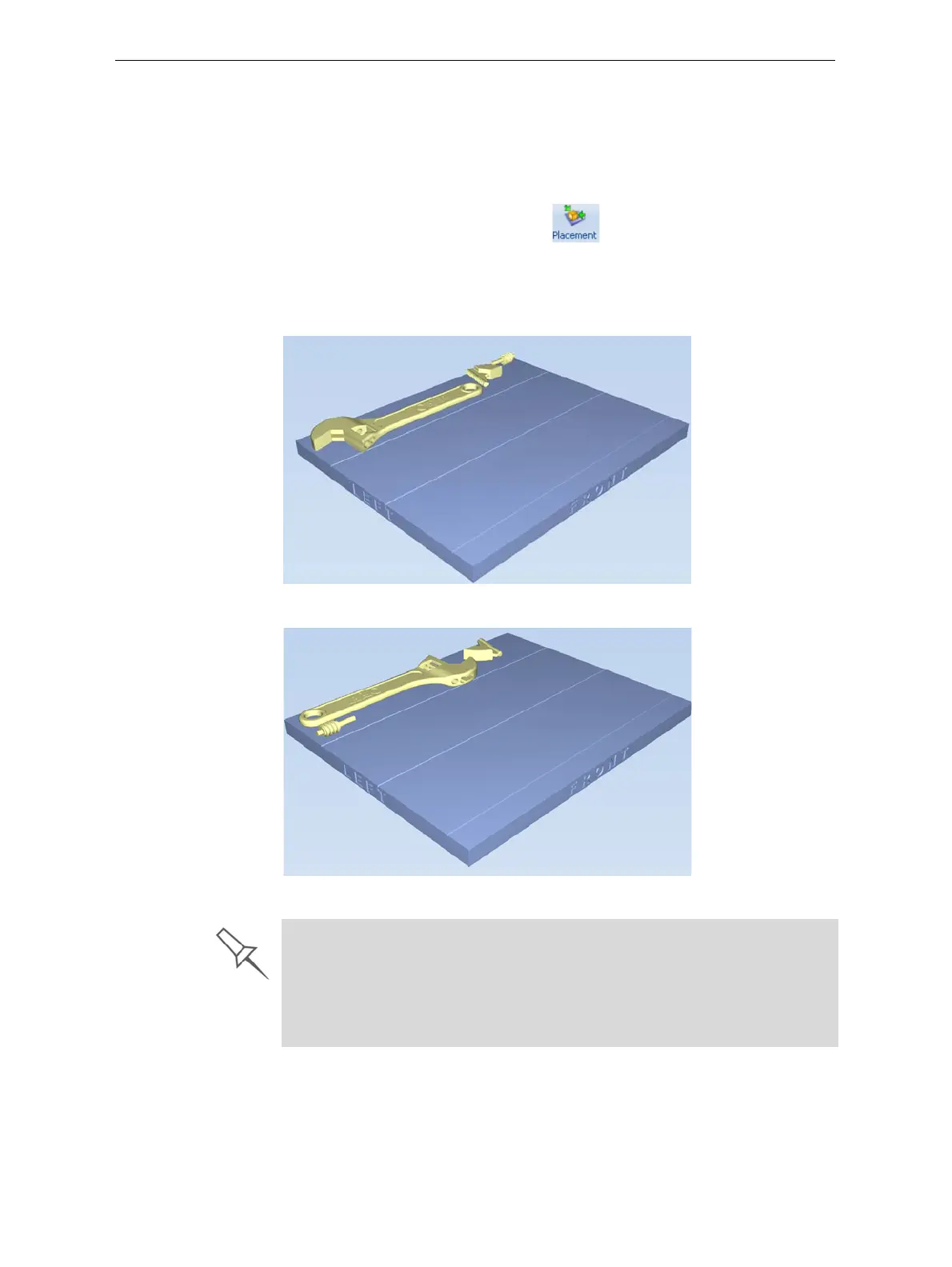
Theeffectsofautomaticpositioningareshowninthefiguresbelow.
Figure 5-19: Tray before objects are properly arranged
Figure 5-20: Tray arrangement after applying Automatic Placement
Manual
Positioning
Youcanchangethepositionofobjectsonthebuildtray—eveniftheywere
insertedwiththeOrientAutomaticallyoption.Considerationsfor
positioningobjectsarepresentedin“ModelOrientation,”below.Toolsfor
changingthepositionofobjectsarepresentedin“ManipulatingObjectson
theBuildTray”onpage 21.
¾ For best results, arrange the tray with Automatic Placement, on the Tray
Settings ribbon, even if you inserted the objects with the Orient
Automatically option.
¾ The physical characteristics of each type of Model material you use can
affect the positioning of objects on the tray. Therefore, select materials
before running Automatic Placement.













 To Next Page