DOC-34014 Rev. C 5–3
Objet24 User Guide
Launching Objet Studio
AfteryouinstallObjetStudio,alaunchiconappearsonthe
Windowsdesktop.Opentheapplicationbydouble‐clickingthisicon,orby
selectingObjetStudiofromthe
Startmenu.
Windows
®
7
Security
Warning
DependingontheUserAccountControlsettingsinWindows
®
7,you
mightseethefollowingwarningwhenopeningObjetStudio.
Figure 5-1: Security Warning
IfyouclickYes,ObjetStudioopens.However,thiswarningmessagewill
appeareachtimeyouopentheprogram,unlessyouchangetheUser
AccountControlsettings.
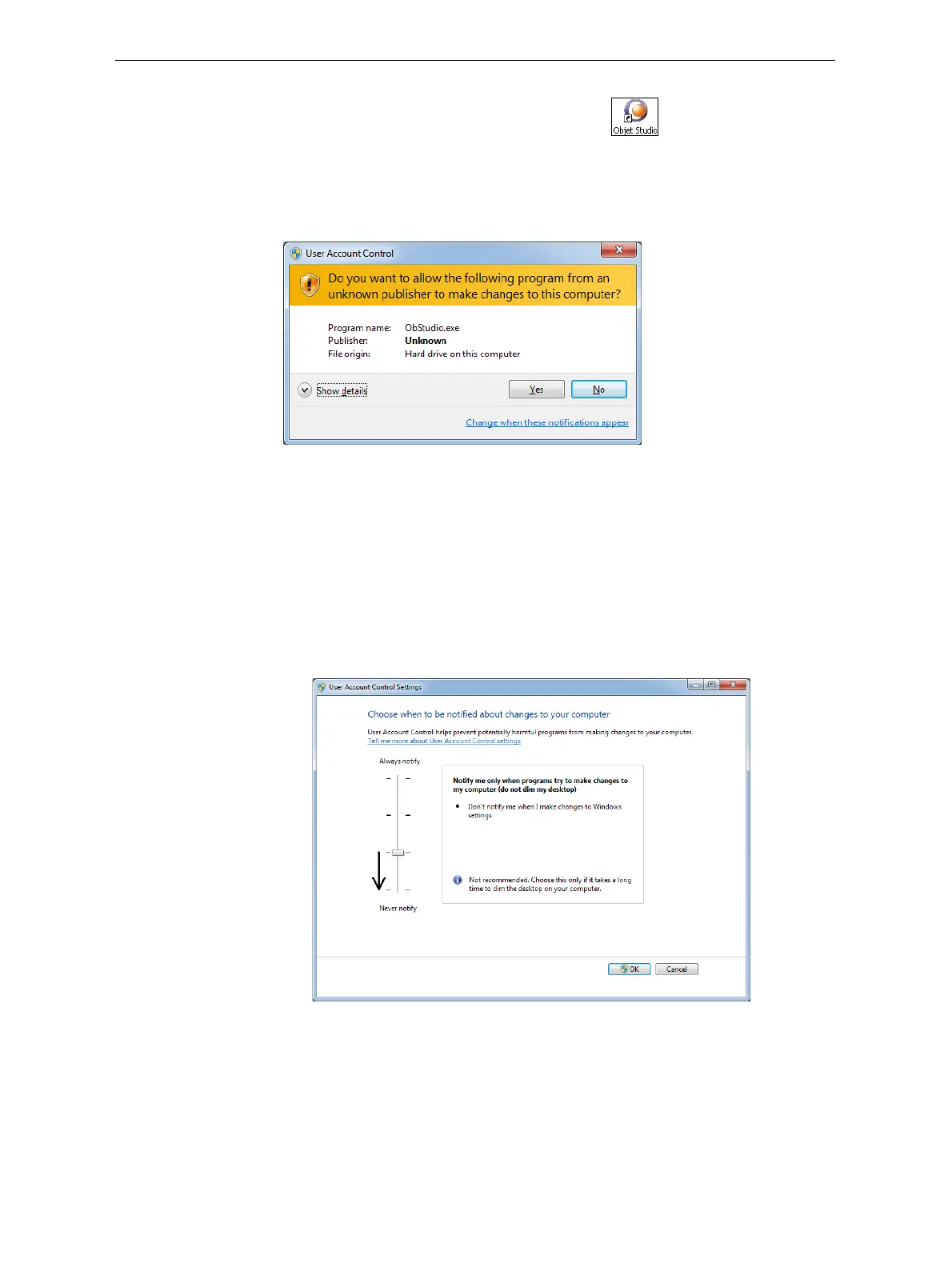
To prevent the warning message from appearing again:
1. Clickthelinkatthebottomofthesecuritywarningdialogbox(Change
when these notifications appear
).
2. IntheUserAccountControlSettingsscreen,movethesliderto“Never
notify.”
Figure 5-2: Changing the User Account Control settings
3. ClickOK.













 To Next Page