DOC-34014 Rev. C 5–27
Objet24 User Guide
Changing an
Object’s
Orientation
Thereareseveralmethodsforchangingtheorientationofobjectsonthe
buildtray.
To rotate an object:
¾
SelecttheobjectandusetheObjectmenuoptions(seealso
“RepositioningObjects”onpage 25).
To re-align an object’s plane:
1. OntheTraySettingsorModelSettingsribbon,click .
or—
FromtheToolsmenu,select
Plane Alignment > Select Plane.
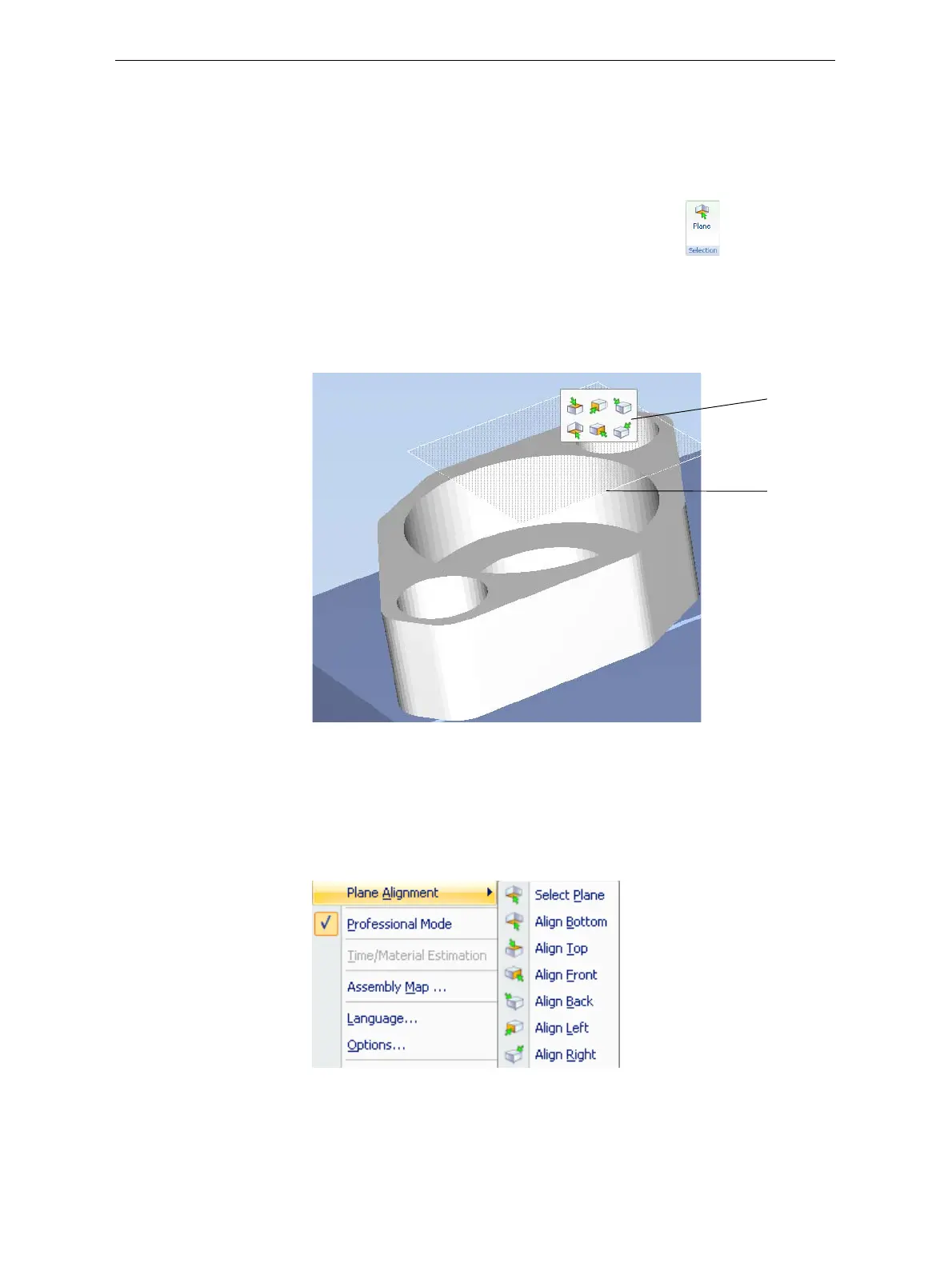
2. Clickonpartofanobjectonthebuildtray.
Theselectedplaneisdisplayed.
Figure 5-31: Aligning by plane
3. OntheAlignmenttoolbar,clickanappropriateicontochangethe
alignment.
or—
FromtheToolsmenu,select
Plane Alignment,andselectanalignment
option.
Figure 5-32: Tools menu, Plane Alignment options
Alignment
toolbar
Selected
plane













 To Next Page