DOC-34014 Rev. C 5–43
Objet24 User Guide
Displaying the
Cross Section
of Objects
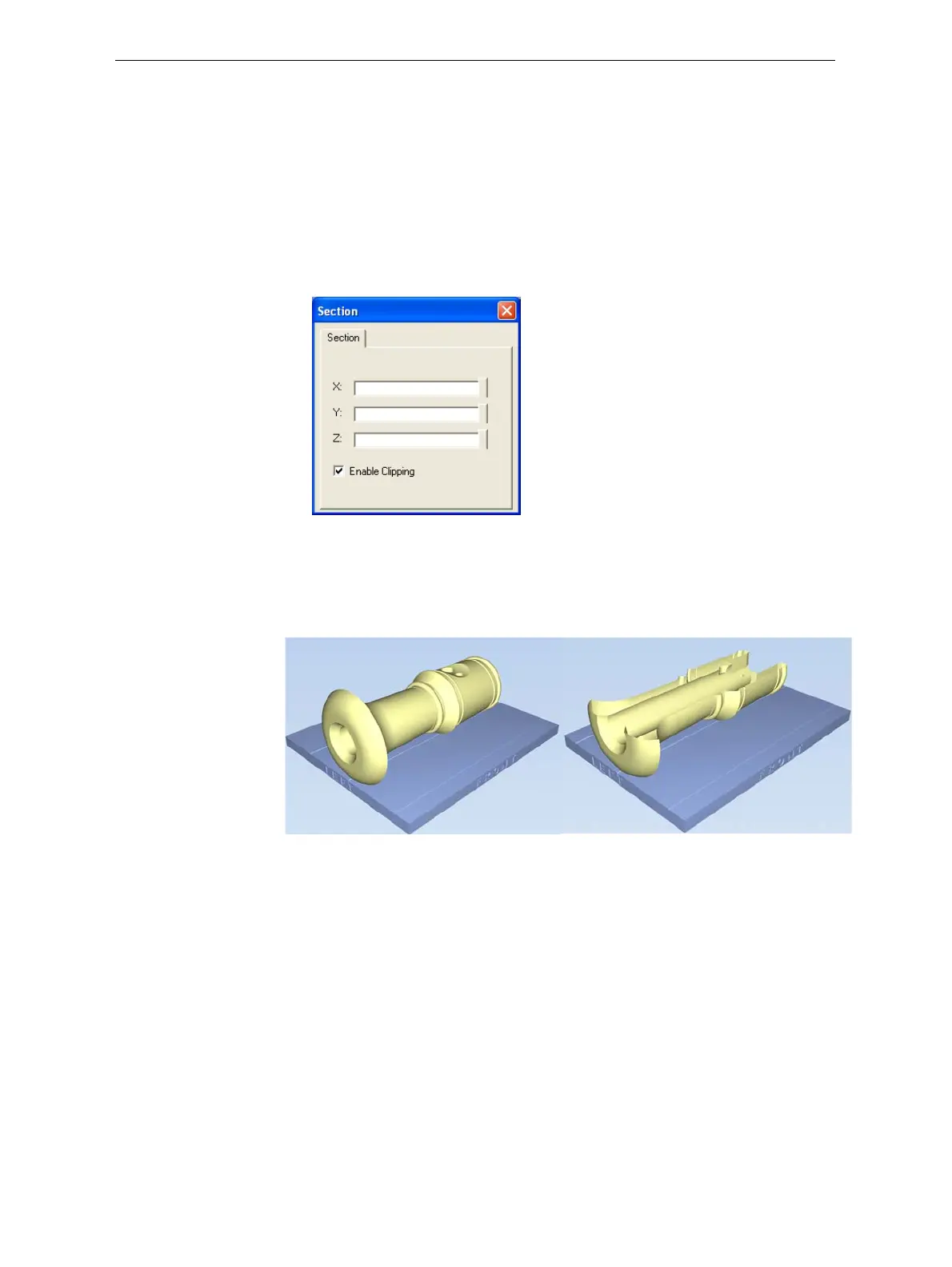
TheSectionfeatureenablesyoutoviewtheinteriorofanobjectby“slicing”
itonanyaxis.Youcanthenmanipulatetheobjecttoinspecttheinterior
fromdifferentangles.Thismaybeimportantfordecidingonthetypeof
supportnecessarywhenproducingthemodel(see“ChoosingtheSupport
Strength”onpage 41).Displayinganobject’scrosssectiononlyaffectshow
thetrayisdisplayedonthescreen; itdoesnotchangetheobjectitself.
To display a cross section of the tray:
1. FromtheToolsmenu,selectSection.
TheSectiondialogboxopens.
Figure 5-58: Section dialog box
2. SelectEnable Clipping.
3. UsetheslidercontrolsfortheX‐,Y‐,andZ‐axestocutthetraysothat
youseethecrosssectionyouwant.
Figure 5-59: Whole view Figure 5-60: Cross-section view, after
using the Z-slider













 To Next Page