Using Objet Studio
5–52
DOC-34014 Rev. C
Default
Settings
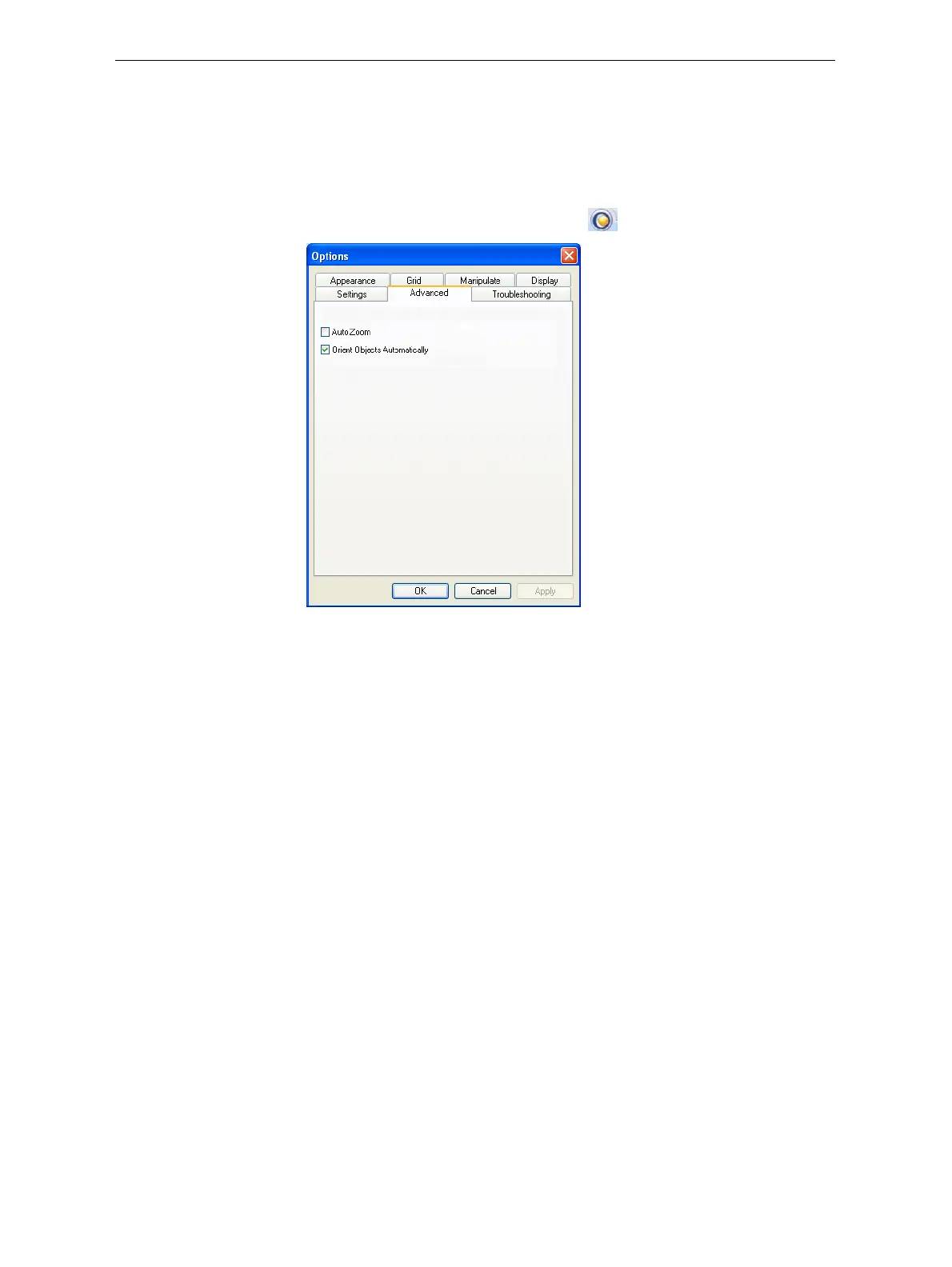
YoucancontrolthedefaultsettingsofseveralObjetStudiofeaturesfrom
theAdvancedtaboftheOptionsdialogbox.
To display the Options dialog box
¾
FromtheToolsmenu,selectOptions.
or—
IntheObjetStudioCommandsmenu ,click
Options.
Figure 5-74: Options dialog box, Advanced tab
Automatic
Orientation
Bydefault,whenObjetStudioplacesobjectsonthebuildtray,itorients
themoptimally,fortheshortestprintingtime.Ifnecessary,youcanchoose
tocancelautomaticorientationeachtimeyouplaceanobjectonthebuild
tray(see“AutomaticOrientation”onpage 18).Inanycase,whenobjects
are
onthebuildtray,youcanchangetheirorientationmanually(see
“ModelOrientation”onpage 21.)
To change the default setting so that Automatic Orientation is disabled:
¾
IntheAdvancedsectionoftheOptionsdialogbox,clearthecheckbox.
Automatic Zoom WhenAutoZoomisselectedintheAdvancedsectionoftheOptionsdialog
box,thedisplayzoomsin,todisplaytheobjectsplacedonthebuildtray.
Thisallowsyoutocarefullyinspectandmanipulatetheobjects.
By
default,thisfeatureisnotenabled.Inanycase,youcanchangethe
zoomlevel,asnecessary(see“ZoomOptions”onpage 41).













 To Next Page