DOC-34014 Rev. C 5–29
Objet24 User Guide
Display Options
Viewing
Objects
FromtheViewmenu,youcanchangethewayobjectsaredisplayed.The
defaultmethodfordisplayingmodelsonthebuildtrayisassolid
(“shaded”)objects.
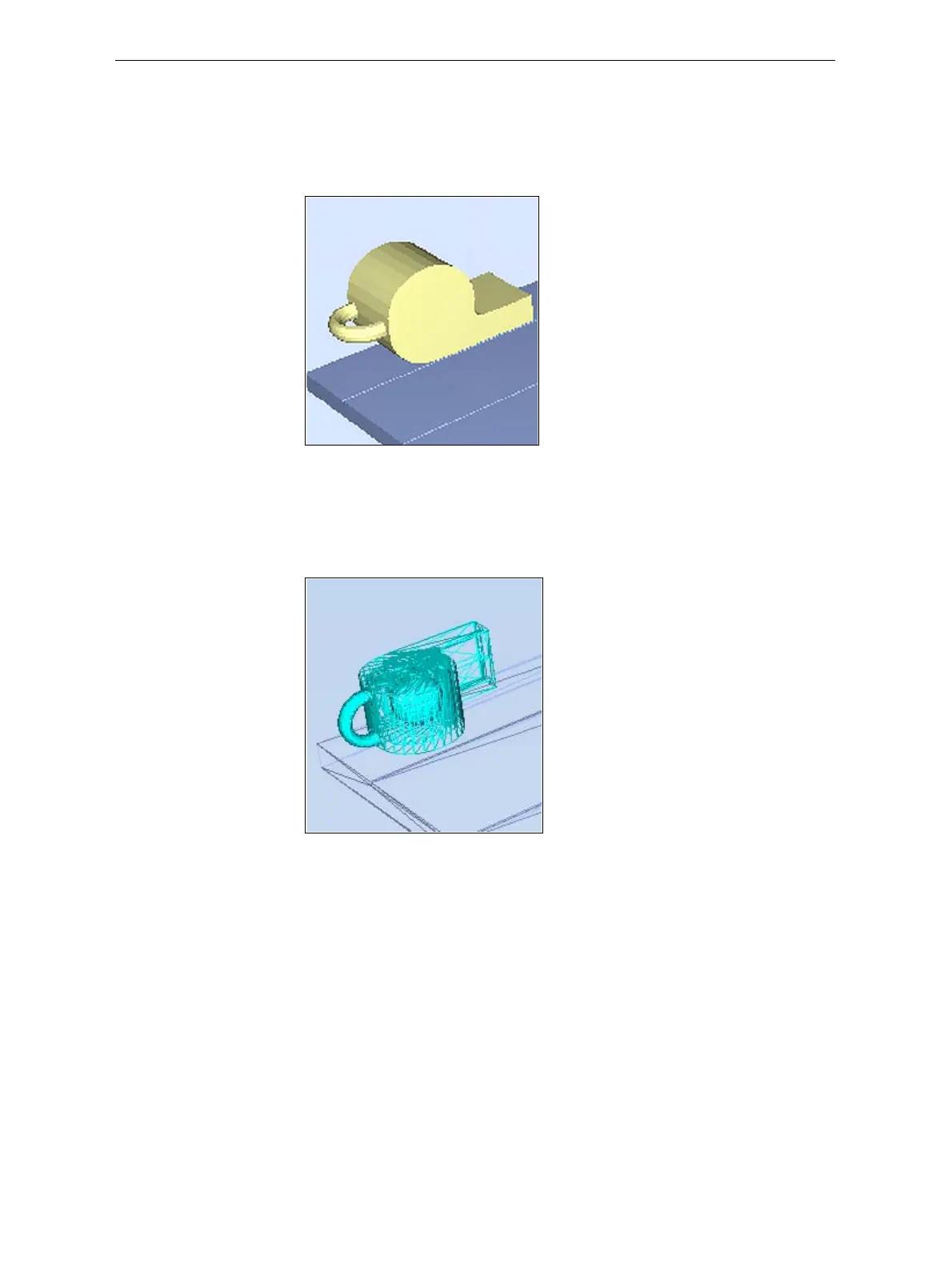
Figure 5-33: Tray and model displayed in Shaded view
TheotherdisplayoptionsareWireFrameandPoints.
To display the build tray in WireFrame view:
¾
FromtheViewmenu,selectWireFrame.
Figure 5-34: Tray and model displayed in WireFrame view
To revert to the shaded view:
¾
FromtheViewmenu,select Shaded.













 To Next Page