DOC-34014 Rev. C 5–17
Objet24 User Guide
Selecting
Objects
Tomanipulateanobjectonthebuildtrayorassigncharacteristicstoit
(buildingstyle,forexample),youmustfirstselecttheobject.Youselectan
objectbyclickingit,eitheronthetrayorinthemodeltree.Itsimageonthe
buildtraychangescolor(tolightblue,by
default)anditsnameis
highlightedinthemodeltree.Youcanselectmultipleobjectsbydrawinga
boxaroundthemwiththemousecursor,orbypressingthe
CtrlorShiftkeys
whileclickingadditionalobjects.
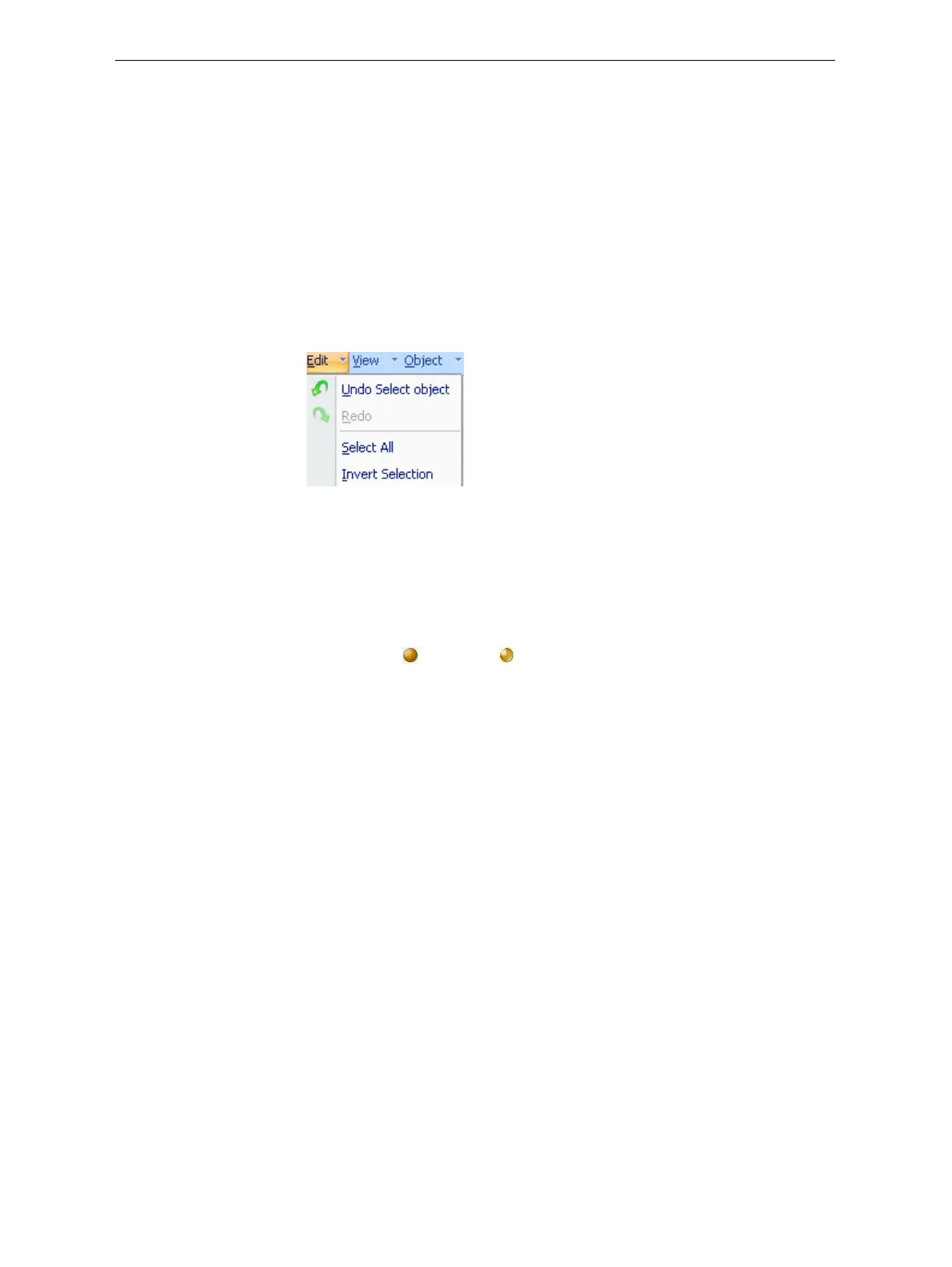
Alternatively,selectorde‐selectobjectsusingthefollowingEditmenu
commands:
• Select All
• Invert Selection
• Undo Select object
Figure 5-17: Edit menu
Surface Finish
Modelscanbeprintedwithamatteorglossysurfacefinish.Tocreatea
mattefinish,theprintersurroundsmodelswithathinlayerofsupport
material.
To set the model finish:
1. Selectthemodel.
2. Select
MatteorGlossy inoneofthefollowingplaces:
• ModelSettingsribbon,Optionsgroup
• ModelToolbar
• right‐clickcontextmenu(whenselectingthemodel)
YoucanconfigureObjetStudiotodistinguishbetweenobjects’surface
finishonthebuildtraybycolor.ToconfigurehowObjetStudiodisplays
objects,see“SettingObjectColors”onpage 38.













 To Next Page