DOC-34014 Rev. C 6–23
Objet24 User Guide
Cleaning and
Replacing the
Wiper
Arubberwiperremovesexcessmaterialfromtheprintheadsafterthe
purgesequence.Thisisdoneautomaticallybefore eachprintjob,and
performedmanuallyduringmaintenancetasks.Youshouldcleanthe
wiperandsurroundingareadaily.Ifthewiperisdamagedorworn,replace
it.
To inspect and clean the wiper:
1. Prepare—
• isopropanol(IPA—isopropylalcohol)orethanol(ethylalcohol)
• disposablecleaninggloves
• thesuppliedcleaningclothorequivalent
• asparewiper
• anM2.5hex(Allen
®
)key
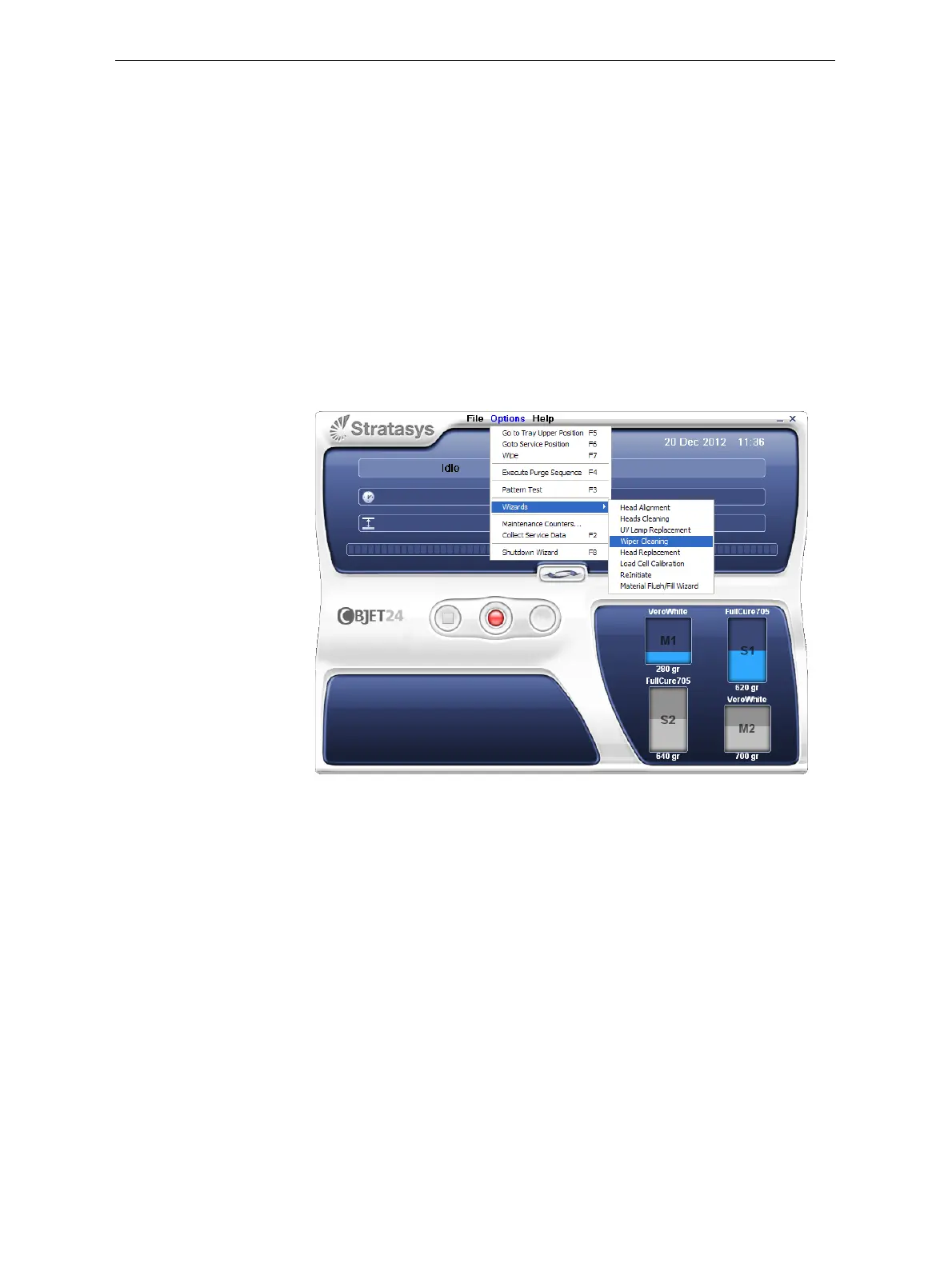
2. StarttheWiperCleaningwizardfromtheOptionsmenu.
Figure 6-28: Starting the Wiper Cleaning wizard
3. Intheopeningwizardscreen,clickNext.













 To Next Page