Operating & Maintaining the Objet24 3D Printer
6–24
DOC-34014 Rev. C
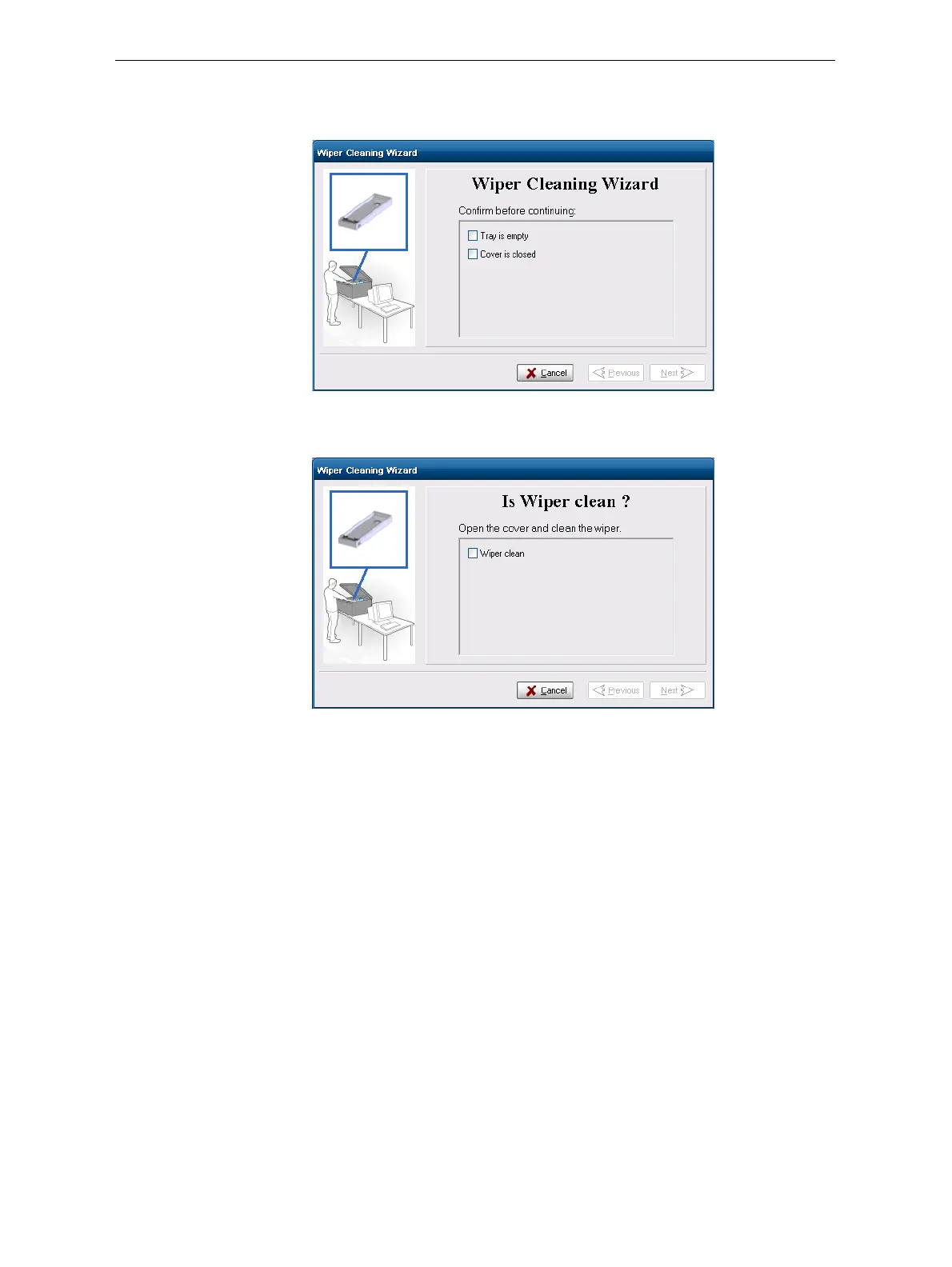
4. Makesurethatthebuildtrayisempty,andclosetheprintercover.
Confirmthisinthewizardscreenandclick
Next.
Figure 6-29: Wiper Cleaning procedure—step 4
5. Whenthefollowingscreenappears,openthecover.
Figure 6-30: Wiper Cleaning wizard during steps 6–9
6. Putonthecleaninggloves.
7. Usingagenerousamountofalcoholonthecleaningcloth,removeany
materialremainingonthewiperandthesurroundingarea.













 To Next Page