DOC-34014 Rev. C 5–61
Objet24 User Guide
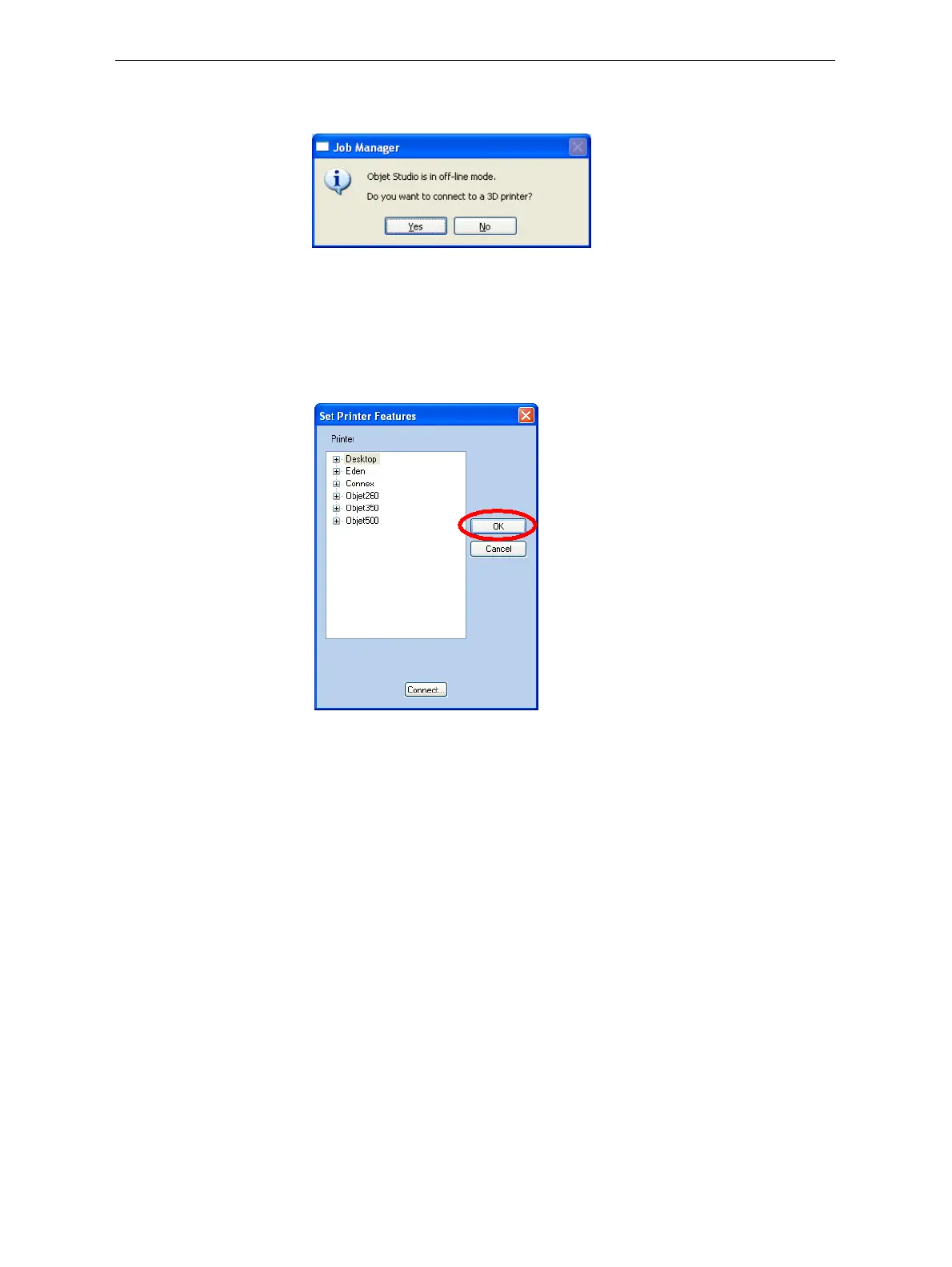
6. Inthepop‐upmessage,confirmthatyouwanttoworkinoff‐linemode
byclicking
No.
Figure 5-88: Off-line message
WhenObjetStudioisinoff‐linemode,youcanconfigureitforpreparing
printjobsfordifferentprinters.
To change the Objet Studio off-line configuration:
1. IntheSetPrinterdialogbox,selectaprintertype.
Figure 5-89: Off-line printer selection
2. ClickOK(not“Connect”).













 To Next Page