S CLASS™ cutter User’s Manual
Maintenance 5-4
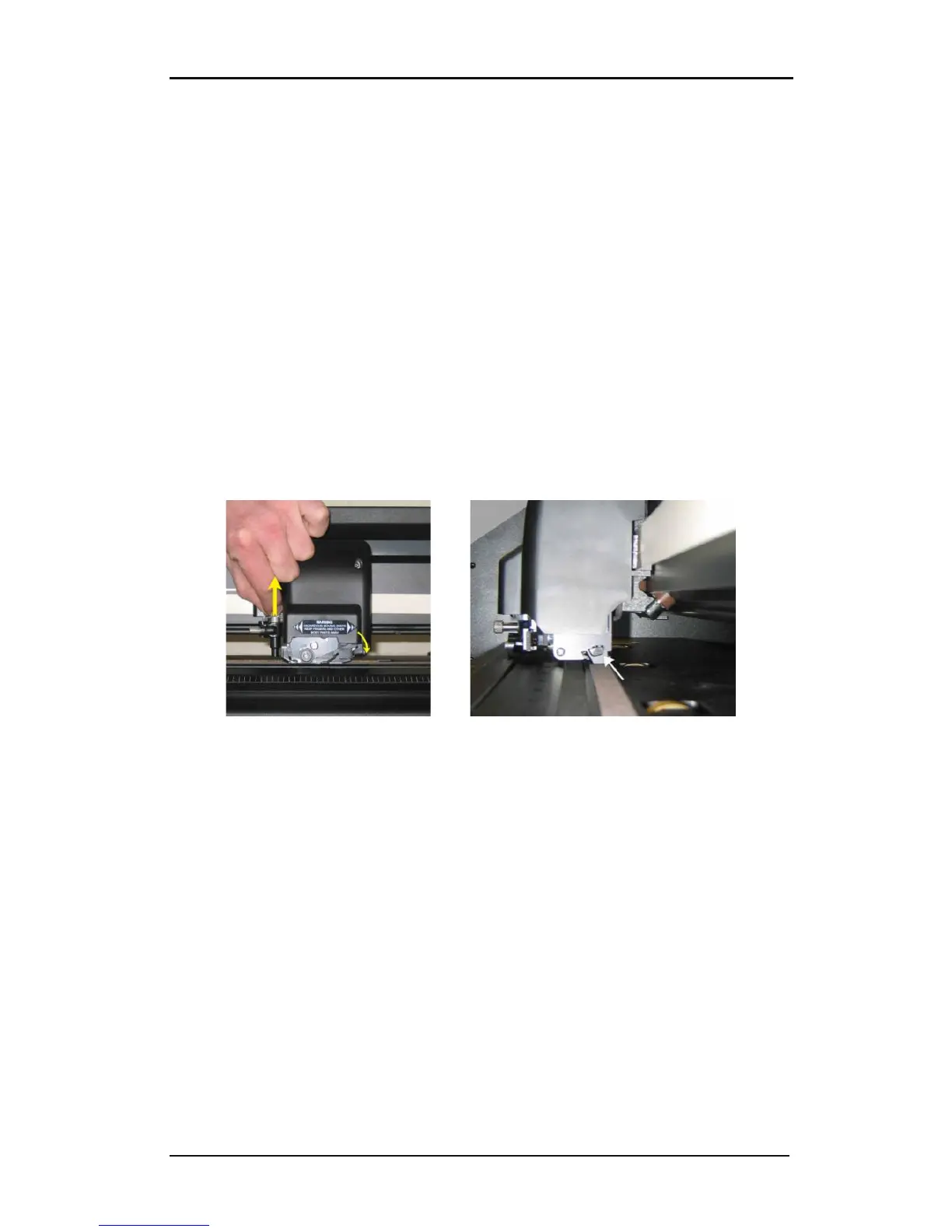
5.1.5 Cleaning the OPOS system
The optical system will collect dust. Therefore, the small hole in the sensor should be
cleaned regularly with a cotton-tipped swab.
Cleaning the OPOS system:
1. Pull the knife holder upwards.
2. Locate the sticker over the hole in the OPOS sensor holder at the left side of the tool
carriage.
3. Remove sticker.
4. Clean by wiping it out with cotton swabs.
5. Cover hole again with similar sticker.
6. Push head all the way to the right to ensure that OPOS is raised again.
FIG 5-5
5-5 CLEANING OPOS SENSOR










 To Next Page