S CLASS™ cutter User’s Manual
Setup 1-14
1.4.3 Wireless Connection (optional)
The wireless connection has two options:
Wireless connection in a local area network (WLAN connection – network with a wireless
access point)
Wireless connection direct between the cutter and the computer (ad-hoc connection).
CAUTION:
Contains Transmitter Module FCC ID: U9R-W2SW0001.
CAUTION: The Wifi module can be operated in de European Union without restrictions
indoor, but cannot be operated in France outdoors.
1.4.3.1 Setting up the S CLASS™ cutter in a WLAN (Wi-Fi
®
compatible)
Wireless is a network connection. This means that the cutters can be integrated in a
network, such as printers normally are. So different people can drive the cutter from
different computers. It is also possible to drive different cutters from 1 computer through
wireless connection.
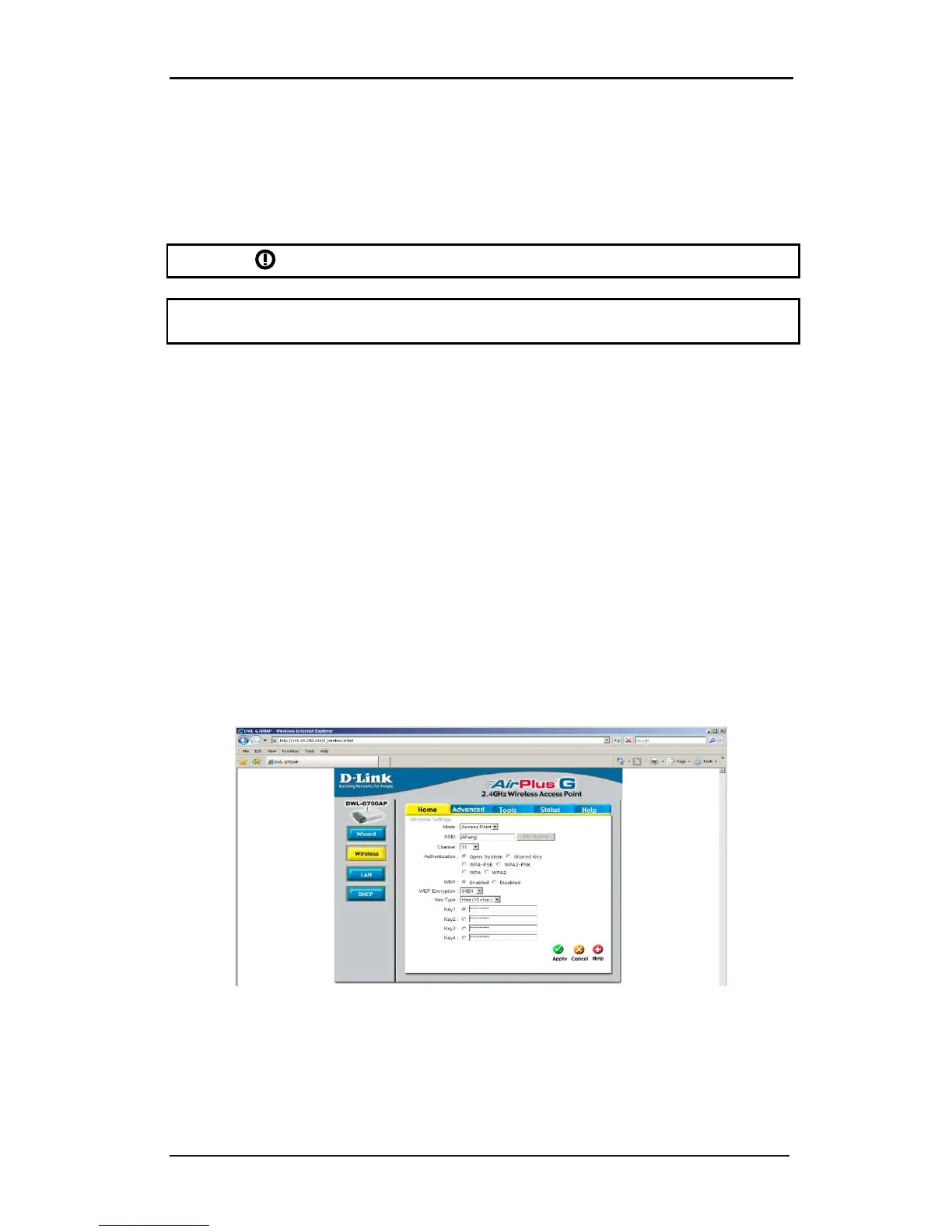
In order to setup the cutter, both the WLAN parameters (SSID – wireless access point name -
and security) and LAN parameters (IP configuration) have to be entered in the cutter.
Parameters for WLAN (access point):
• SSID (unique name for access point)
• Communication channel ( is assigned automatically)
• Security settings (none, WEP or WPA + password)
These parameters can be provided by the network administrator or can be checked with the
specific configuration utility for the access point. (a login name and password will be
needed – check with network administrator).
FIG 1-15
1-15 CONFIGURATION UTILITY FOR ACCESS POINT
Parameters for LAN (IP configuration):
• IP address
• subnetmask










 To Next Page