S CLASS™ cutter User’s Manual
Setup 1-15
Apart from the specific parameters mentioned above, there are two additional parameters
that the network administrator needs to provide.
If the access point is broadcasting; then the SSID can be seen on the cutter.
If the network has a DHCP server, then the LAN parameters can be assigned automatically.
Procedure to set up a cutter in a WLAN when the access point is broadcasting and with a
DHCP server:
The following procedure assumes a new cutter where the parameters for the wireless
connection have not been changed yet. If the parameters have already been changed, then
it is recommended to factory default the wireless parameters first (see Wireless:)
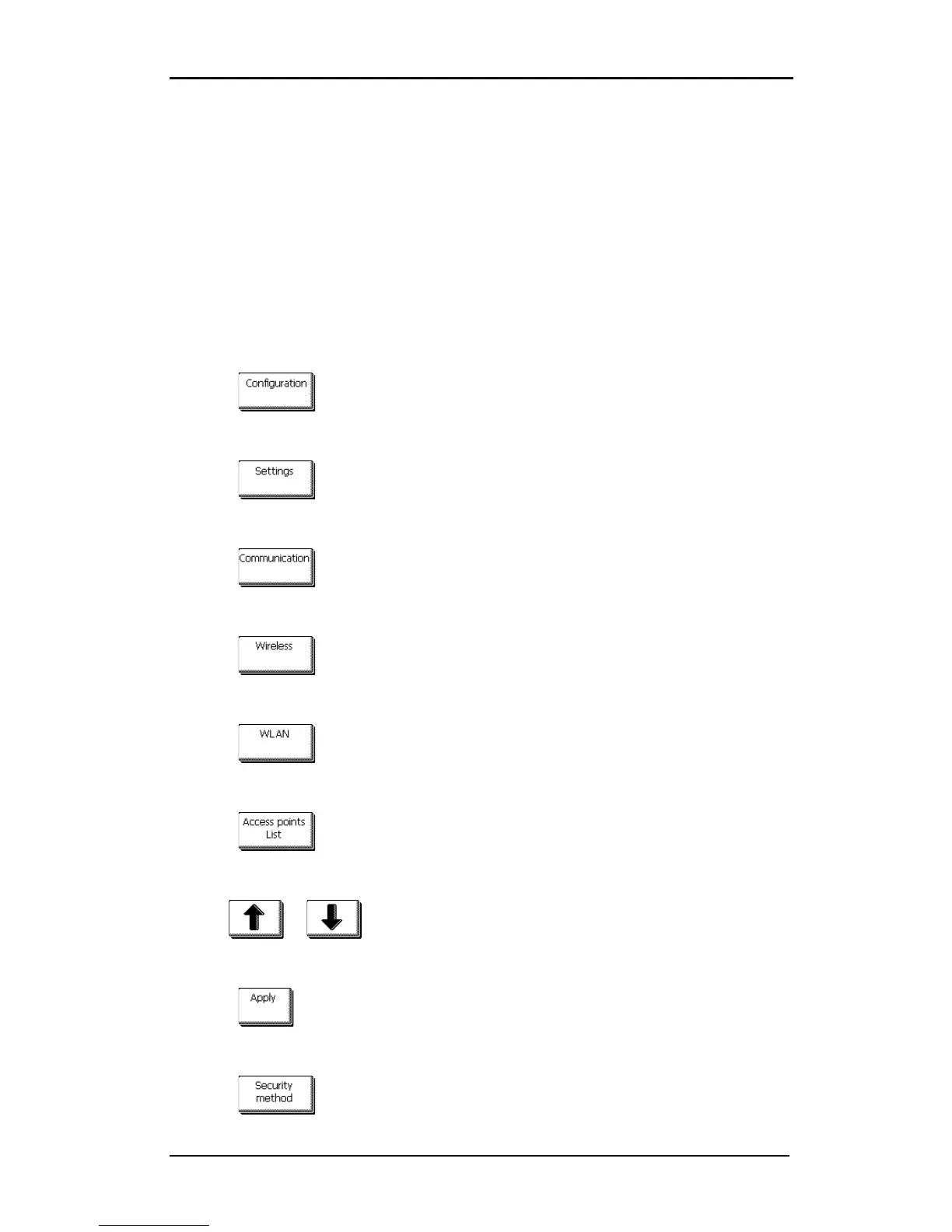
1. Power on the cutter.
2. Press .
The main menu will appear on the screen.
3. Press .
The settings menu will appear on screen.
4. Press .
The communication menu will appear on screen.
5. Press .
The wireless menu will appear on screen.
6. Press .
The WLAN menu will appear on screen.
7. Press .
The cutter will scan for wireless access points and show them on screen.
8. Use or to choose the correct access point.
The chosen access point (inverse) will change.
9. Press to confirm.
The WLAN menu will appear on screen.
10. Press .










 To Next Page