S CLASS™ cutter User’s Manual
Contour Cutting 3-20
The menu to disable or enable vector sorting will appear on screen.
25. Use or if necessary to enable vector sorting.
26. Press to confirm.
The paneling menu will appear on screen.
27. Press to set the cutter online again.
Note: The above procedure has to done even if the software on the computer can
activate FlexCut. Only steps 5-6 and 21-26 may be skipped, because the command from
the computer will activate those parameters automatically.
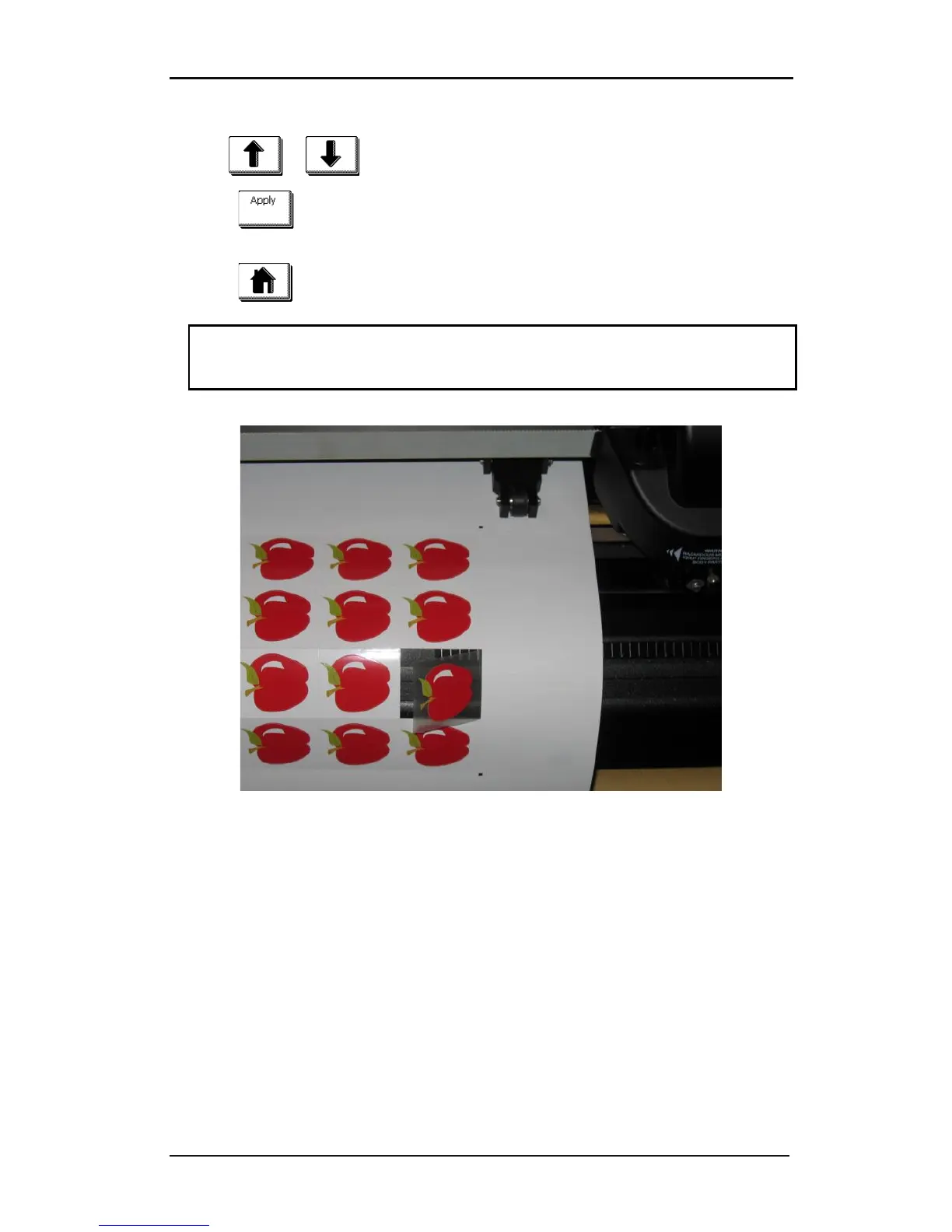
FIG 3-4
3-4 COMBINED CONTOUR CUT AND CUTTING THROUGH










 To Next Page