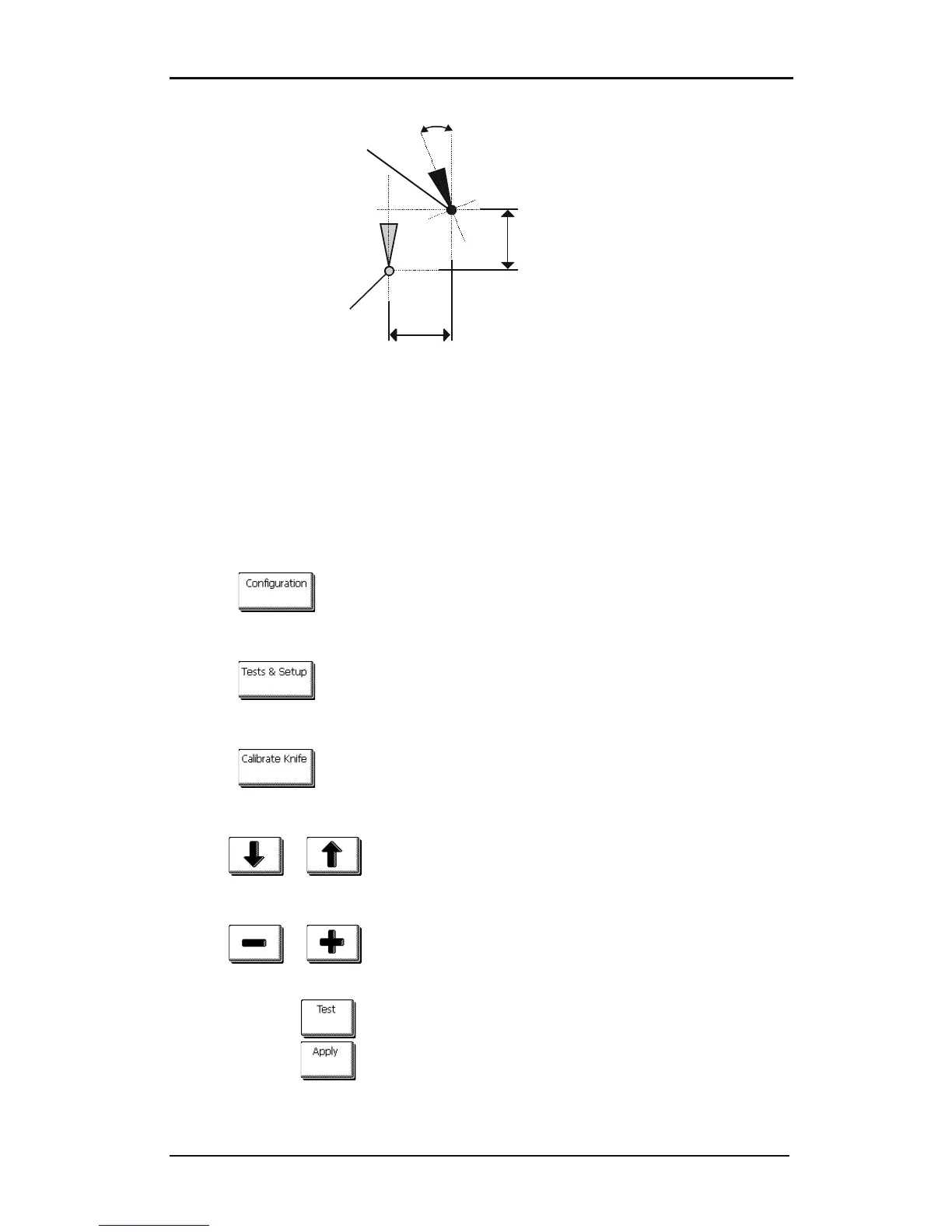
FIG 2-5
2-5 POSSIBLE KNIFE CALIBRATIONS
During the knife calibration routine, the cutter will cut a series of test patterns that allow the
user to identify errors in knife rotation and concentricity. Use the touch screen to make
corrections.
Setting tangential knife parameters:
1. Power on the cutter, load media, and mount tangential knife (see section 1).
2. Press .
The main menu will appear on the screen.
3. Press .
The main test will appear on screen.
4. Press .
The three knife parameters will appear on screen.
5. Use or to select the parameter to be changed.
The selected parameter will be highlighted on the touch screen.
6. Use or to change the parameter.
The value (inverse) will change.
1. Press to perform the internal knife calibration test.
2. Press to confirm and exit the knife calibration menu.










 To Next Page