S CLASS™ cutter User’s Manual
Setup 1-31
7. Make sure that the media follows a straight path from the roll of material. To accomplish
this, slide the media roll and flange guides from the left to the right along the media
support rollers.
WARNING
KEEP FINGERS AND OTHER BODY PARTS AWAY FROM THE CUTTING AREA. THERE
ARE HAZARDOUS MOVING PARTS.
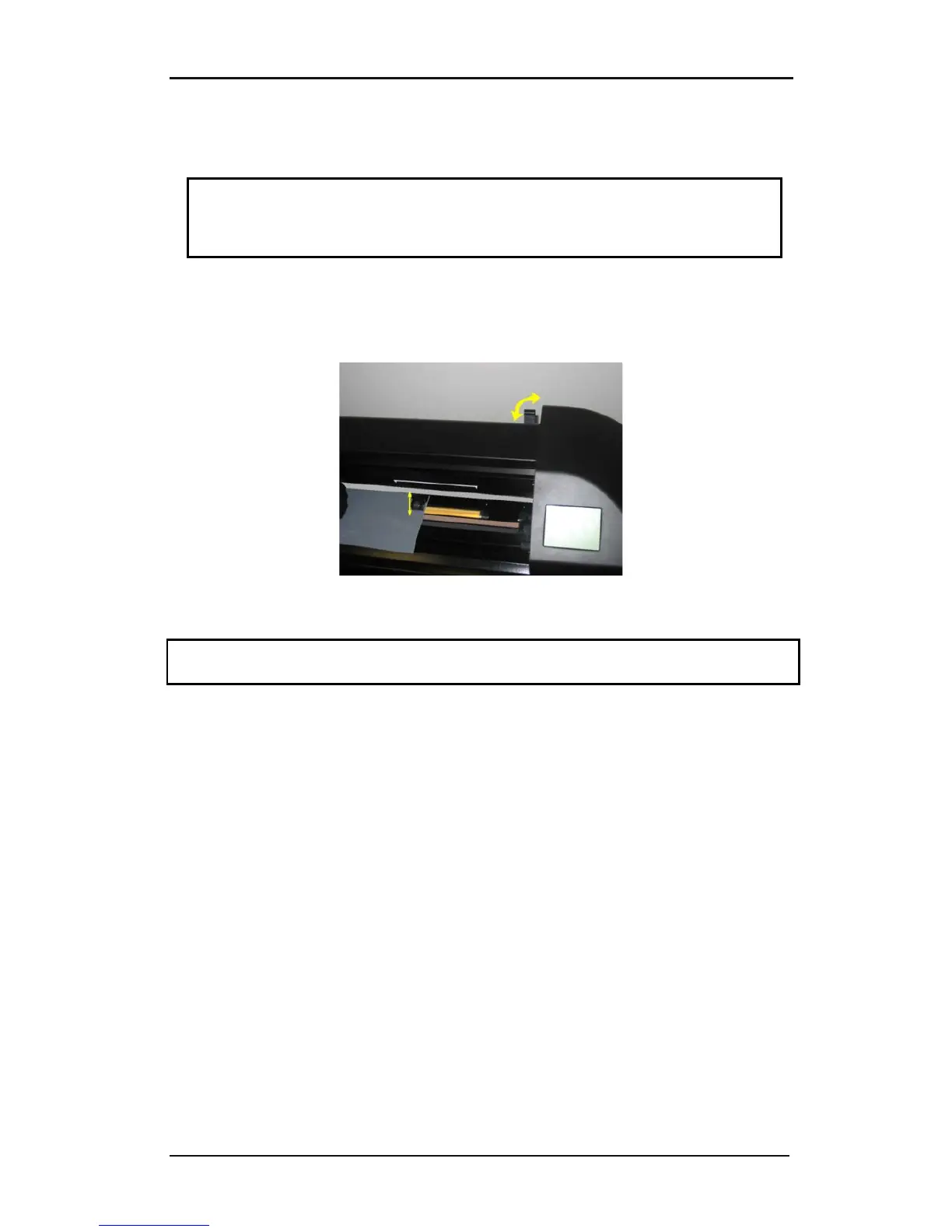
8. Lower the pinch roller lever to press the media firmly against the drive sleeves. After
one second the tool carriage automatically moves from the right to the left to sense the
usable media width.
FIG 1-25
1-25 PINCH ROLLER LEVER
NOTE: It is not recommended to unroll the media manually from the roll. The cutter will
unroll the media automatically during the load sequence.
9. The positioning and routing of sheet material is identical to that of roll media.
10. The cutter is now ready.










 To Next Page