2.
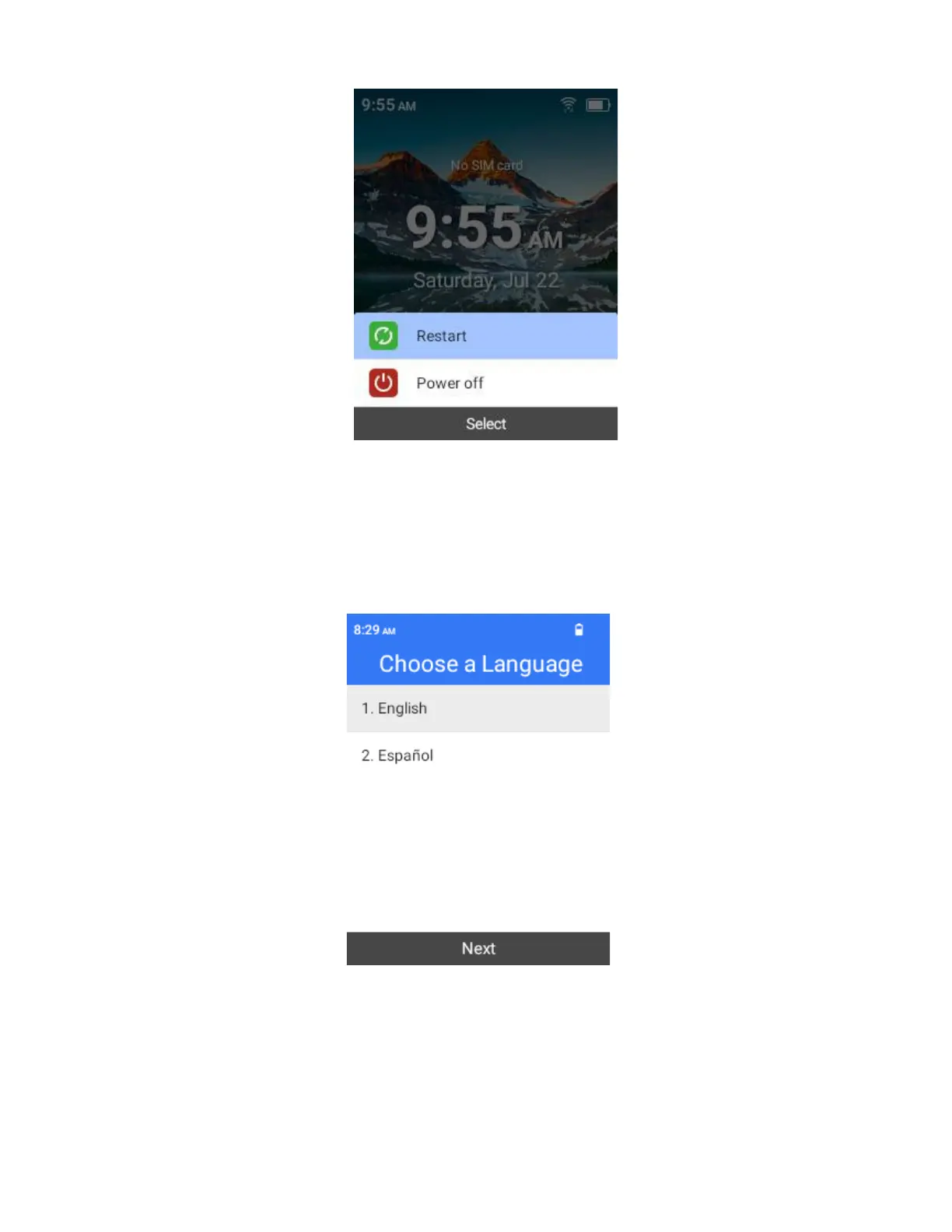
Select Power off.
Initial Setup
The setup screens help you set up certain features and preferences on your phone. When your phone has
been turned on for the first time, you will need to follow these instructions to complete the setup process.
1.
Choose a language and select Next to get started.
2.
Select a Wi-Fi and enter the password if you want to connect to the Wi-Fi. For secured Wi-Fi networks,
you will need to enter a password. See Wi-Fi for more details.
3.
there is a list of Accessibility features for you to choose. If you are visually impaired or hard of hearing,
choose the relevant function to change the accessibility settings.
4.
Follow the onscreen instructions to complete each section. For each topic, you will have the
option to skip it and continue to the next screen. If you skipped any part of the setup, you
can access additional options through the Settings.



 To Next Page