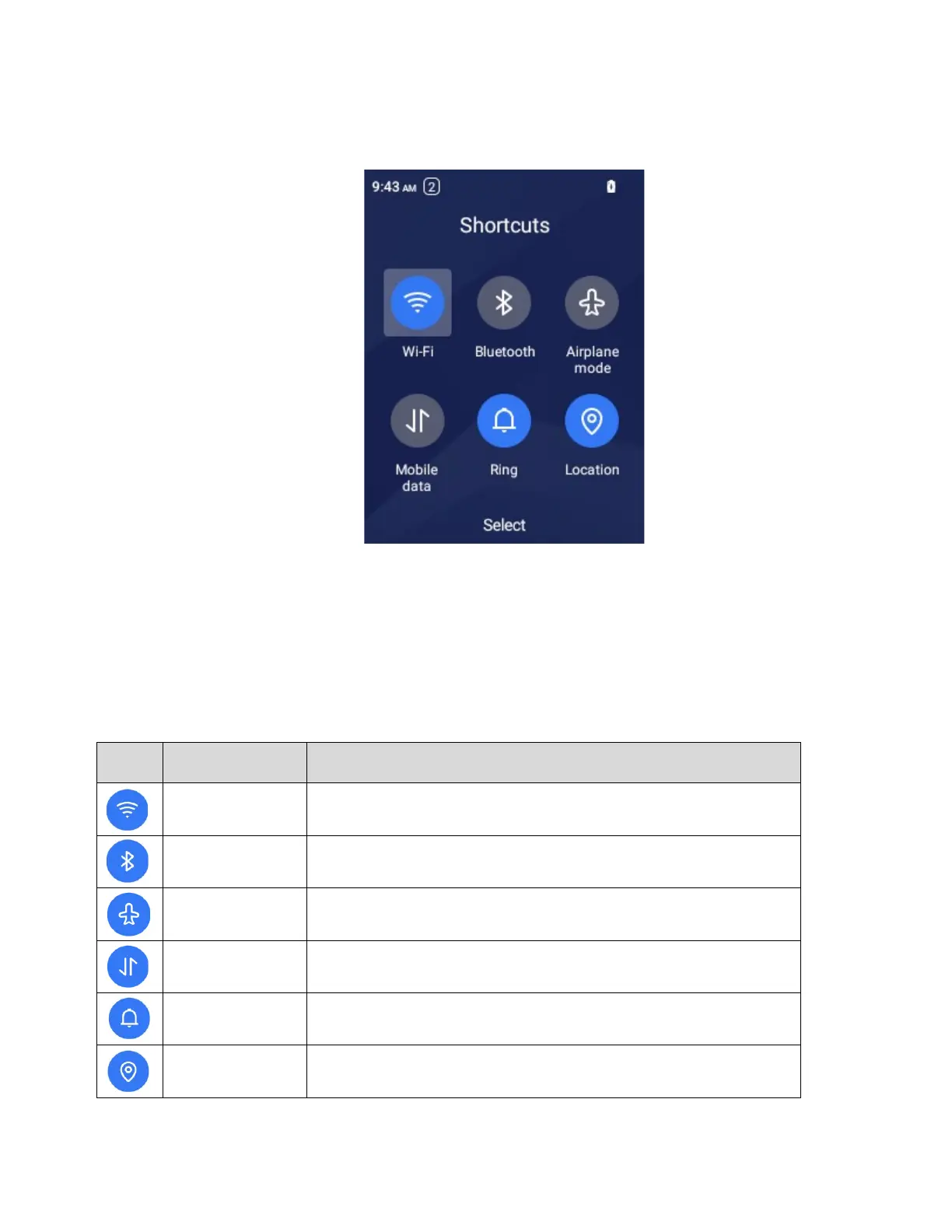
Shortcuts
You can access the shortcuts by press the Right Navigation Key.
Shortcuts Menu
Wi-Fi
Turn Wi-Fi on or off. Please go to Settings to set up the Wi-Fi. Turn off
when not in use to save battery power.
Bluetooth
Turn Bluetooth on or off. Please go to Settings to set up the Bluetooth.
Turn off when not in use to save battery power.
Airplane mode
Turn Airplane mode on or off.
Mobile data
Turn Mobile date on or off.
Ring/Vibrate/
Mute
Switch between Ring, Vibrate or Mute.
Location



 To Next Page