Update Your Phone
From time to time, updates may become available for your phone.
Software Update Cautions
During update: The phone cannot be used until the software update is complete. It may take time to
update your phone’s software.
Signal during update: Update your phone where signal reception is good, and do not change
location during the update process. Make sure the battery is adequately charged before beginning an
update. A weak signal or low battery during an update may cause the update to fail. An update failure
may disable the phone.
Other functions during update: Other phone functions cannot be used during a software update.
Back Up All Data Prior to Update
Updating your phone may result in a loss of saved data depending on the condition of your phone
(malfunctioning, damaged, water seepage, etc.). You must back up all critical information before updating
your phone firmware.
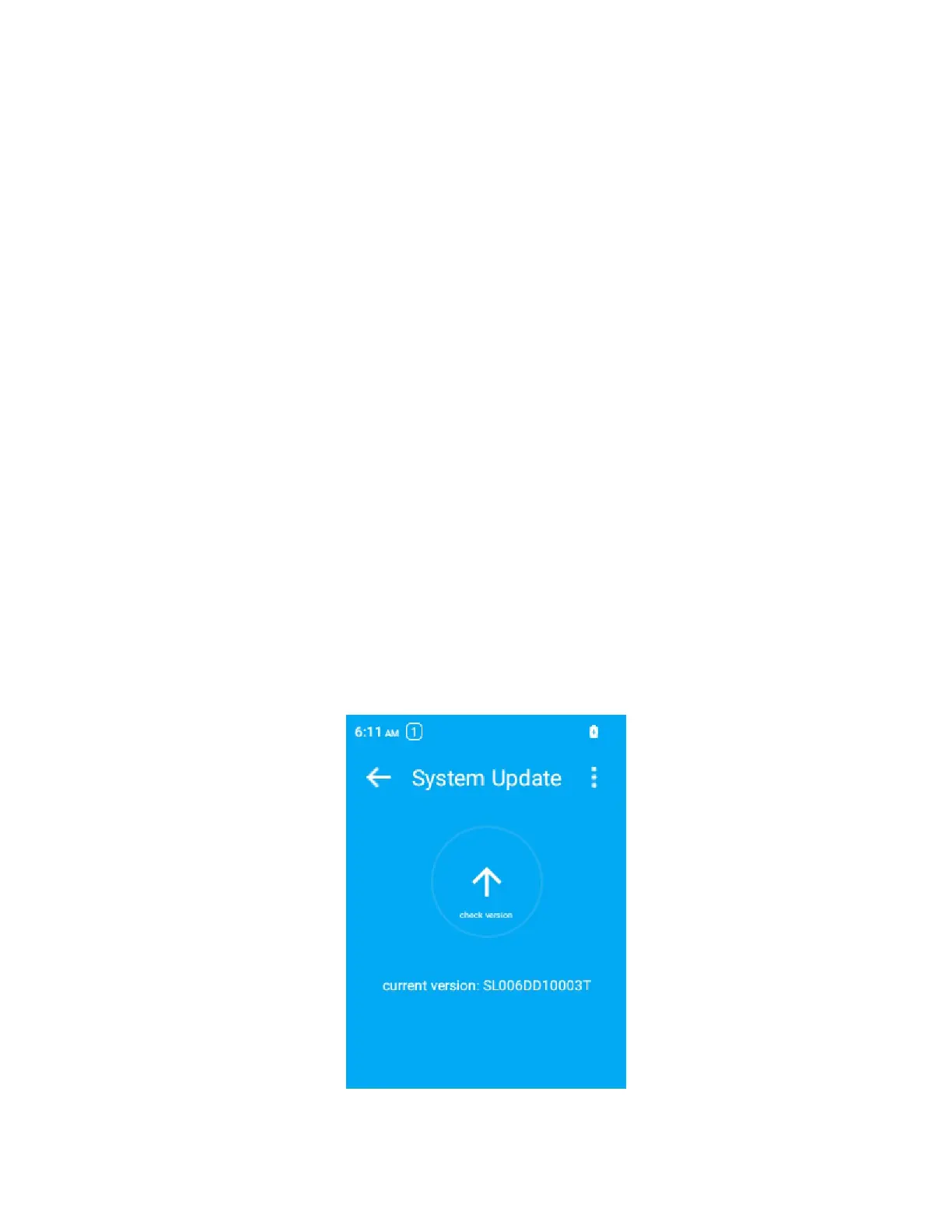
Update Your Phone’s Software
1.
Press OK to enter the Apps List and then select Settings > Software update.
2.
There will be options to update if the update is available.



 To Next Page