Wireless & networks
The following topics outline your phone’s Wi-Fi, mobile network, airplane mode, hotspot options and other
network settings.
Airplane mode
Turning on airplane mode disables all network features including calling, Messages, mobile data, Wi-Fi and
Bluetooth.
1.
From the home screen, Press OK to enter the Apps List and then select Settings.
2.
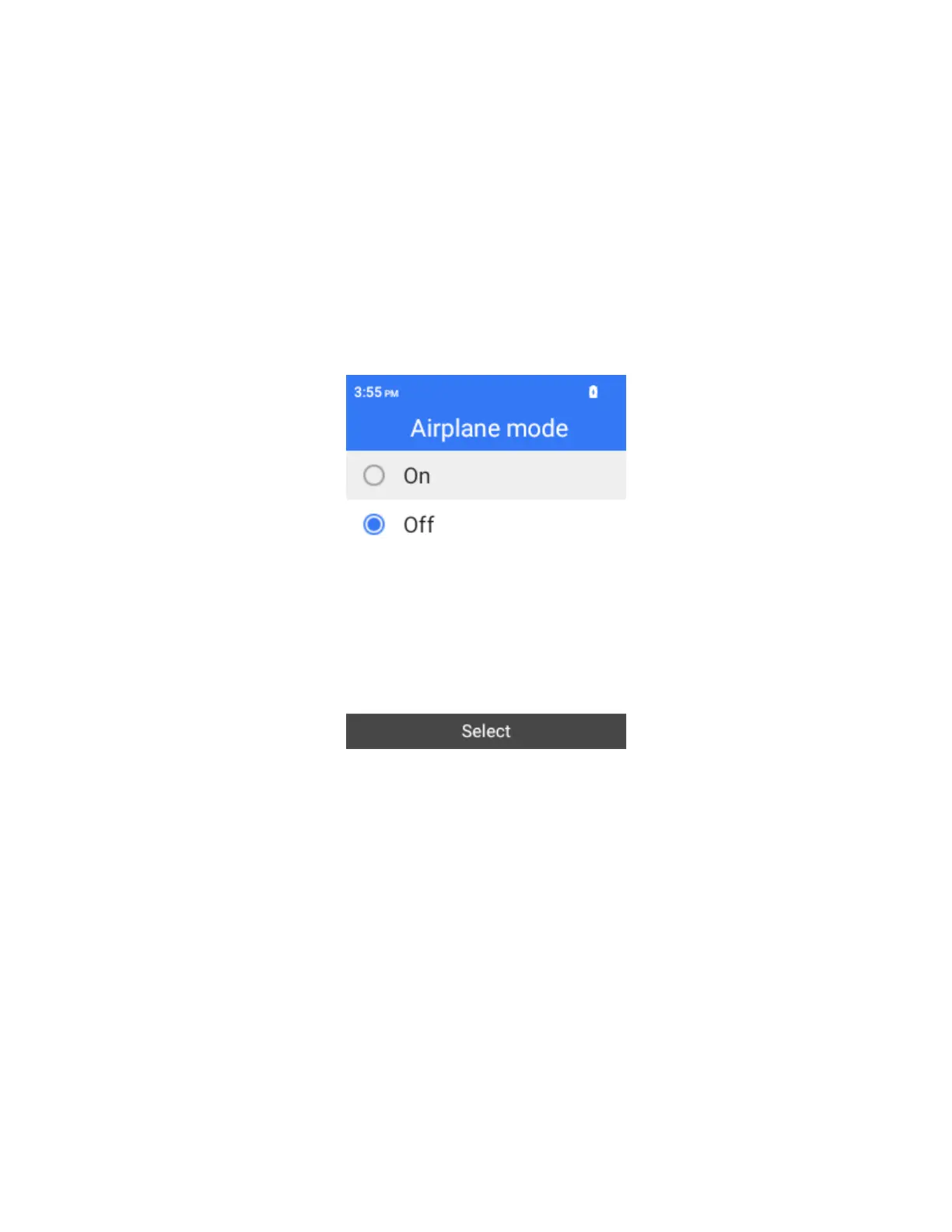
Select Wireless & networks > Airplane mode.
A confirmation prompt pops up.
3.
Select O to turn Airplane mode on . When Airplane mode is on, Wi-Fi, mobile networks and
Bluetooth are all turned off.
To disable airplane mode, select Off.
Wi-Fi
The Wi-Fi settings menu lets you turn Wi-Fi on or off, set up and connect to available Wi-Fi networks, and
configure advanced Wi-Fi options.
For more information about Wi-Fi settings, see Wi-Fi.
Mobile Data Usage
The data usage menu lets you view your phone’s mobile data usage, set data limits, and more.



 To Next Page