Status bar
The status bar displays icons to notify you of your phone’s status and
notifications
Time and Date
It shows the time, date.
Press Left Soft Key to access Notification
Messages
Press
to access Messages
Apps List
Press OK Key to access to the Apps List
Select Options and Navigate Screens
Use Navigation Keys and OK Key to open or activate the assigned function.
■
Press the Return Key to return to the previous screen.
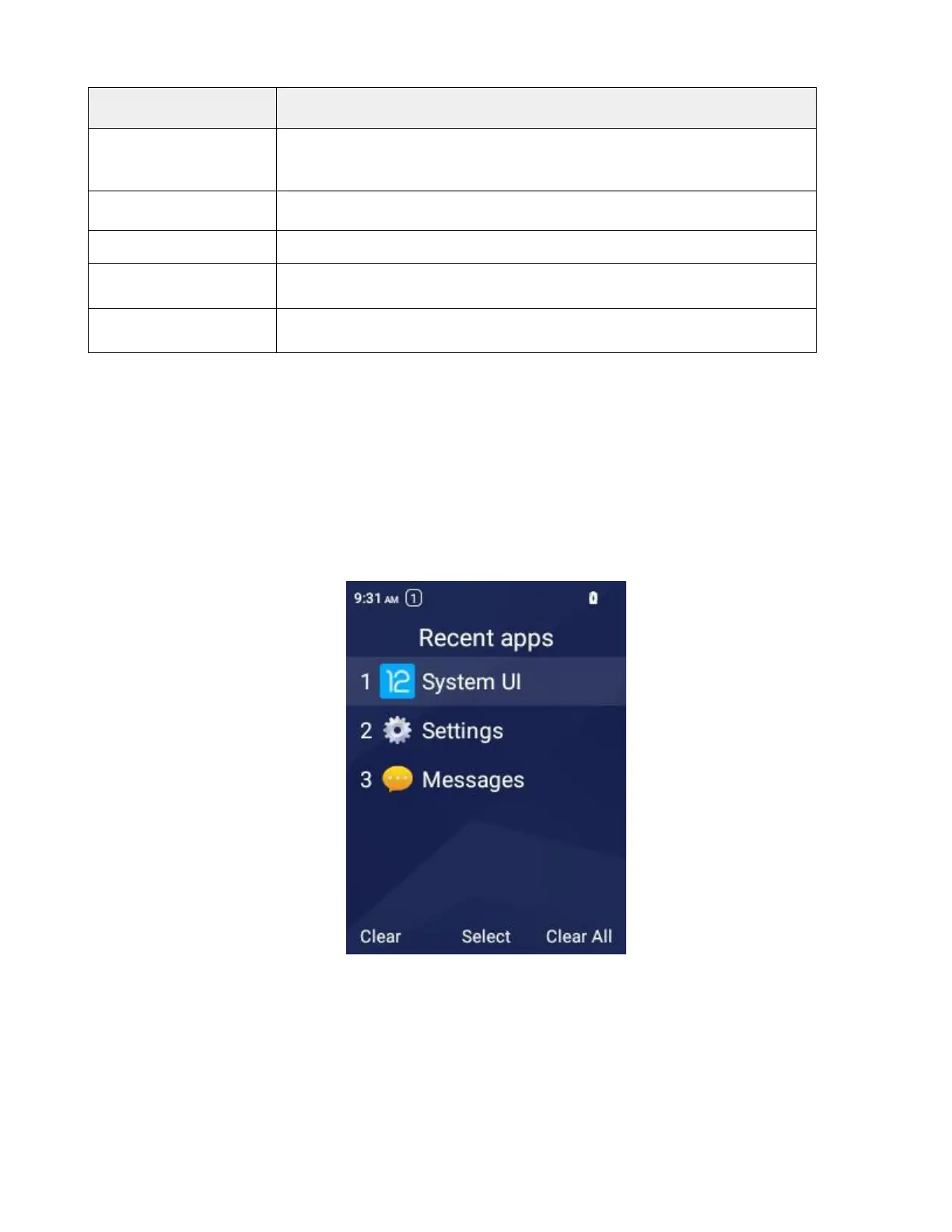
Recent Applications
You can display a list of Recent apps using the Left Navigation Key when on the home screen.
Select Clear to clear a recent app.
Select Select to enter the app.
Select Clear All to close all apps in the list.



 To Next Page