Phone Settings
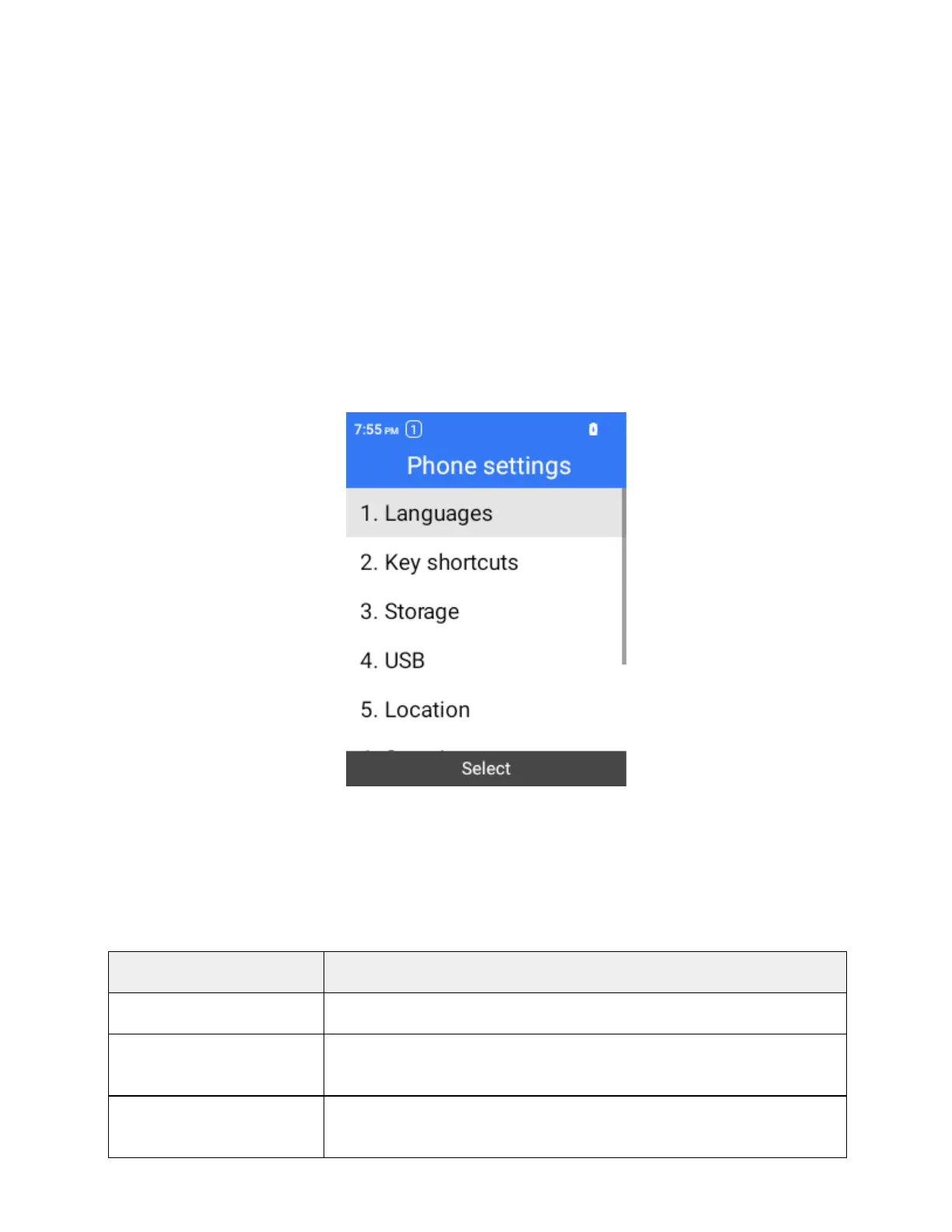
The phone settings menu lets you set languages, date & time, security, etc.
Access Phone Settings
1.
From the home screen, press OK to enter the Apps List.
2.
Select Settings > Phone settings.
The phone settings menu opens.
3.
Set your phone settings options.
Your phone settings are applied and saved.
Phone Settings Overview
The phone settings menu allows you to configure the following options. Select individual options to access
additional settings and detailed instructions.
Set the language between English and Spanish.
Set the shortcuts of the navigation keys.
Storage
Manage storage including internal storage and SD card.



 To Next Page