3.
You’re connected to the second party.
4.
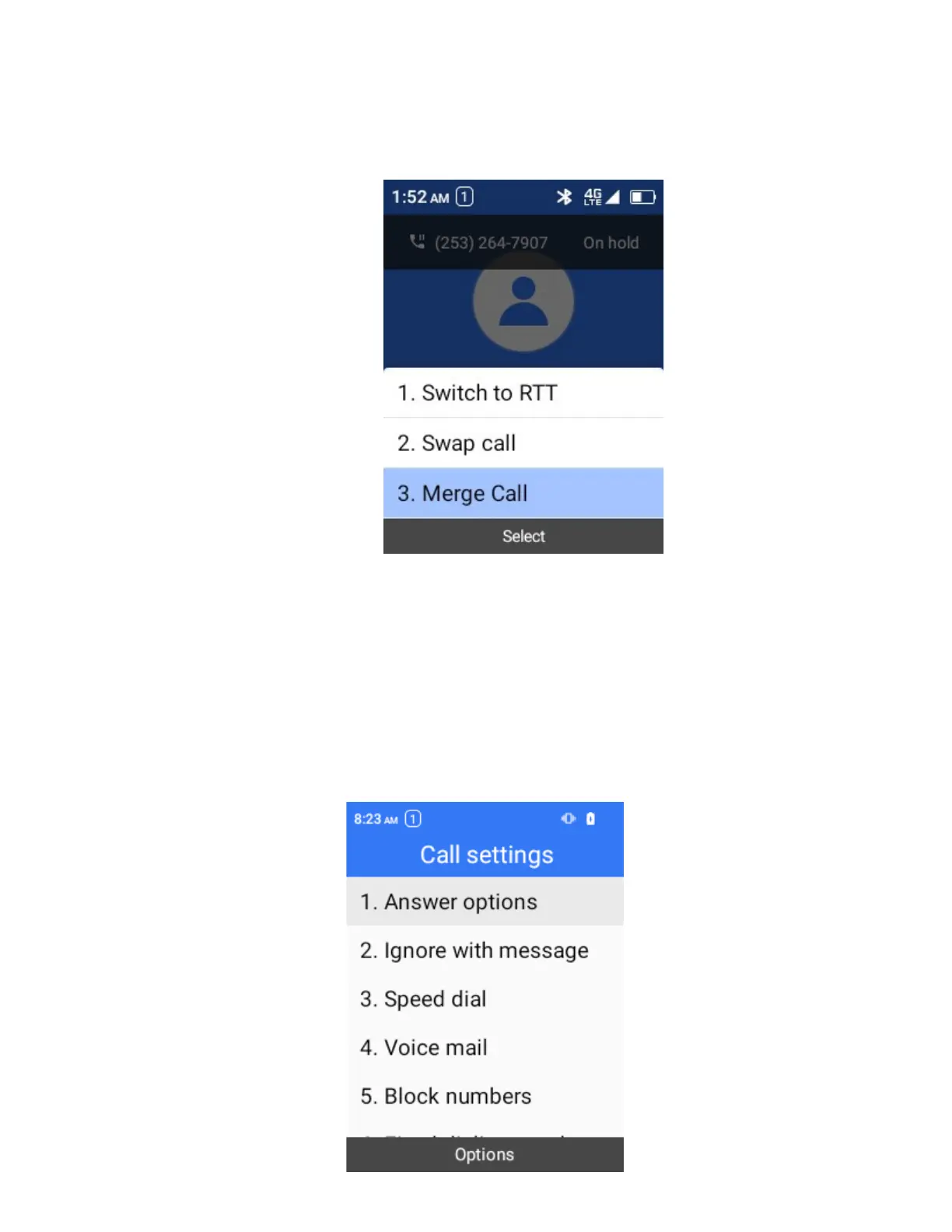
For conference calling, select Merge Call.
Call Settings
Your phone’s Call Settings menu lets you configure your voicemail options and more.
Use the Call Settings Menu
1.
From the home screen, press OK to enter Apps List
2.
Select Settings > Call settings
The call settings menu appears.



 To Next Page