●
Press the Volume Down Key.
●
Press the Right Navigation Key to ignore the call.
Reject an Incoming Call
■
When a call arrives, press the Power Key to reject it.
Reject a Call and Send a Text Message
You can reject an incoming call and automatically send a text message to the caller.
1.
When a call arrives, press the Left Navigation Key to send the message.
The ringtone or vibration will stop and you will see a list of preset text messages.
2.
Select one of the messages to send it to the caller.
The selected message will be delivered to the caller.
You can edit the reject messages through the Call settings menu. From the home screen, press OK
to tnter the Apps List, then go to Settings > Call settings > Ignore with message and edit the
reject messages.
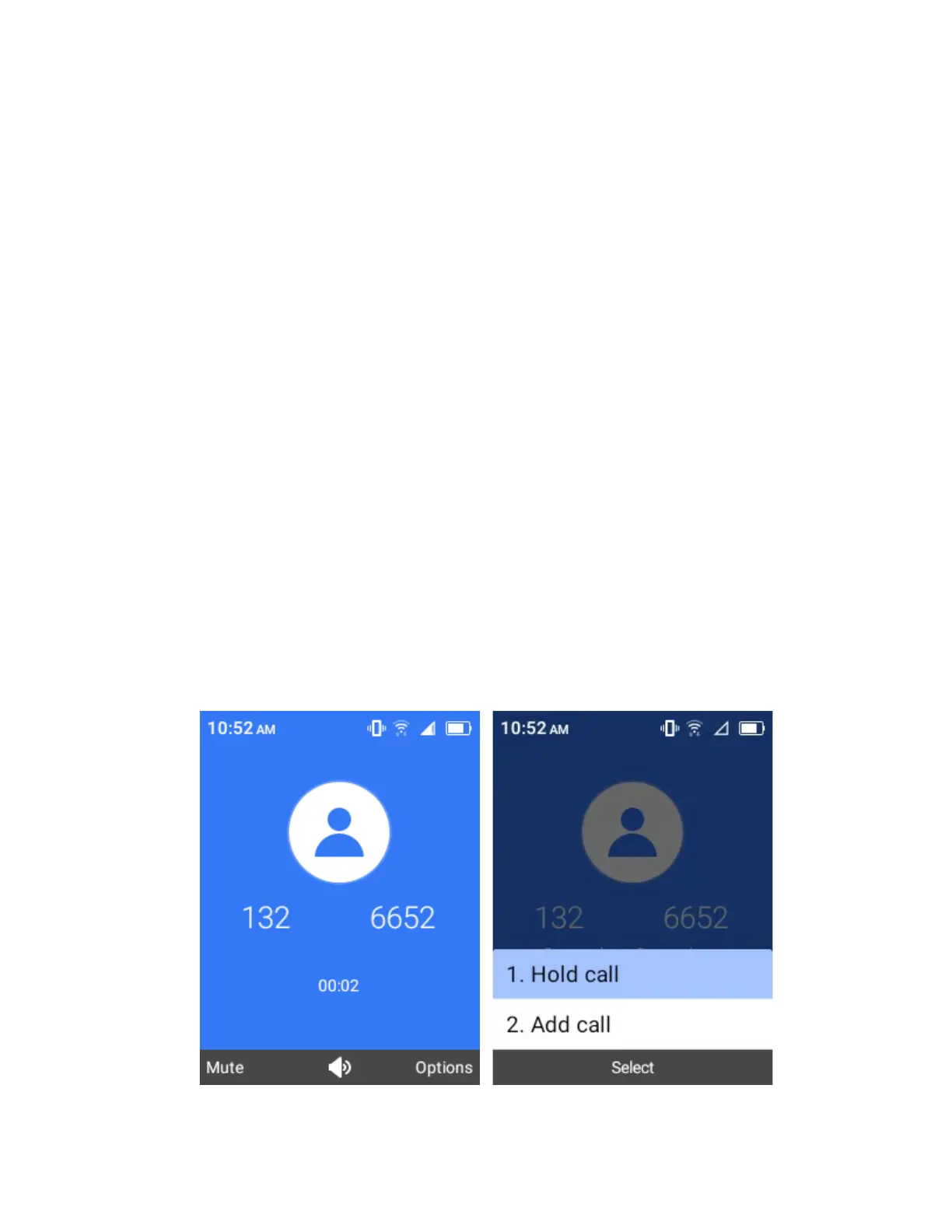
In-Call Screen Layout and Operations
While you’re on a call, you will see a number of onscreen options.
Select options to activate them during a call.
●
Add call: Select and hold to initiate a conference call (3-way call).
●
Mute: Mute the microphone during an active call. Select again to unmute the microphone.



 To Next Page