Bluetooth Cautions
●
Information may not appear correctly on connected devices depending on the transferred data.
●
Wireless connection to all Bluetooth
®
functions is not guaranteed for the phone.
●
The phone may not connect properly depending on the other device.
●
Noise may be experienced with wireless calls and hands-free calls depending on the conditions.
Bluetooth Information
Bluetooth is a technology that enables wireless connection with PCs, Bluetooth devices with hands-free
features, etc.
Function Description
Listen to music, etc., wirelessly.
Call hands-free, using Bluetooth-capable hands-free devices and headsets.
Exchange data with Bluetooth devices.
Enable the Bluetooth Feature
Use the settings menu to enable or disable your phone’s Bluetooth capabilities.
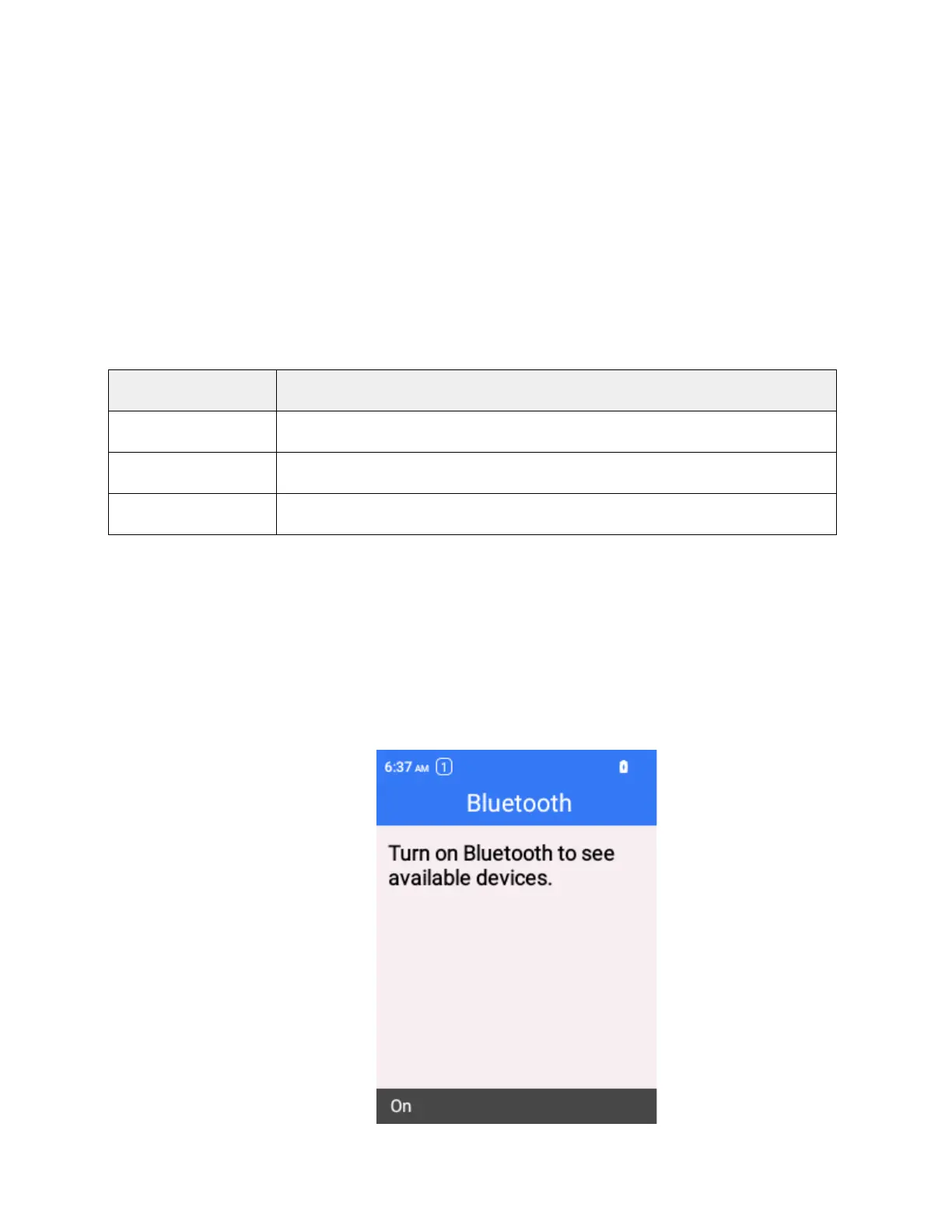
To enable Bluetooth, complete the following steps:
1.
From the home screen, press OK to enter the Apps List, then select Settings > Wireless &
networks > Bluetooth
The Bluetooth settings open.
2.
Press the Left Soft Key to turn the bluetooth on.



 To Next Page