You will see the Export contacts menu.
3.
Follow the onscreen instructions to complete the export.
The contacts are exported and saved.
Messages
With wireless service and your phone’s messages capabilities, you have the opportunity to share
information through many different channels and accounts.
Text and Multimedia Messages
With text messages (SMS), you can send and receive instant text messages between your wireless
phone and another messages-ready phone.
Multimedia messages, or MMS, can contain text and photos, recorded voice, audio or video files, contact cards
(vCard), or appointments (vCalendar).
See your service plan for applicable charges for messages.
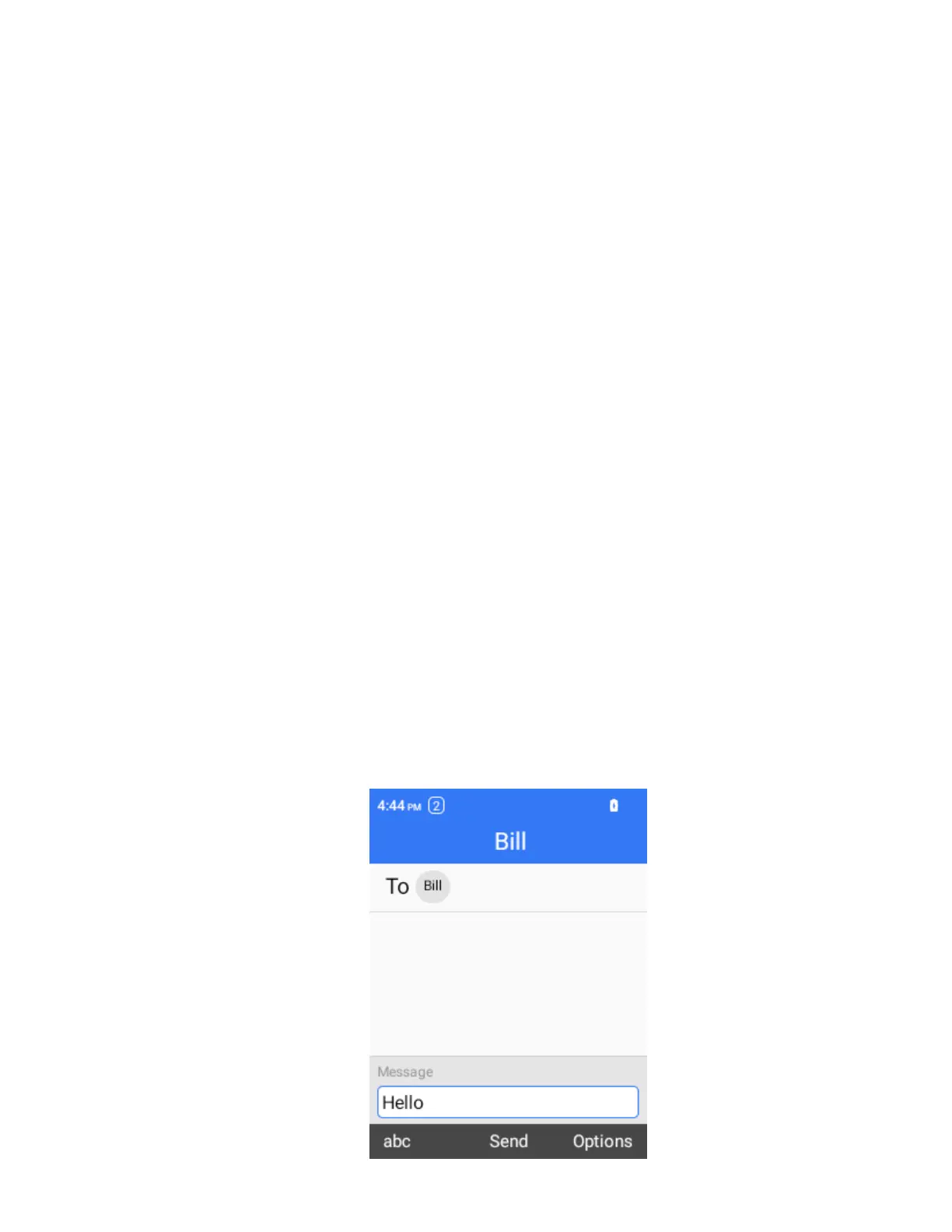
Send a Text Message
Quickly compose and send text messages on your phone.
1.
From the home screen, press OK to enter the Apps List, then select Messages. Alternatively, press the
Right Soft Key from the home screen to enter Messages.
2.
On the Messages screen, select New.
3.
Fill in one or more recipients. You can:
Enter phone numbers directly in the recipient field. As you enter information, any
matching phone numbers from your contacts list are displayed. Select a match to enter
that number or address directly.
Press the Left Soft Key to change between number and letter input method.



 To Next Page