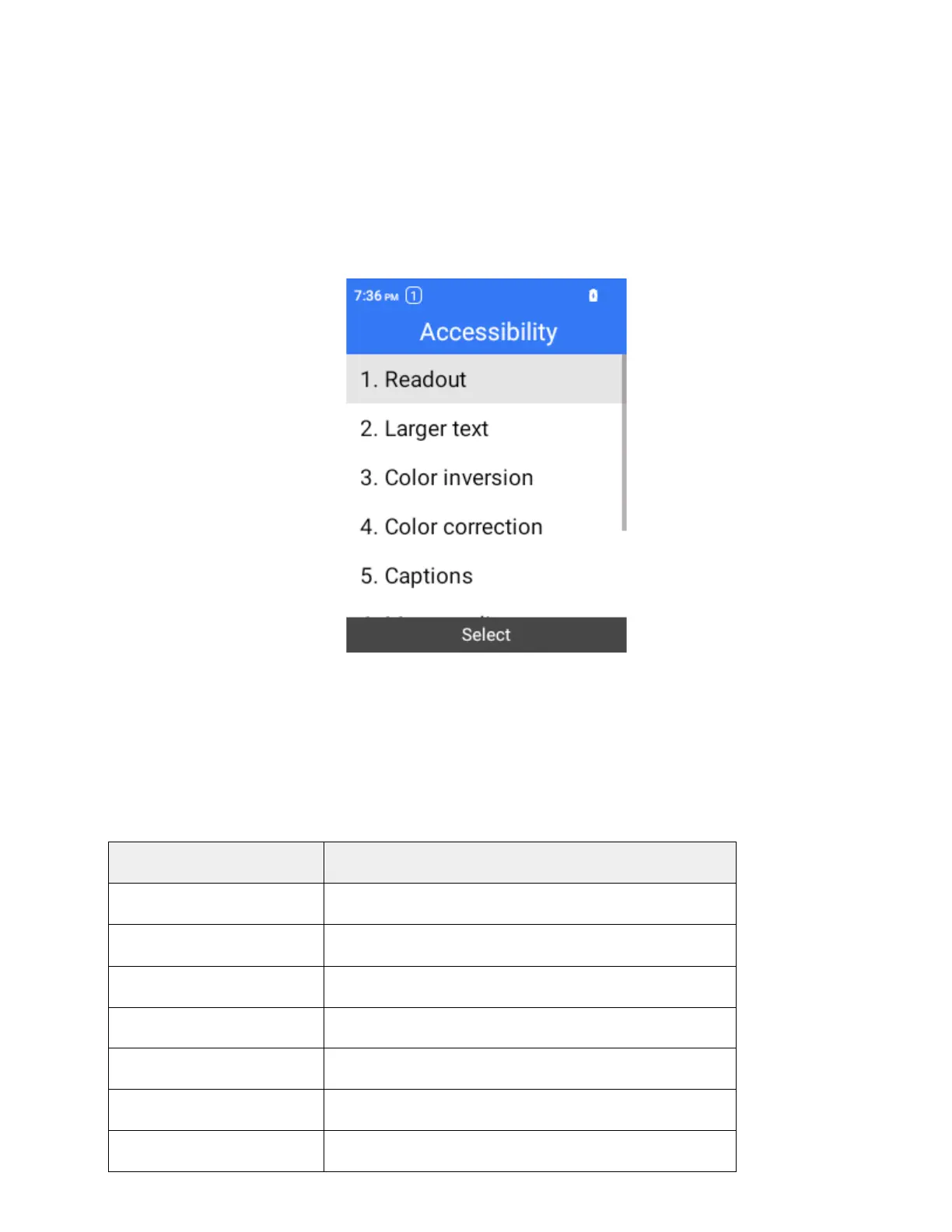
Accessibility
The accessibility settings menu lets you enable and manage accessibility-related applications.
Access Accessibility Settings
1.
From the home screen, press OK to enter the Apps List then select Settings.
2.
Select Accessibility.
3.
Set available accessibility options.
Your accessibility settings are applied and saved.
Accessibility Settings Overview
The accessibility settings menu allows you to configure the following options. Select individual options to
access additional settings and detailed instructions.
When Select to speak is on, you can select specific items
on your screen to hear them read aloud.
To set the font the the largest.
Set the color to be inverted.
Turn the hearing aids on and off.
Set RTT. For details, see
.



 To Next Page