4.
Select Delete.
The contact is deleted.
Share a Contact
You can quickly share contacts using Bluetooth or Messages.
1.
From the home screen, press OK to enter the Apps List, then select Contacts.
You will see the Contacts list.
2.
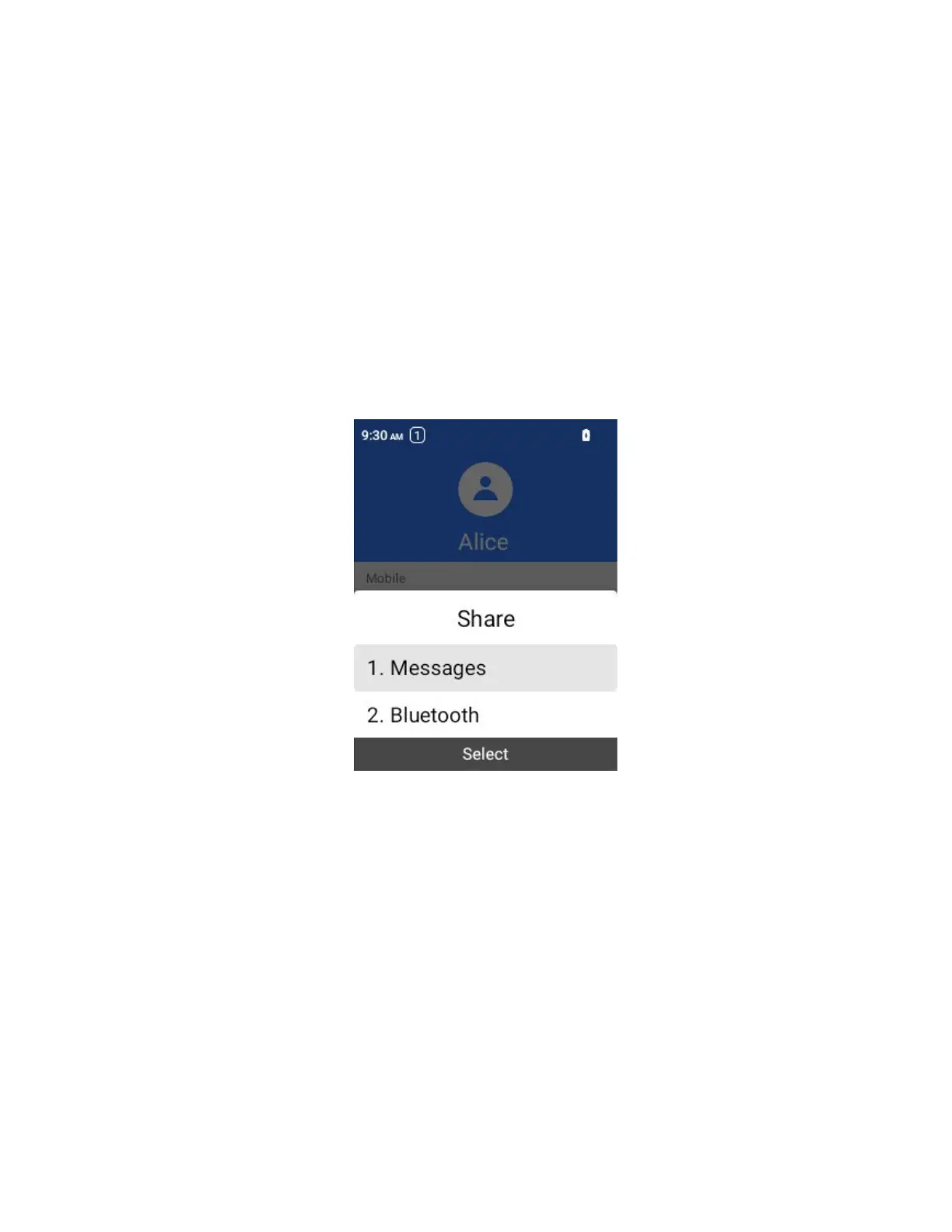
Select a contact, and then select Options > Share.
You will see the Share contact via menu.
3.
In the Share contact via menu, select a method:
Bluetooth: Send the information via Bluetooth. See Bluetooth for information on pairing.
Messages: Send the information in a text message. Select a contact or enter a wireless
phone number, enter any additional information, and then select Send. For more
information on text messages, see Send a Multimedia Message (MMS).
4.
Complete the required steps as prompted for the selected method.
The selected contact will be shared.
Import Contacts
Your phone offers a couple of options for importing contacts from storage.
1.
From the home screen, press OK to enter the Apps List, then select Contacts.
You will see the Contacts list.



 To Next Page