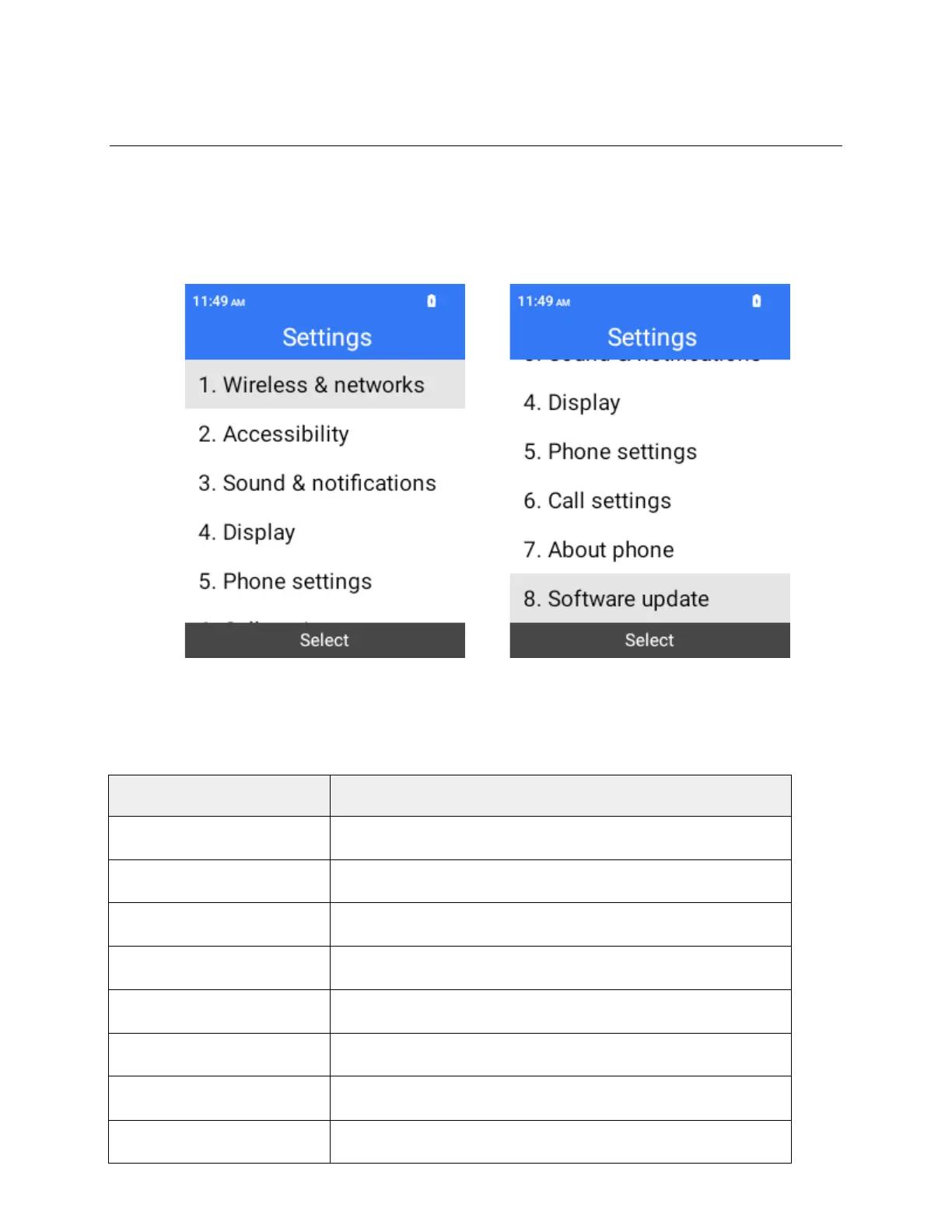
Settings
The following topics introduce your phone’s basic settings menus.
Settings Menu
You can customize your phone’s settings and options through the Settings menu.
1.
From the home screen, Press OK to enter the Apps List and then select Settings.
2.
Select categories and then select your settings options.
Settings are made and applied.
The table below outlines the top-level settings categories.
Wireless & networks
Enable and set Wi-Fi, mobile data usage and hotspot options.
Set accessibility options, such as screen reader, display.
Set volume, vibration, etc.
Set wallpaper, brightness, etc.
Set languages, key shortcuts, storage, USB, location, etc.
Call settings
View recent and default apps and set permissions.
View device name, legal information, phone number, etc.
Software update
Check and upgrade the software.



 To Next Page