The calculator app launches.
2.
Use the keypad and the navigation keys for calculations.
Calculation results appear.
Clock
Your phone has a clock app that lets you set alarms, view time in time zones around the world, set a
timer, and use a stopwatch.
Check the Time
You can check the phone any time on your phone. The current time is displayed in the upper left corner
of the status bar. Many lock screens also display the time and provide options for how time is displayed.
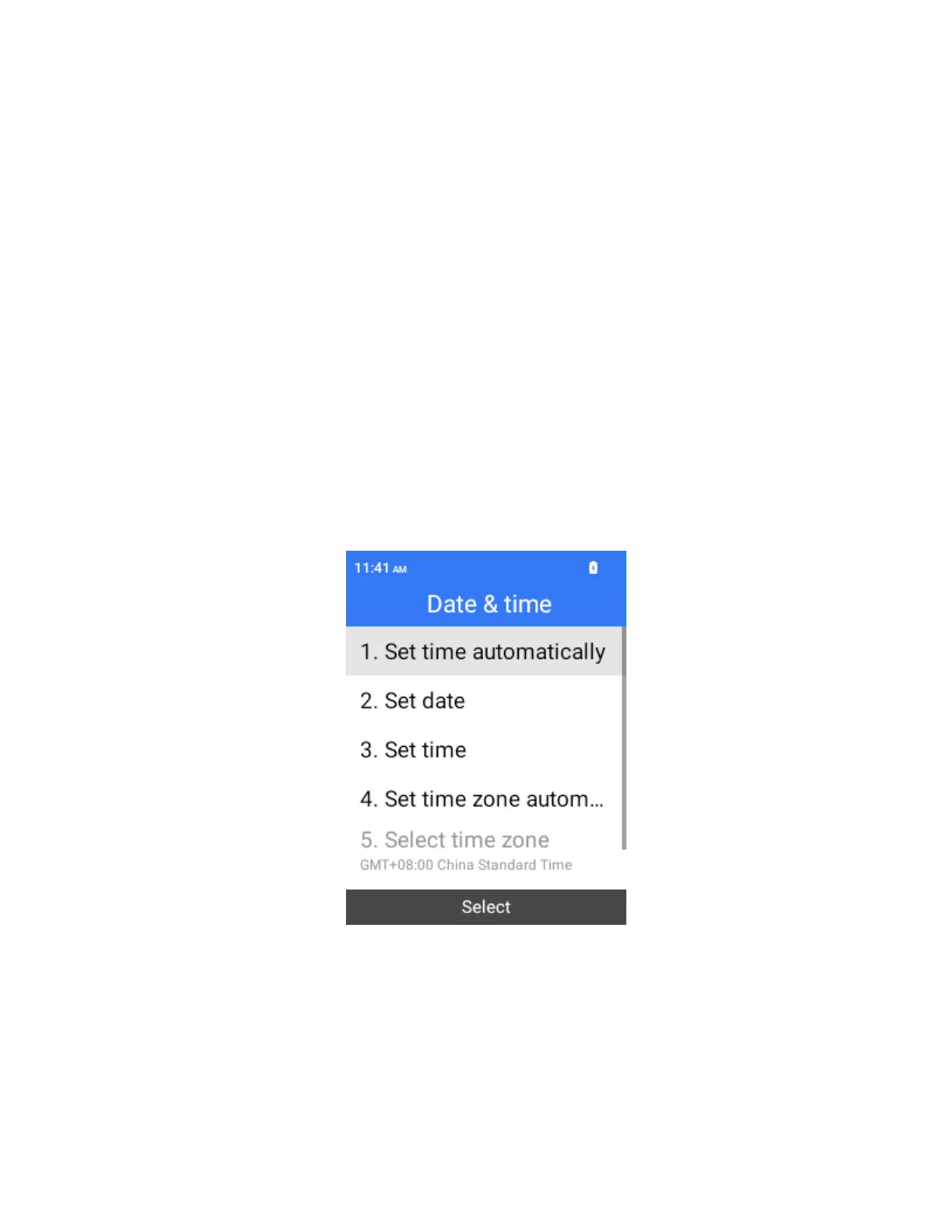
Set the Date and Time
Your phone automatically receives the current date and time from the wireless network. You can manually
set the date by overriding the default setting.
1.
From the home screen, press OK to enter the Apps List, then select Settings > Phone settings > Date
& time.
2.
Select Set time automatically, and then select Off in the pop-up window.
3.
Set the date and time as desired.
The date and time will reflect your new settings.



 To Next Page