3.
Press the OK Key agin to stop recording.
The camera stops recording and
the video is captured and saved to
your phone or SD card.
Use Camera on External Screen
You Can use the camera while the phone is flipped close.
1.
Long press the Camera Key at the side of the phone.
2.
Short press the Camera Key to capture a photo or begin recording a video.
3.
Use the Upper Volume Key to switch between photo and video modes
4.
Use the Lower Volume Key to switch the Screen Flash on and off.
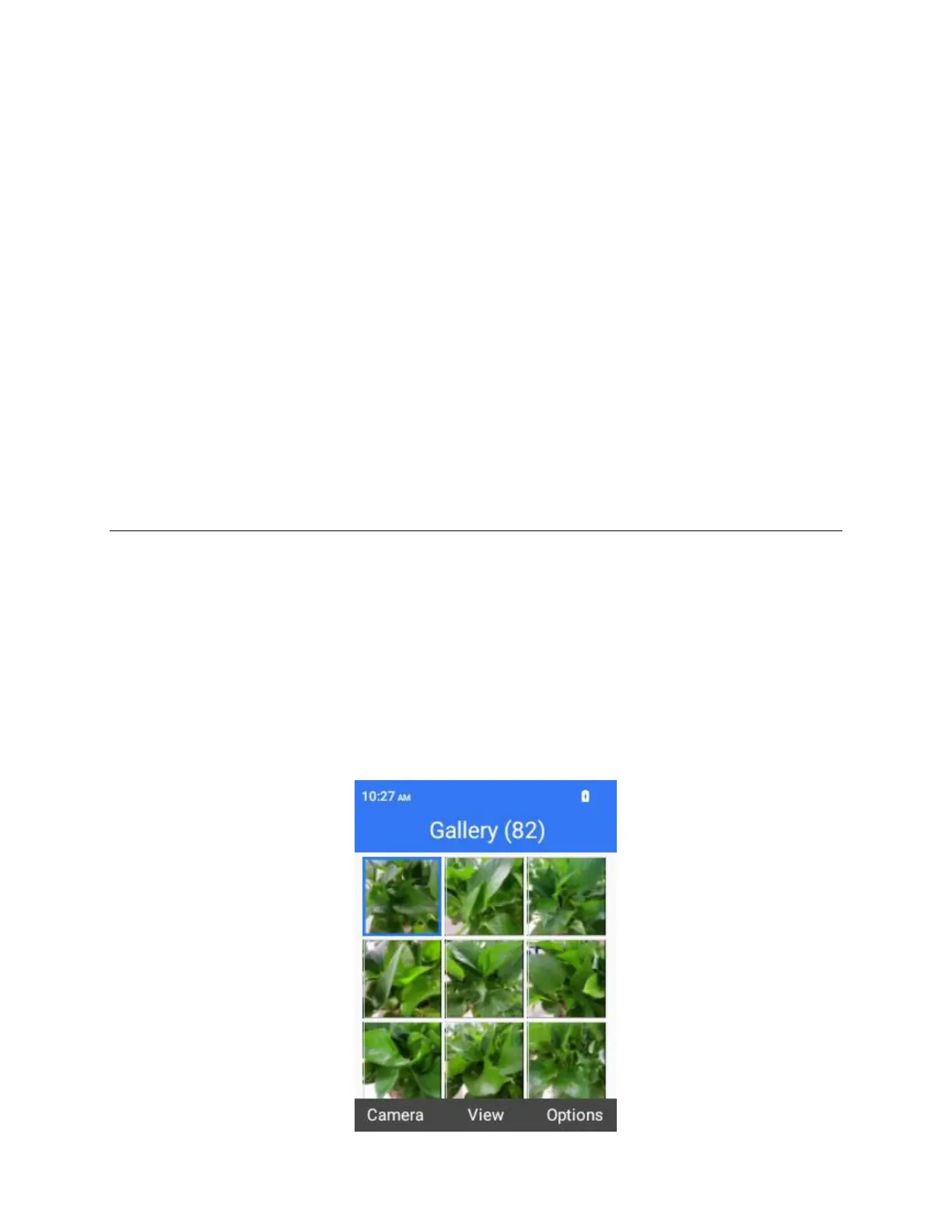
Gallery
Using the Gallery application, you can view photos and watch videos that you’ve taken with your
phone’s camera, downloaded, or copied onto your storage card or phone memory.
For photos that are on your storage card or phone memory, you can do basic editing such as rotating and
cropping. You can also easily assign a photo as your contact photo or wallpaper and share photos with
your friends.
View Photos and Videos
You can access and view all your stored photos and videos from your phone’s Gallery.
1.
From the home screen, press OK to enter the Apps List, then select Gallery.
2.
Select an image to view the photo or video.



 To Next Page