•
Multimedia Message: Multimedia Messages (MMS) lets you send photos and videos using your
phone’s messages app. Although you can send several photos or videos in a multimedia message, it
may be better to just send one at a time, especially if the files are large in size. For more information
about sending multimedia messages, see Send a Multimedia Message (MMS).
•
Bluetooth: You can select several photos, videos, or both and send them to someone’s phone or
your computer using Bluetooth. For more information, see Bluetooth.
Calendar
Use Calendar to create and manage events, meetings, and appointments. Your Calendar helps organize
your time and reminds you of important events. Press OK to enter the Apps List, then go to Tools >
Calendar.
Calendar Operations
Change Calendar View
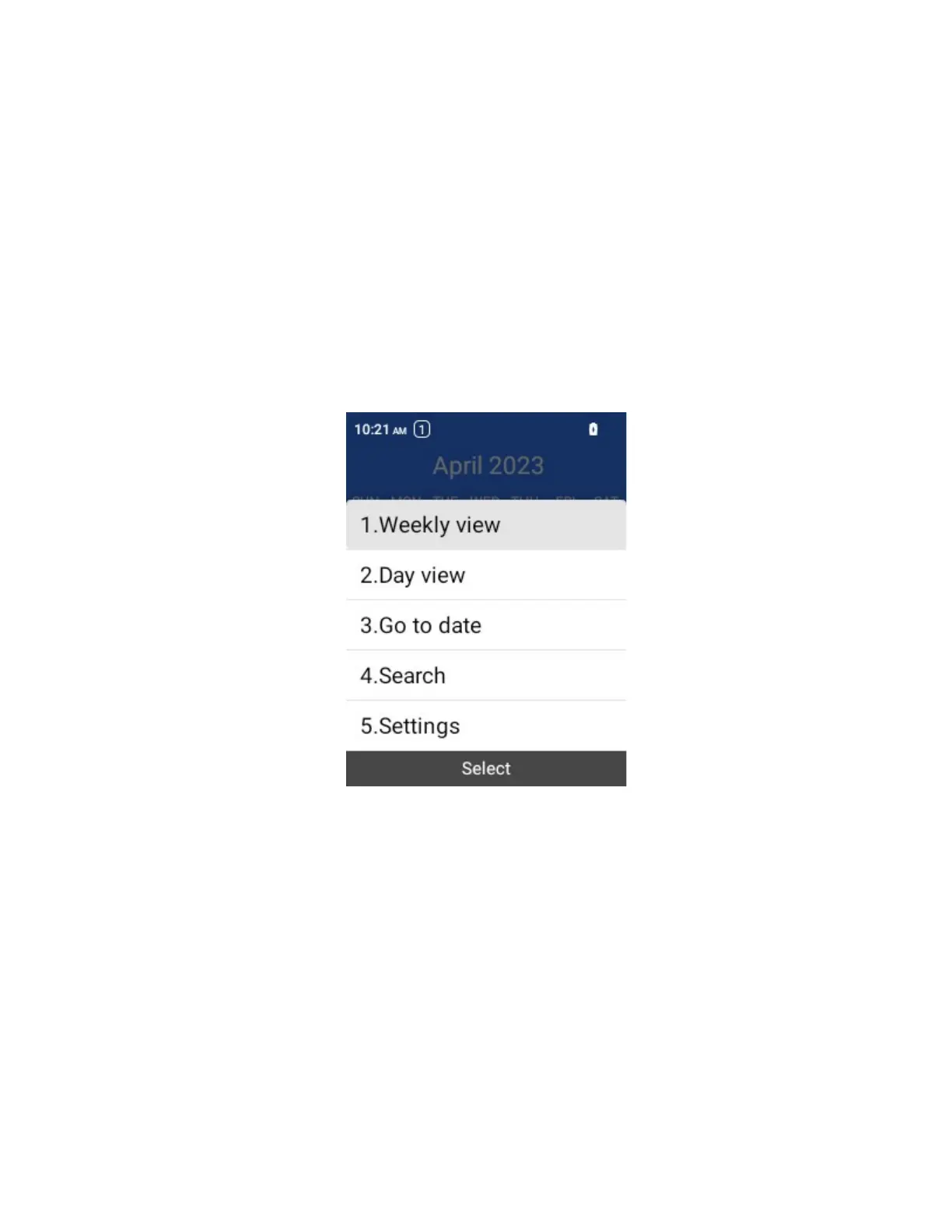
From the Calendar, select Options > Day view / Weekly view / Monthly view to change the current view.
Search the Calendar
From the Calendar, select Options > Search to search the calendar.
Go to a specific date
From the Calendar, select Options > Go to date to search the calendar.
Add an Event to the Calendar
Add events to your calendar directly from the Calendar application.
1.
From the Calendar screen, select Add event.



 To Next Page