Call from Contacts
You can place phone calls directly from entries in your Contacts list.
1.
From the home screen, press OK to enter the Apps List.
2.
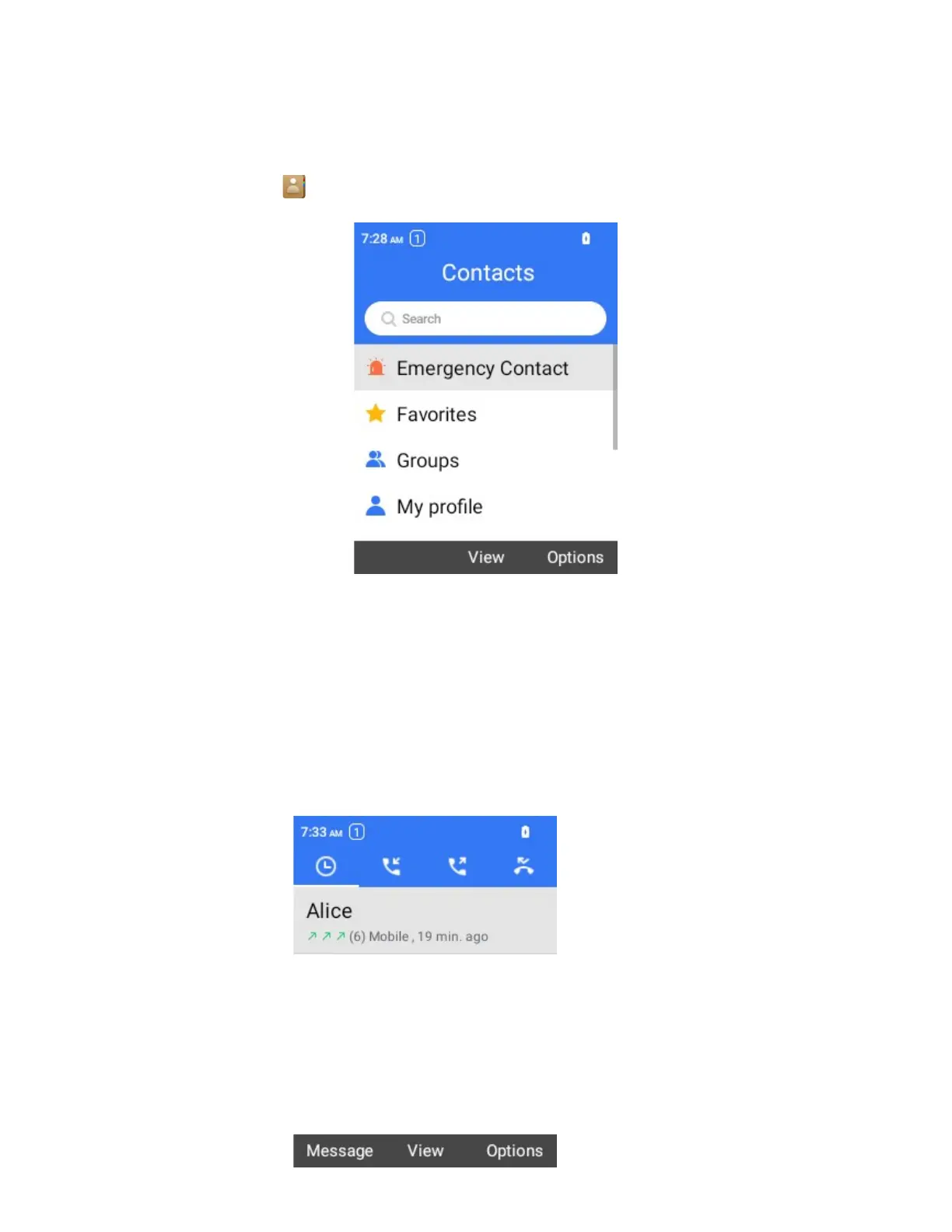
Select Contacts to display the Contacts list.
The contacts list appears.
3.
Select a contact and press Place Call Key to place the call.
The phone dials the number. The call begins when the other party answers.
4.
To end the call, press the Power Key.
The call ends.
Call from Call Log
The call log list lets you quickly place calls to recent incoming, outgoing, or missed numbers.
1.
From the home screen, press the Place Call Key to displace the rencent call screen.
The call log list appears.



 To Next Page