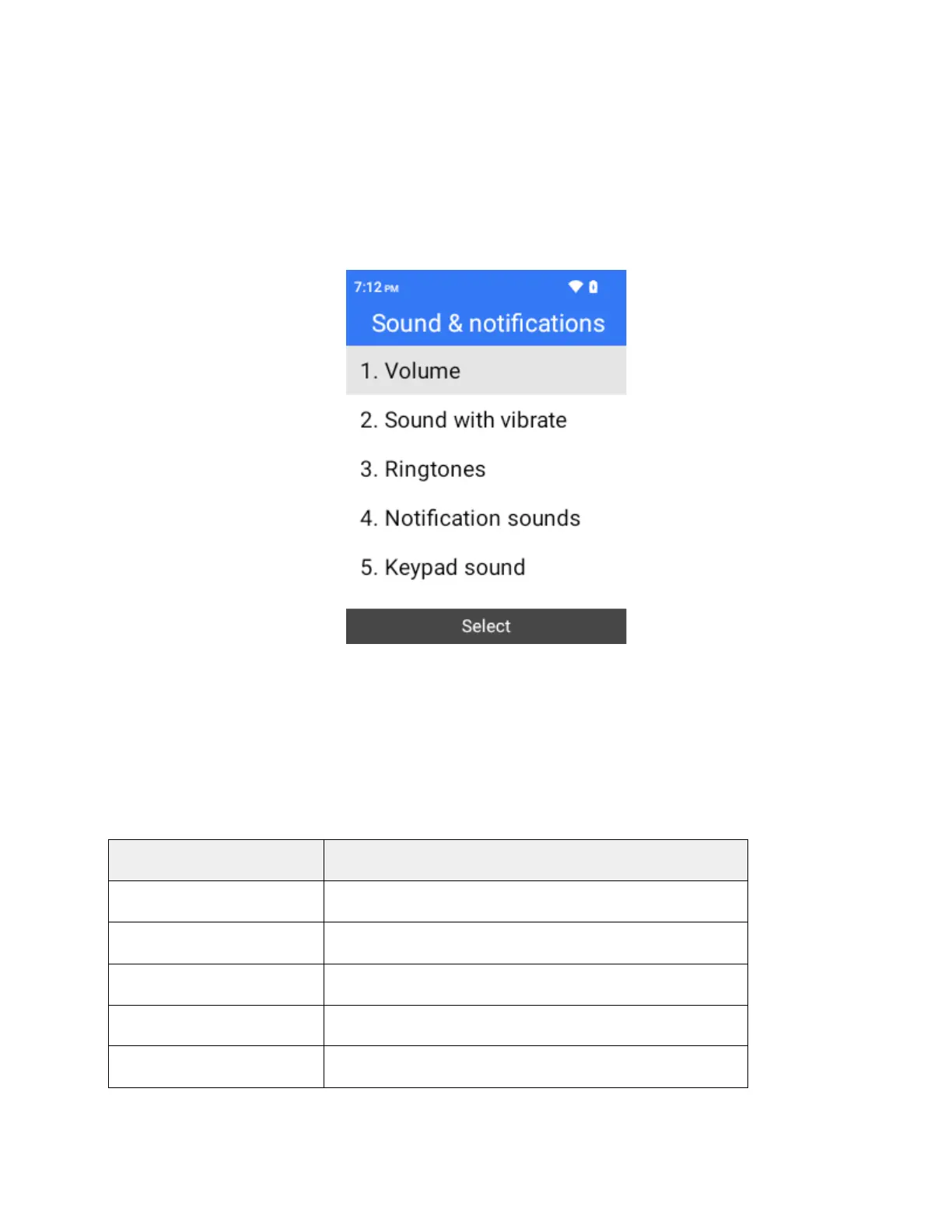
Sound & notifications
The sound settings menu lets you control your phone’s audio, from ringtones and alerts to select tones and
notifications.
Access Sound Settings
1.
From the home screen, press OK to enter the Apps List then select Settings.
2.
Select Sound & notifications.
3.
Set your sound options.
Your sound settings are saved and applied.
Sound Settings Overview
The sound settings menu allows you to configure the following options:
Set volume for alert and media.
Set sound with vibrate On or Off.
Set your phone’s default ringtone.
Set your phone’s notification sound.
Set volume for keypad sound.



 To Next Page