Set Alarms
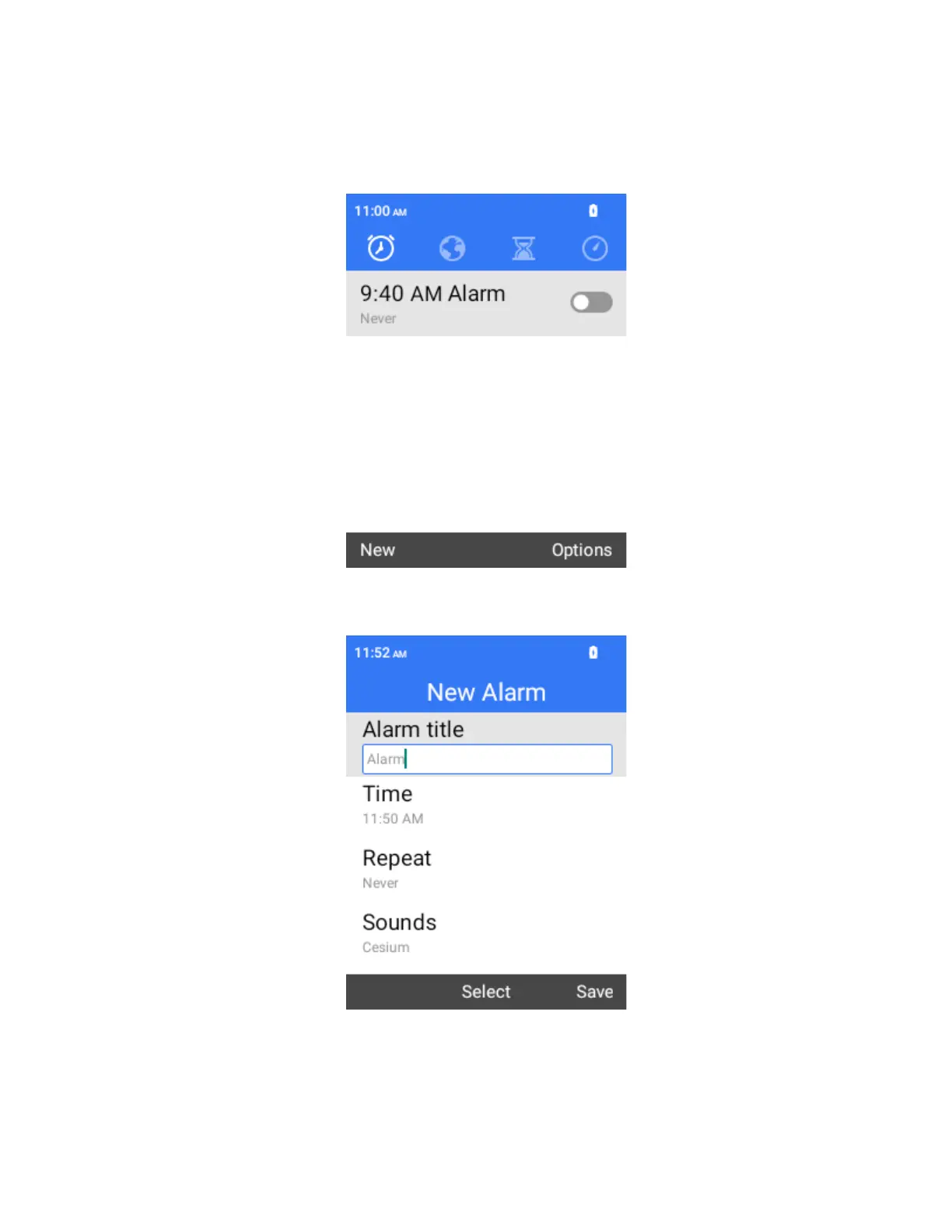
Set multiple alarms using your phone’s clock app.
1.
From the home screen, press OK to enter the Apps List, then select Tools > Clock.
The clock appears.
2.
Select New to open the set alarm screen.
3.
Set the time and the alarm options, including repeat pattern, alarm tone and label. Then
select Save.
The alarm is set.



 To Next Page