Photos and Videos: Options while Viewing
●
Viewing: Select a photo or video to view it in full screen.
Edit Photos
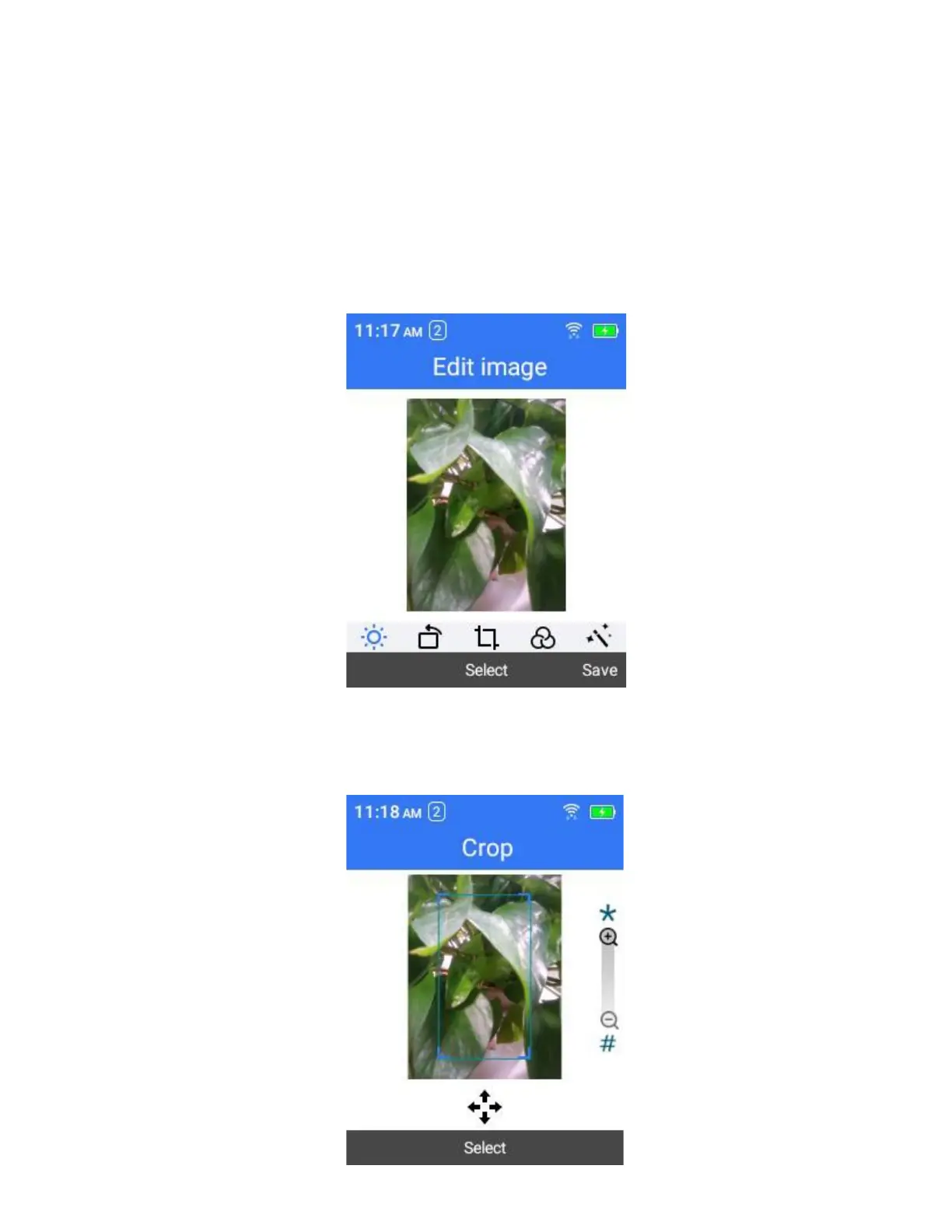
The Gallery application lets you to edit photos by rotate, crop, delete and more.
Crop or Rotate a Photo
1.
Select the photo you want to crop.
2.
Select Options > Edit and then select Crop.
3.
Select options from 2:3, 1:1, 3:4 and 9:16.
4.
Use Navigation Keys, Star Key and Pound Key to adjust the photo.



 To Next Page