1.
From the home screen, press OK to enter the Apps List.
2.
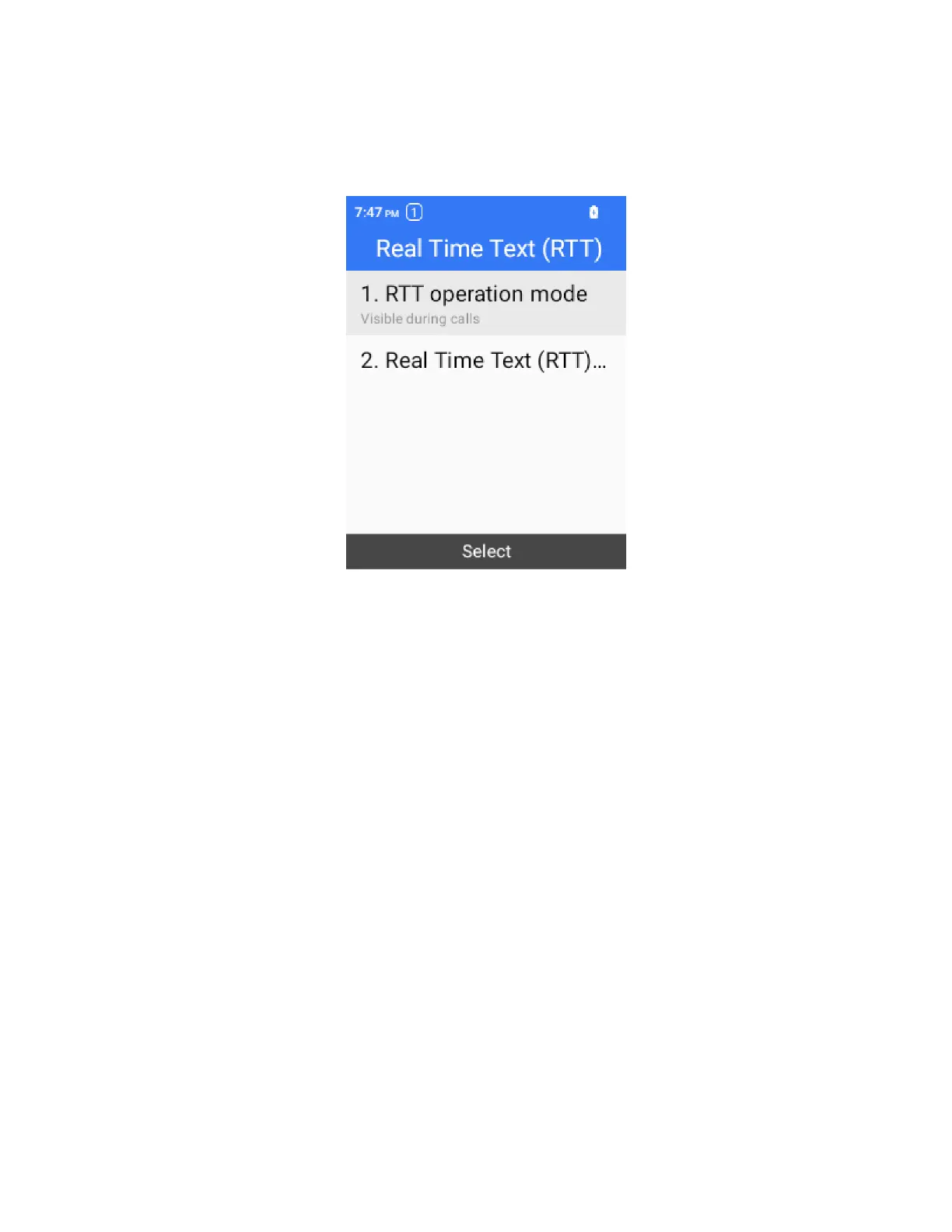
Select Settings > Accessbility > RTT > RTT operation mode.
3.
Select Visible during calls to make the RTT call key visible only during calls.
– or –
Select Always visible to make the RTT call key always visible on the keypad.
Contacts
The Contacts application lets you store and manage contacts from a variety of sources, including
contacts you enter and save directly in your phone.
Contacts Cautions
Information saved in Contacts may be lost or changed if the battery is left uncharged. Accident or
malfunction may also cause loss or change to information. It is recommended that you keep a
separate copy of contacts and other important information. Your carrier is not responsible for any
damages from lost or changed contacts.
Phone Number
Follow the instructions below to display your phone’s wireless phone number.
1.
From the home screen, press OK to enter the Apps List, then go to Settings > About phone > My
phone number.



 To Next Page