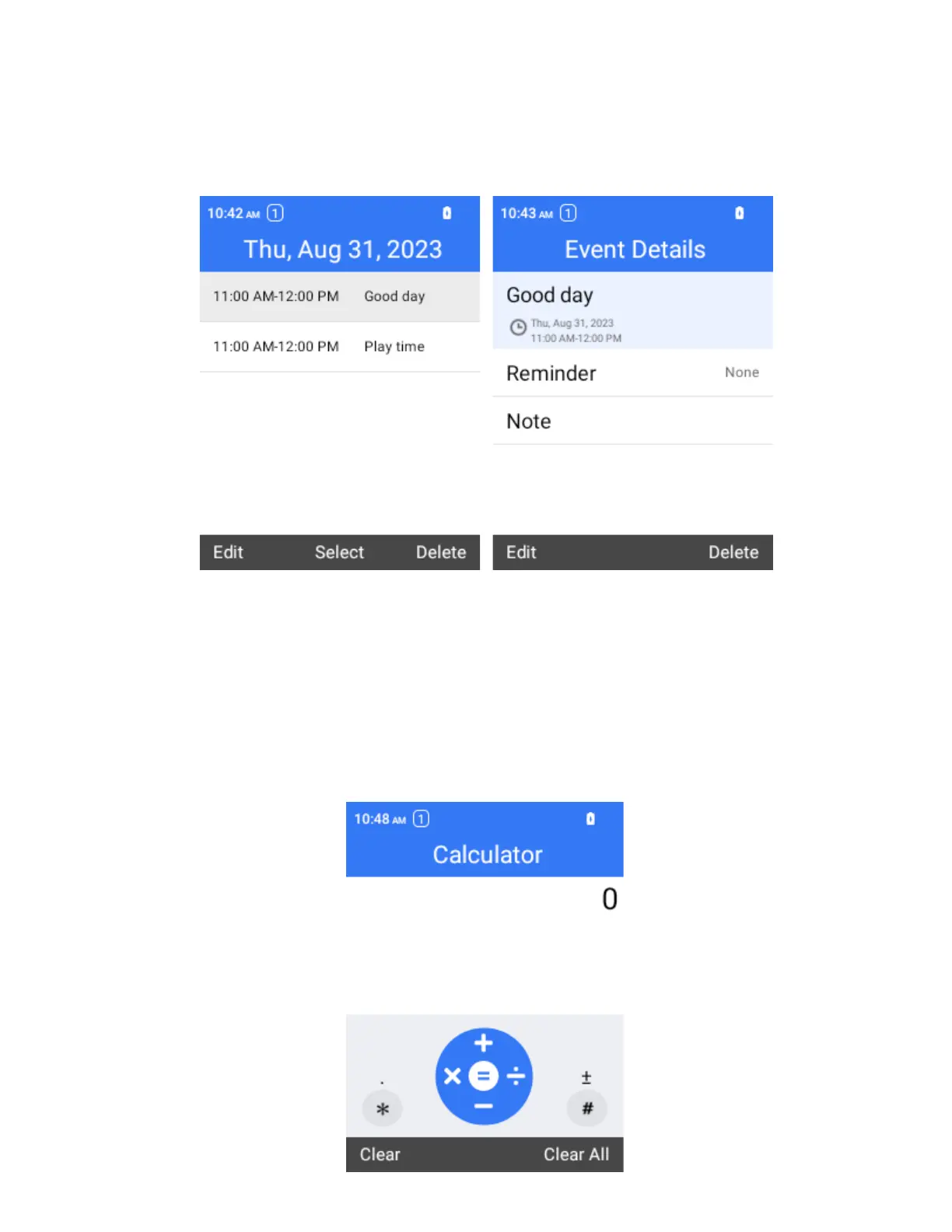
View Calendar Events
You can display the Calendar in daily, weekly or monthly view.
1.
From the Calendar screen, select a date and then select an event.
The event details appear.
In event details, select to edit the event.
Calculator
Your phone’s convenient built-in calculator lets you perform basic mathematical equations.
1.
From the home screen, press OK to enter the Apps List, then select Tools > Calculator.



 To Next Page