USB
Select what the USB is used for when connect to another device.
Set the location On or Off.
Reset all networks and set the factory data reset.
Date and Time
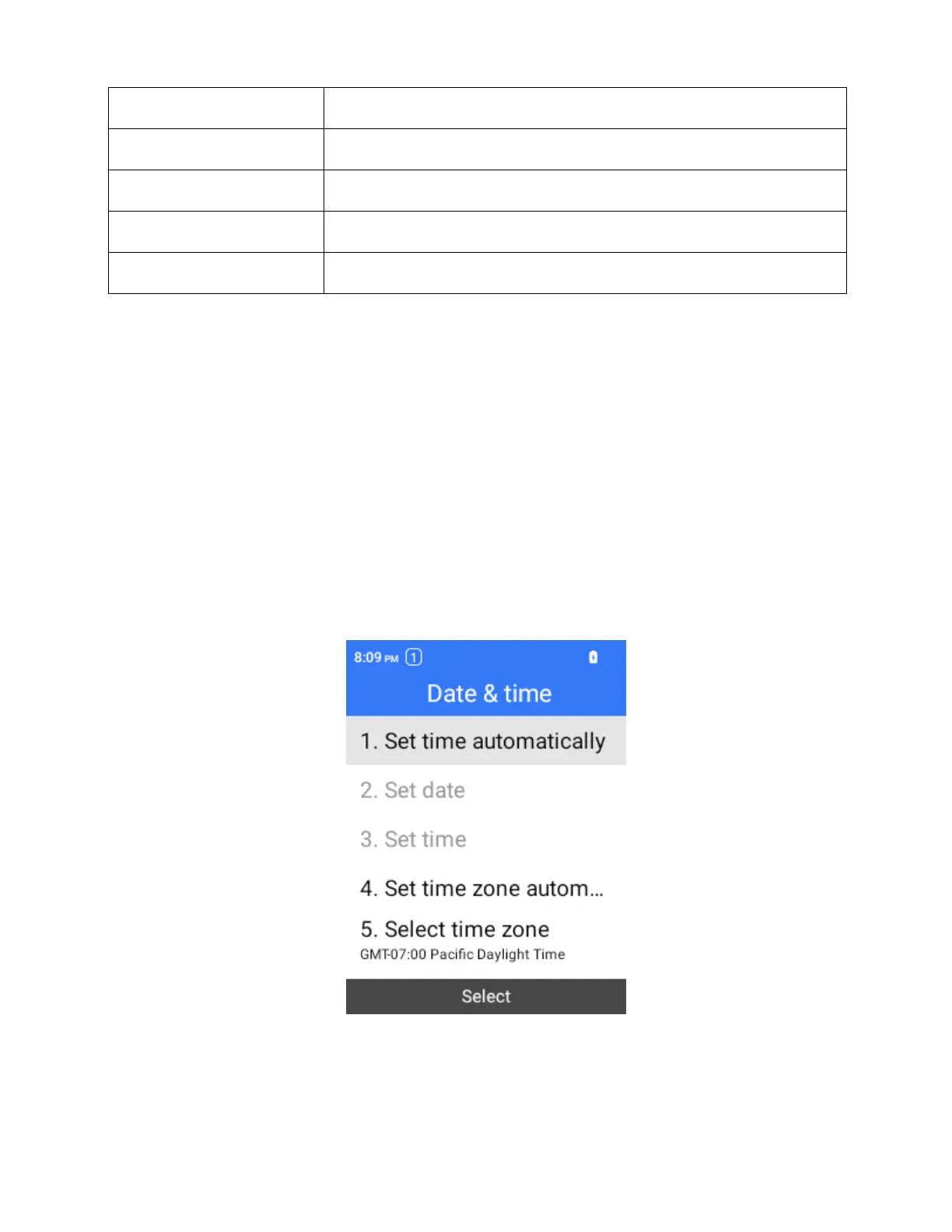
Use the date and time settings menu either to automatically use the network-provided date and
time or manually set these values, as well as select time and date format options.
Access Date and Time Settings
1.
From the home screen, press OK to enter the Apps List.
2.
Select System > Phone settings > Date & time.
3.
Set available date and time options.
Your date and time settings are applied and saved.



 To Next Page