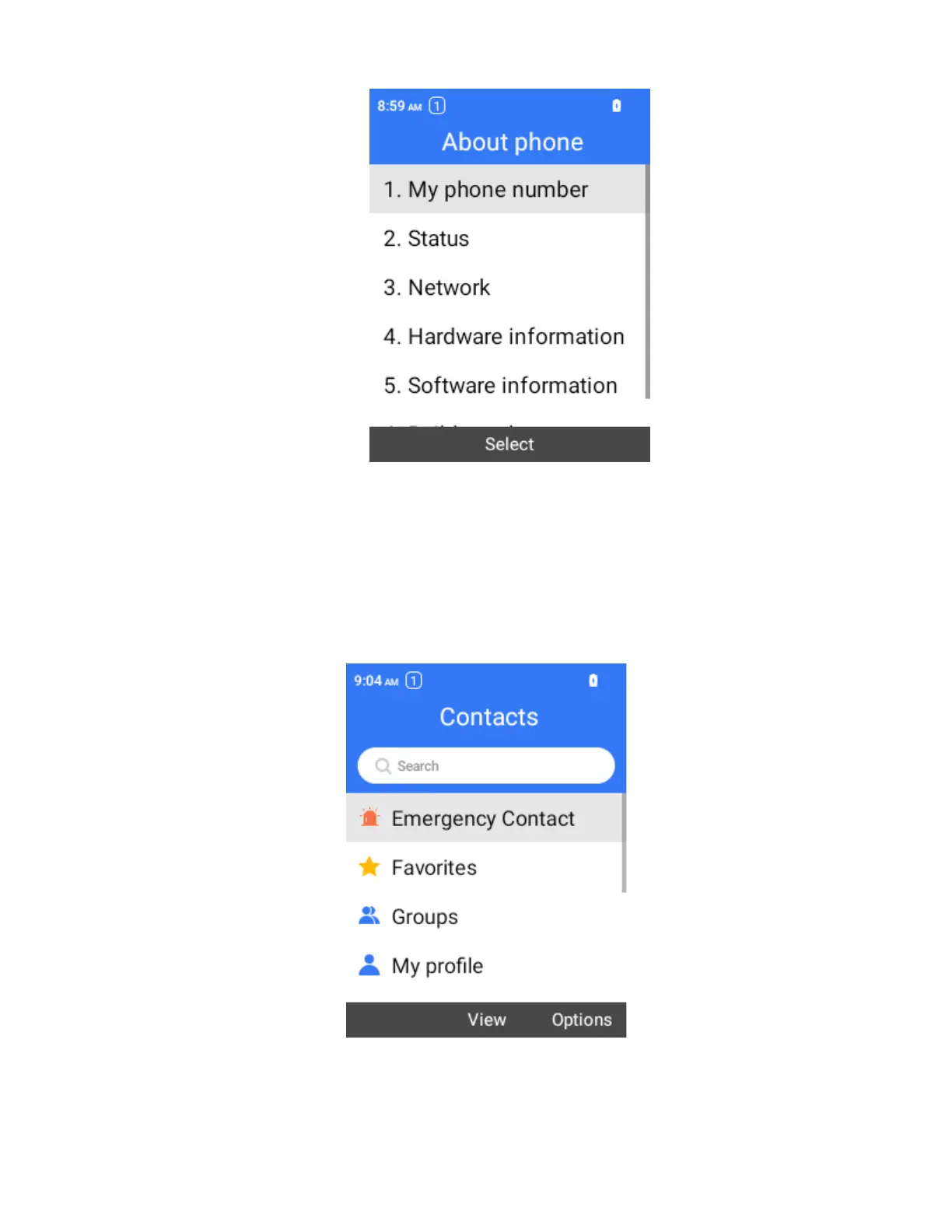
You will see the number listed under My phone number.
Add a Contact
You can add contacts from the phone application. Enter details such as name, phone numbers, email
addresses, mailing addresses, and more.
1.
From the home screen, press OK to enter the Apps List, then select Contacts.
You will see the Contacts list.
2.
Select Options > New contact to add a contact.
The Add Contact screen appears.



 To Next Page