Connect to a VPN
1.
From the VPN screen.
2.
Select Connect to connect to an VPN.
3.
Press Disconnect to disconnect from the VPN.
Forget a VPN
1.
From the VPN screen.
2.
Select Options > Forget to forget an VPN.
Edit VPN Settings
1.
From the VPN screen.
2.
Select Options > Edit to edit an VPN.
Bluetooth
Your phone’s Bluetooth
®
capabilities let you use wireless headsets, send and receive photos and files,
and more. For details on your phone’s Bluetooth usage, see Bluetooth.
You can also pair new devices
and set connection preferences here.
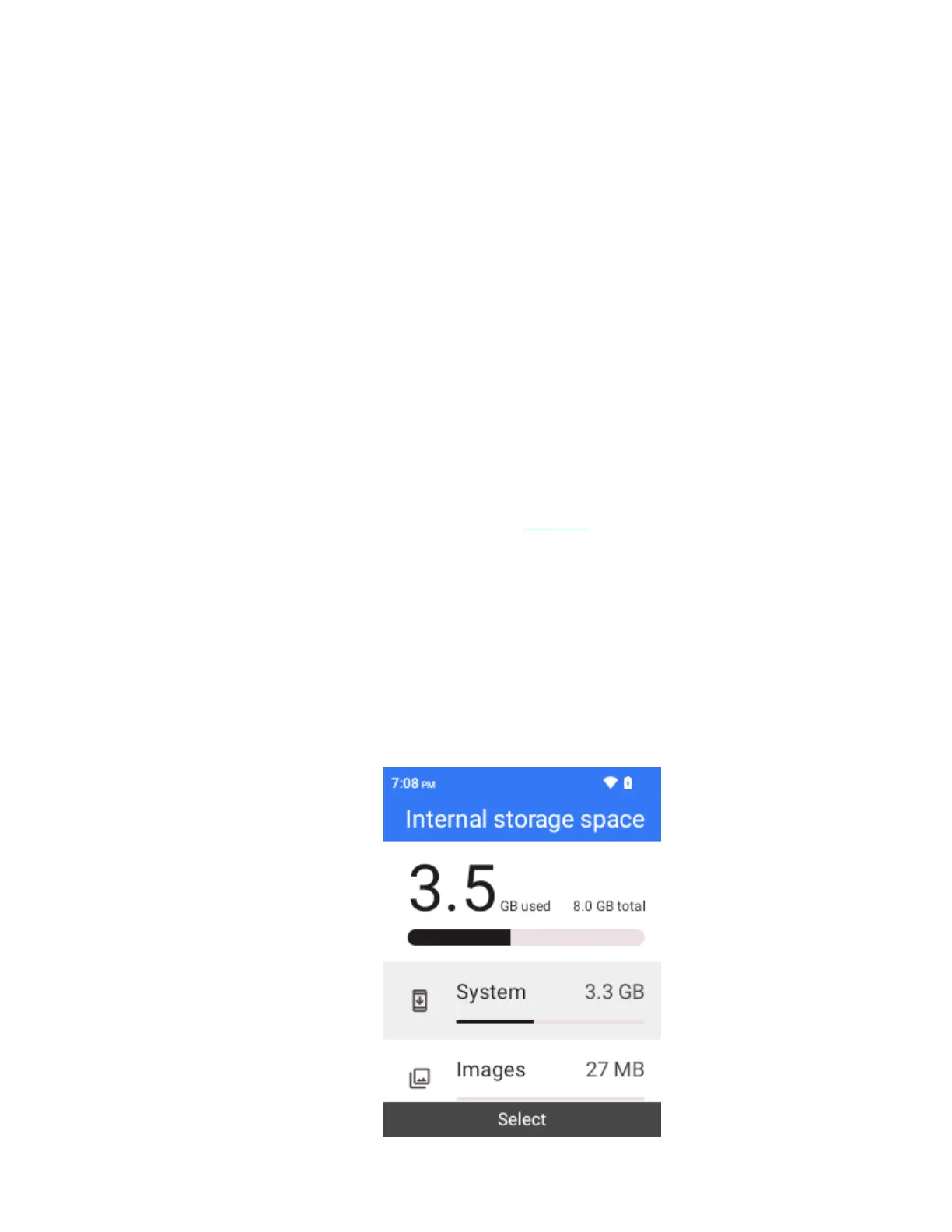
Storage
The storage settings menu lets you manage internal storage on your phone and provides menu choices
for an optional SD card (not included).
1.
From the home screen, press OK to enter the Apps List then select Settings.
2.
Select Phone settings > Storage.



 To Next Page